Intent Recognition
Introduction
When you enter a requirement description without explicitly specifying a context, Java Chat automatically performs intent recognition to determine whether your request pertains to the current file, the entire code repository, or other relevant scopes. This intelligent analysis ensures that the solution provided is both accurate and contextually appropriate. By automatically inferring your intent from the description alone, Java Chat eliminates the need for manual context selection—streamlining your workflow and significantly improving development efficiency.
Intent Recognition Scenarios
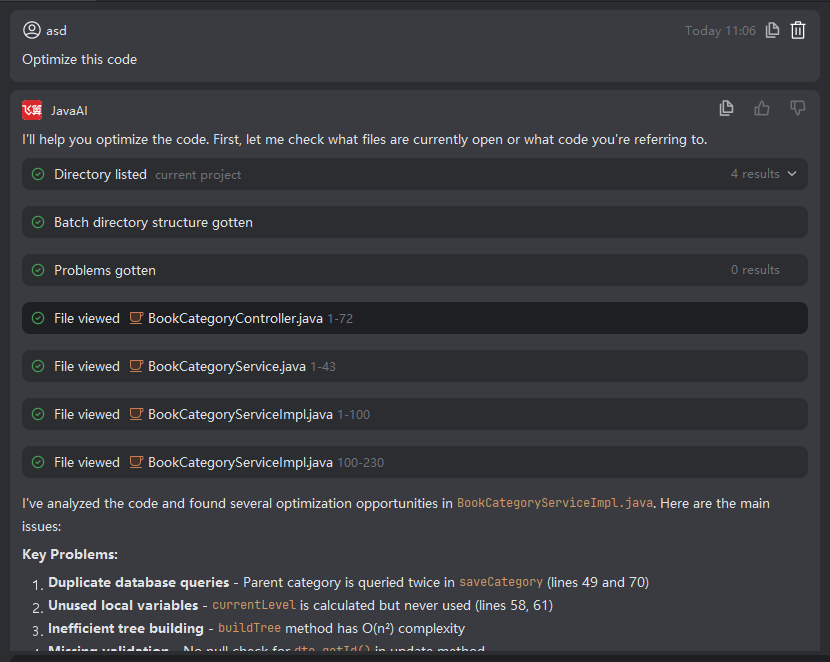
Intent 1:
If your description does not specify a subject (e.g., no explicit mention of project, file, or changes), Java Chat interprets the context as the currently open file.
Examples:
- “Help me fix this code.”
- “Analyze this code.”
- “Optimize this code.”
Intent 2:
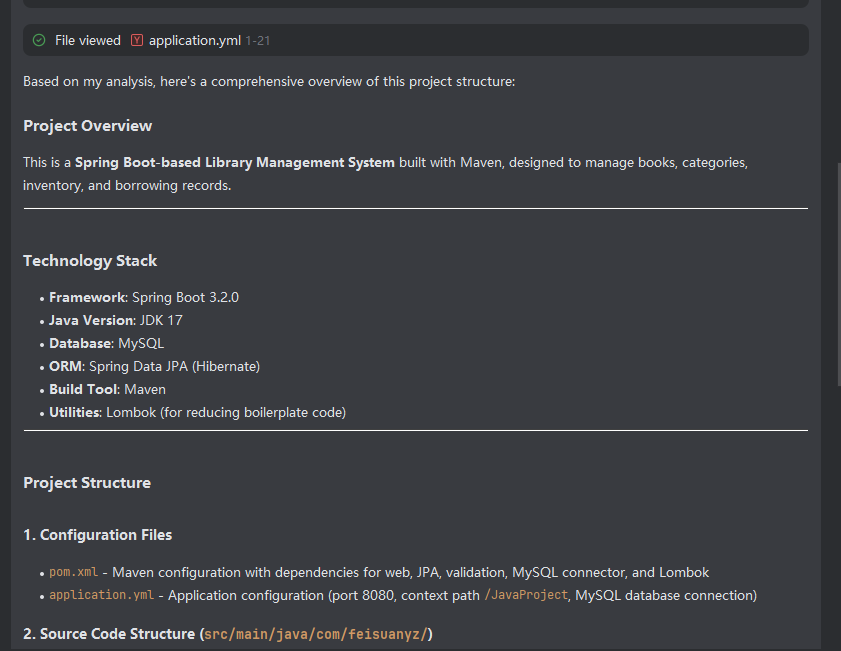
If your description includes terms like “project,” “entire codebase,” or “module structure,” Java Chat recognizes the context as the code repository (i.e., the full project).
Example:
- “Analyze the overall project structure.”
Intent 3:
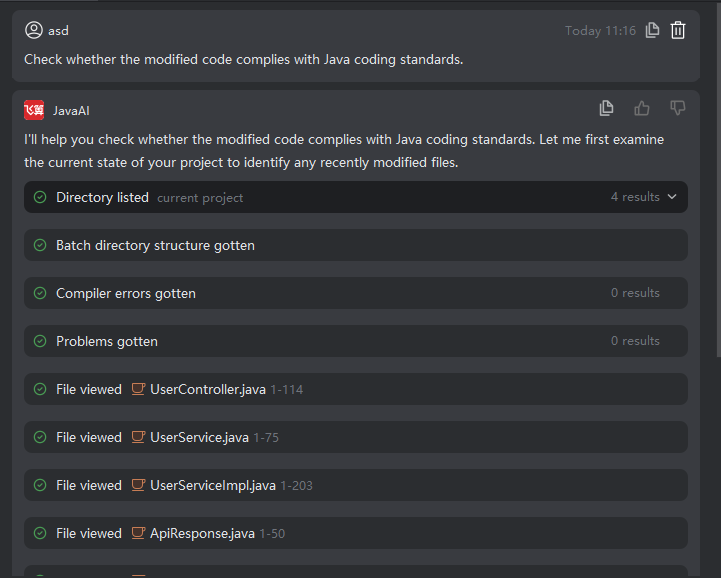
If your description refers to recently modified or staged changes (e.g., mentions “modified code,” “changes,” or “Git”), Java Chat sets the context to Modified Code (i.e., files in the Git staging area).
Example:
- “Check whether the modified code complies with Java coding standards.”
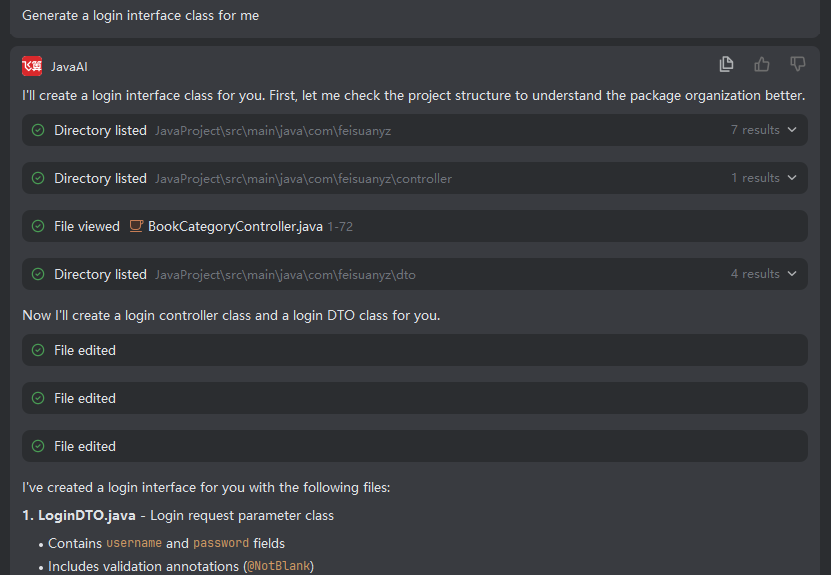
Intent 4:
If your description is unrelated to any existing project code (e.g., requesting new functionality or boilerplate), Java Chat treats it as a new content generation task and produces code or design based solely on your description.
Example:
- “Generate a login interface class for me.”