
Selecting Existing Database Tables
Introduction
When the fields of the existing database table structure already meet current needs, you can directly select these existing field information without executing additional SQL scripts on the server.
Selecting Existing Database Tables
- Click "Use Existing Table Structure".
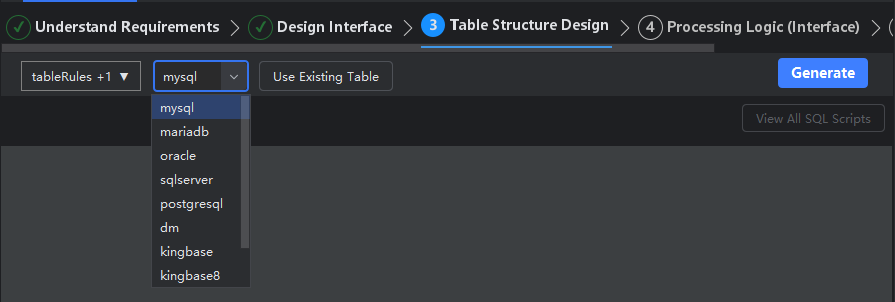
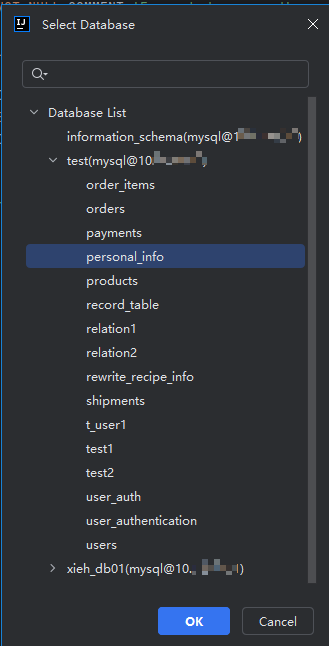
- Select database.
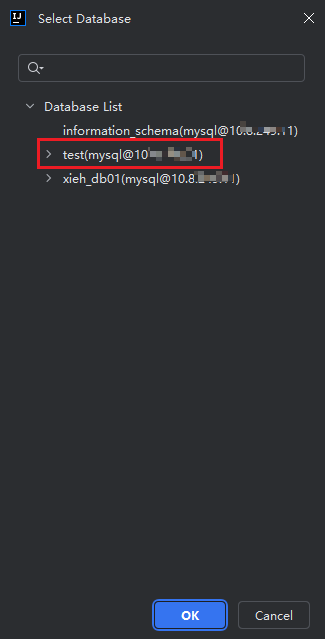
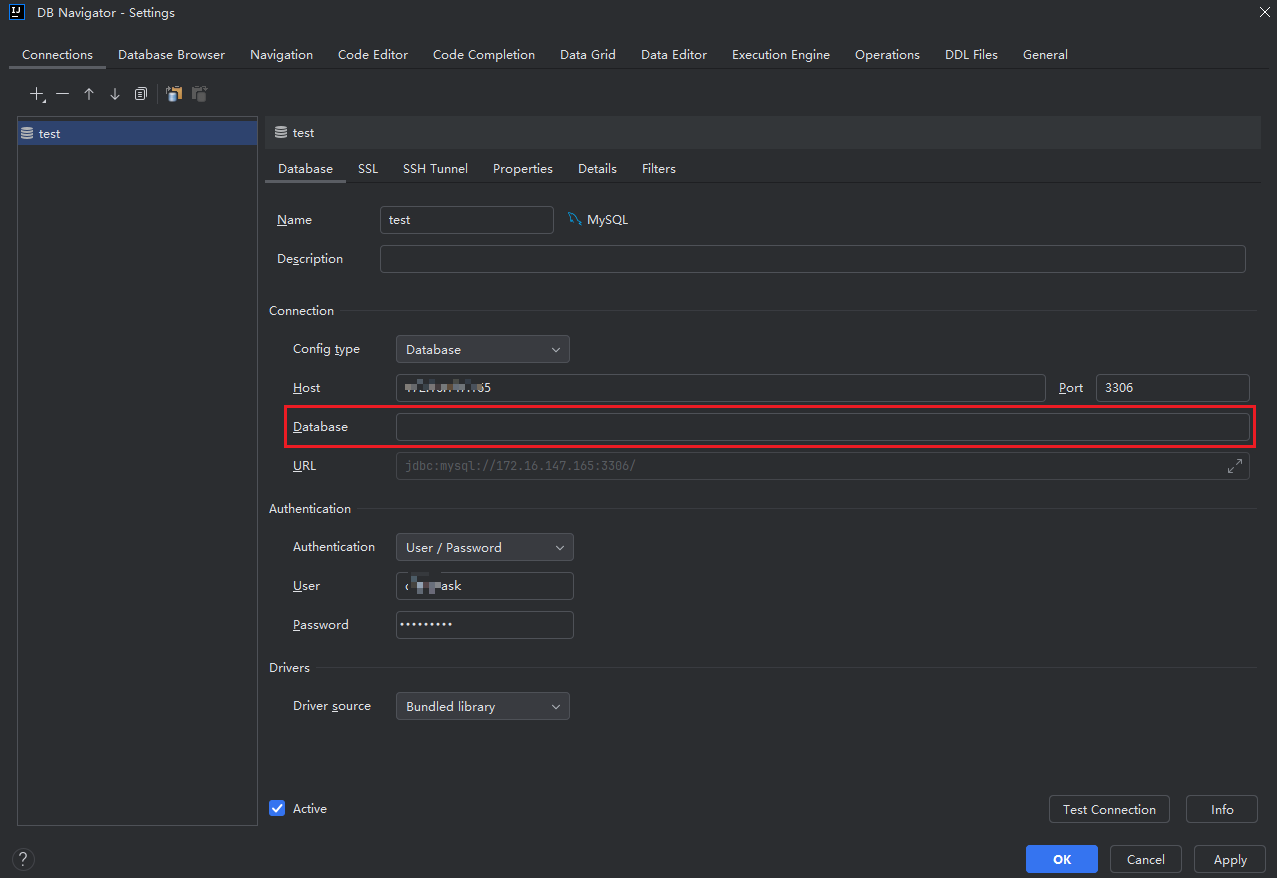
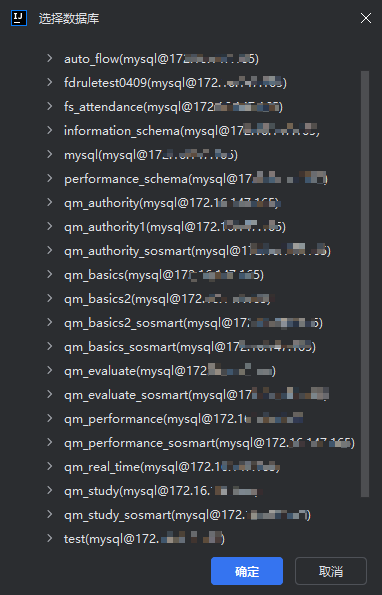
Note: If Database is not filled in the IDEA database management tool, all databases for the service will be displayed, as shown in the figure:
- Select table.
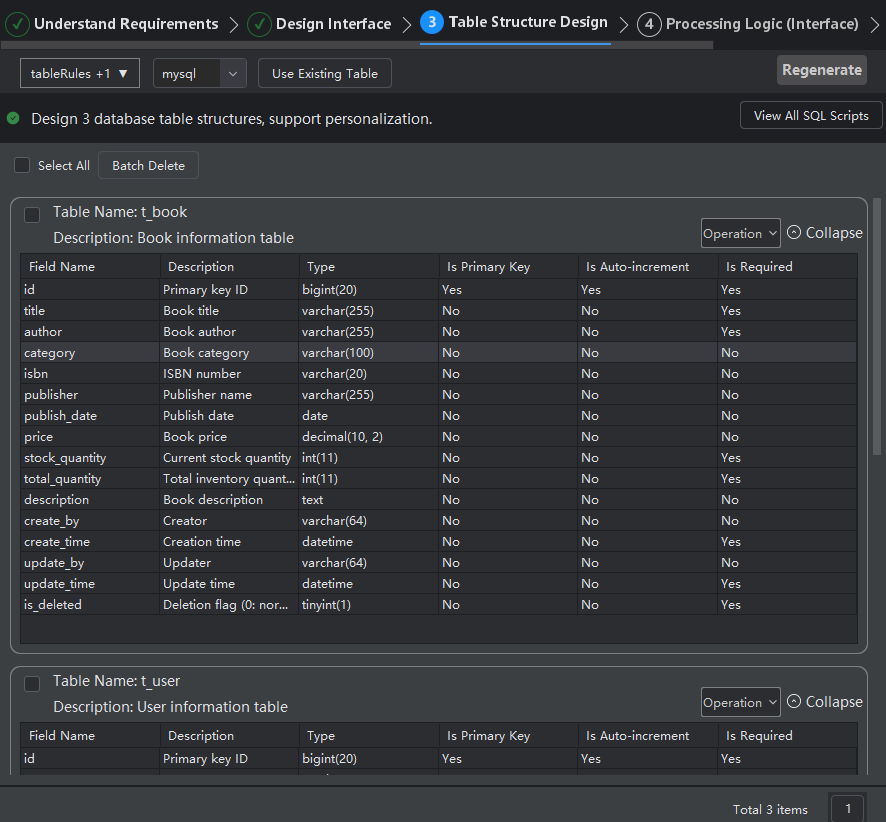
- Parse and display the selected table structure data. If there are too many table data, you can view other table data through pagination in the lower right corner.
- Next step: If your interface logic does not require database fields, you can select Next to skip table structure design.