Planning Agent
Introduction
Focused on high-risk, complex development tasks, this agent outputs only research and design plans without modifying any code. It provides a complete implementation plan for user review and confirmation before execution, solving the issue of uncontrollable AI coding and effectively reducing rework while avoiding code security risks.
- Handling complex feature development involving multiple modules and cross-file interactions.
- Tackling heavy tasks expected to undergo multiple iterations (e.g., design, implementation, testing, cleanup).
- Note: For lightweight tweaks such as "fixing a typo" or "renaming a variable", it is recommended to let the agent execute them directly to maximize efficiency.
Selecting the Planning Agent
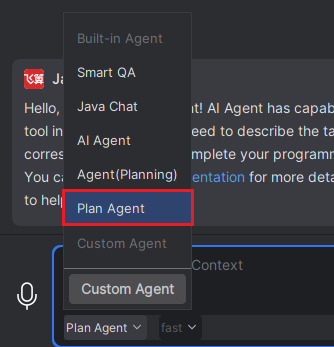
Method 1: Directly select "Planning Agent" under the current mode.
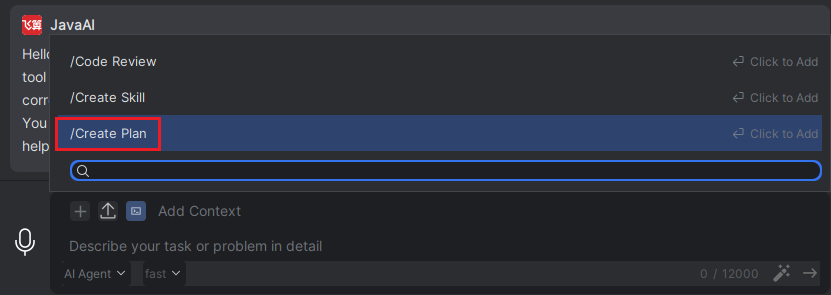
Method 2: In other modes, hover your mouse over "Add Instruction", then select "/Create Plan".
Using the Planning Agent
- Enter your requirements in the input box. It is recommended to describe your requirements clearly and specifically, so the generated plan will better align with your actual needs.
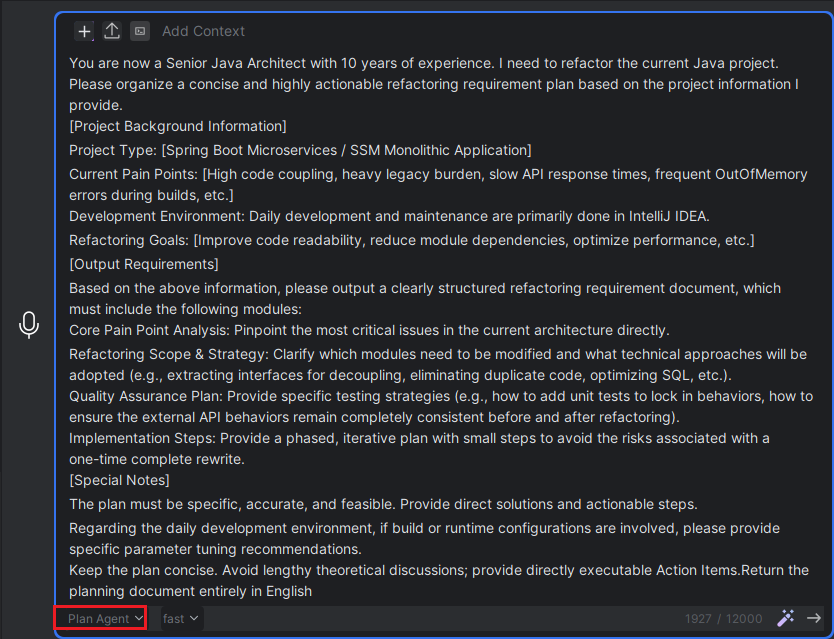
- The Planning Agent will first read relevant information about the current project, and then generate a complete plan based on your requirements. This plan includes the core concept, implementation steps, implementation notes, and the expected optimized results. No files will be modified prior to this stage.
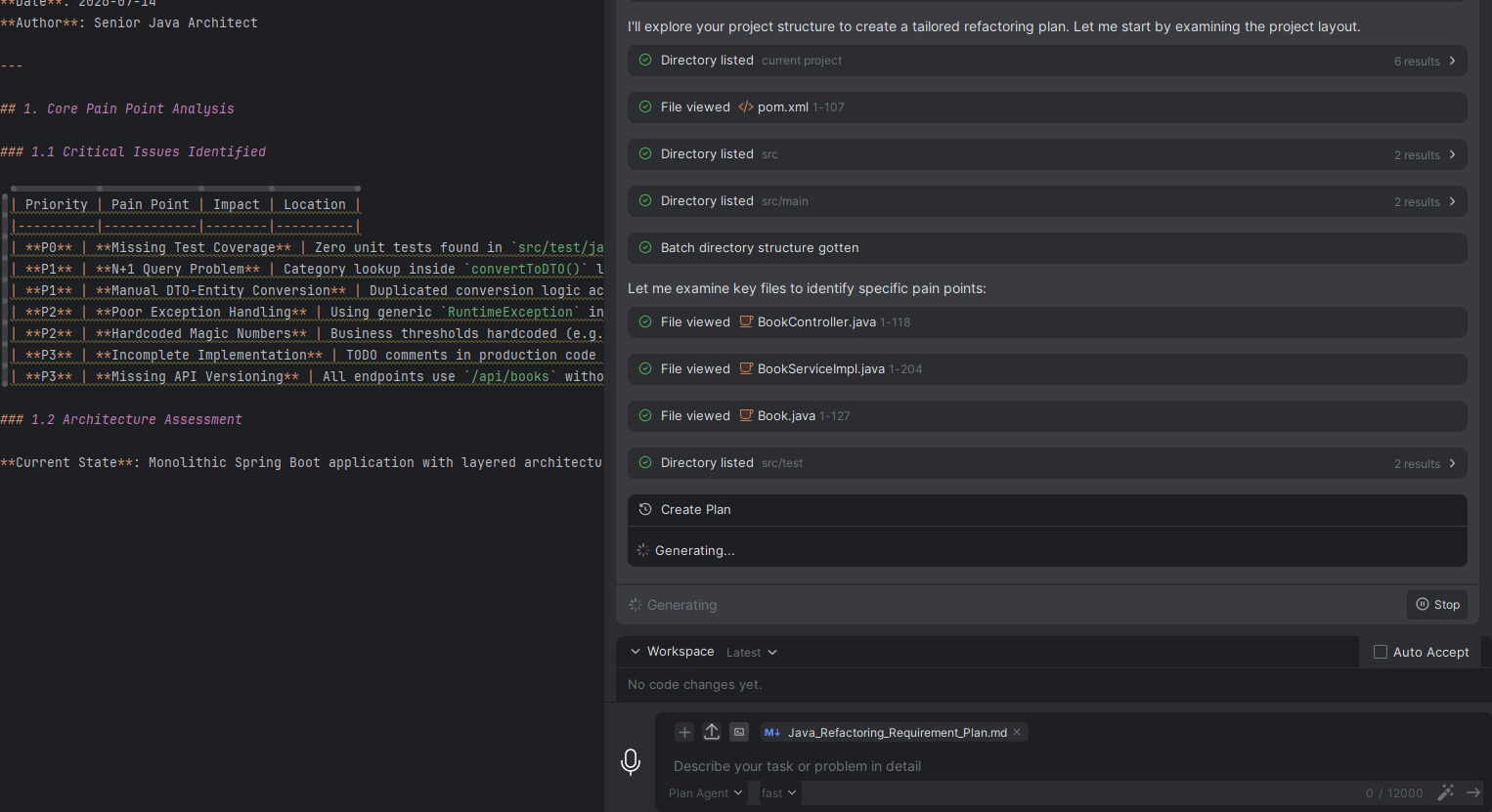
- Once the plan is created, please accept the plan file. After acceptance, you can review and adjust its content in the code editor. For example, you can add content nodes, modify the content to better match your expected requirements, or supplement nodes that you consider important.
Note: The accepted planning file is stored in the .feisuan/documents directory of the current project.
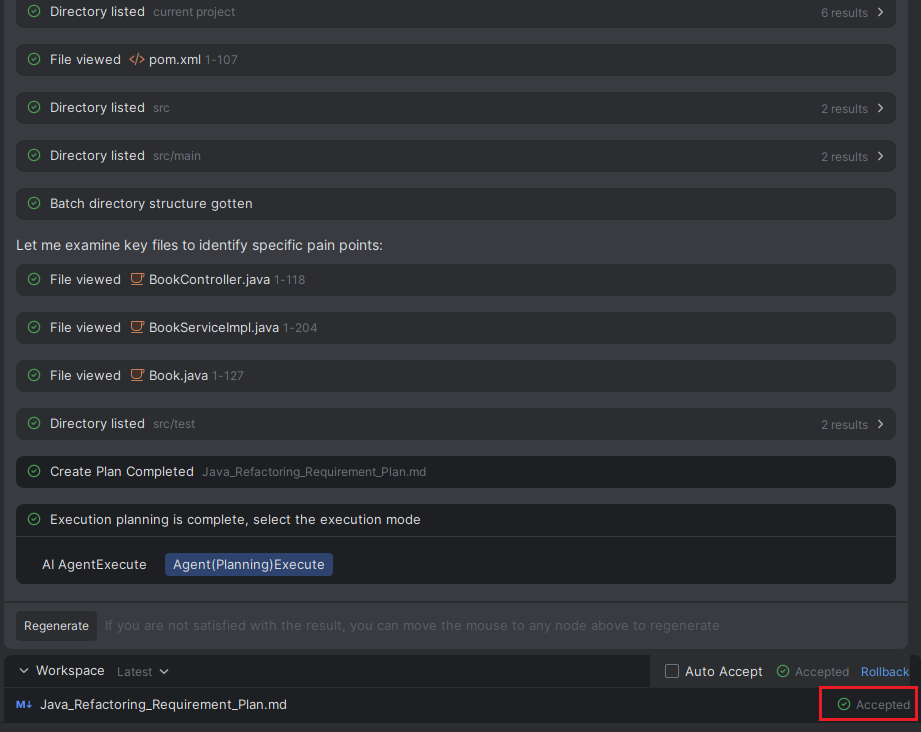
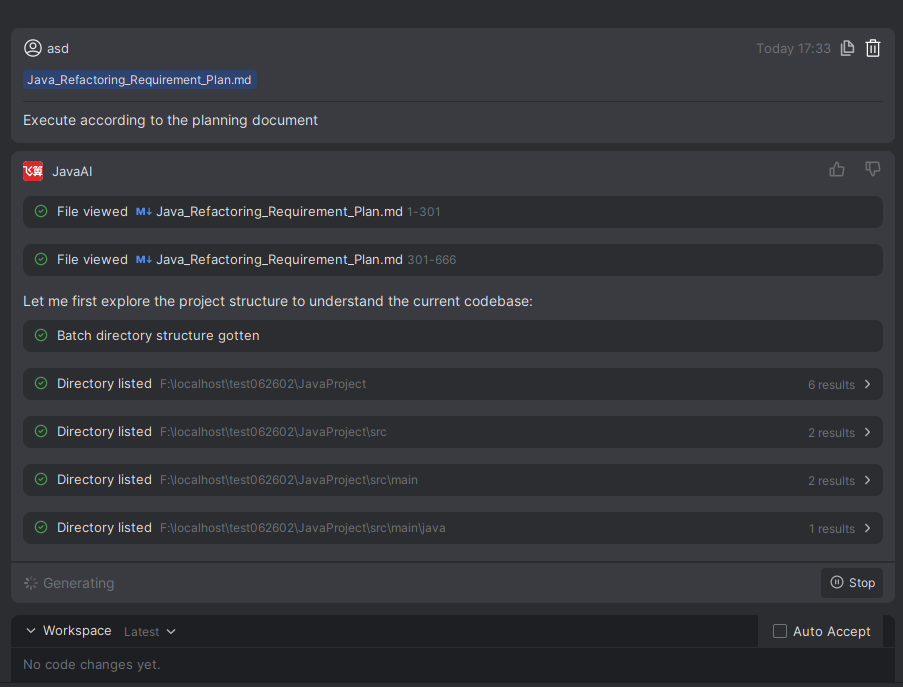
- After the modifications are complete and confirmed to be correct, you can choose whether to execute the plan. If you choose to execute it, you will need to select whether to run it in "Agent" or "Agent (Plan Mode)".
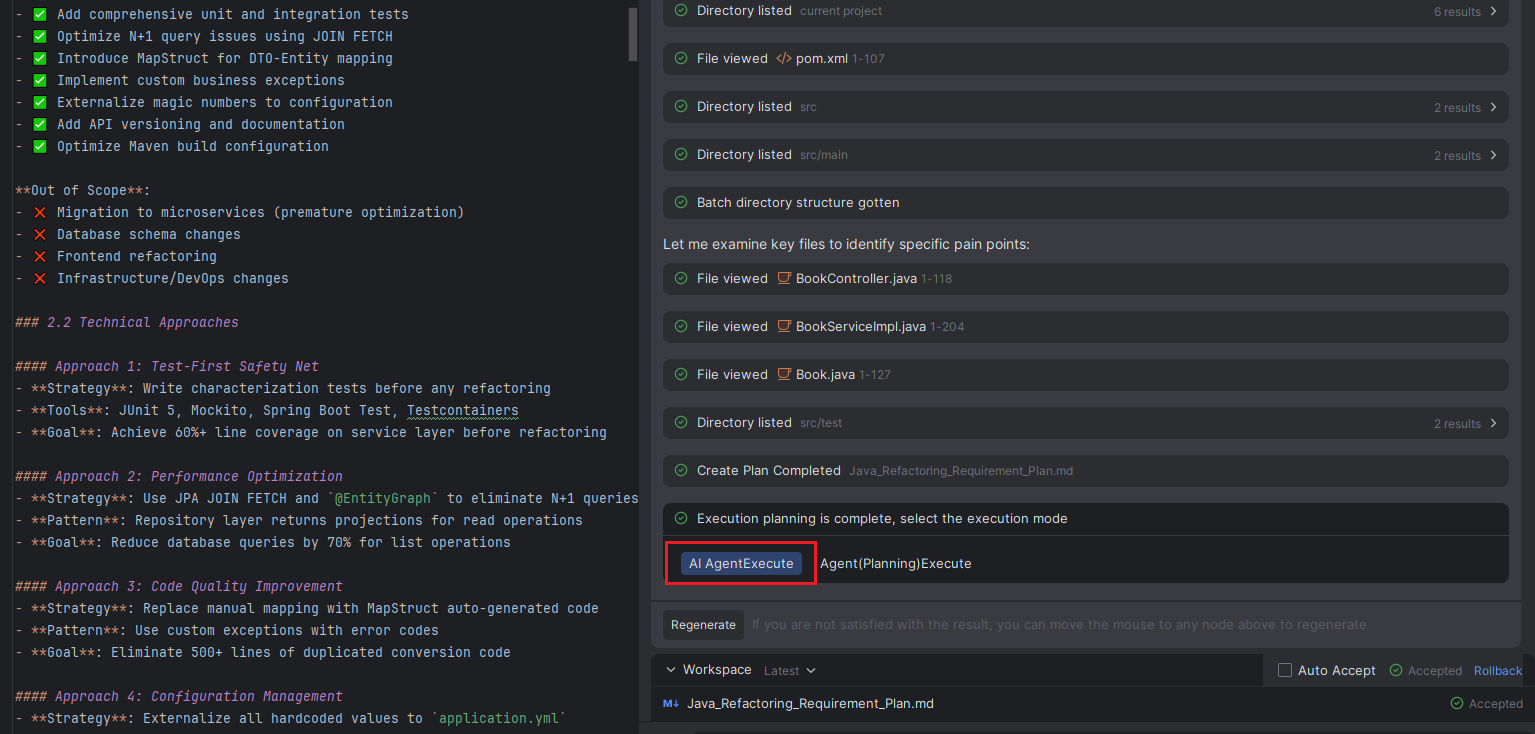
- The page will fulfill your requirements based on the selected mode and the plan content.