Using Terminal Commands
Introduction
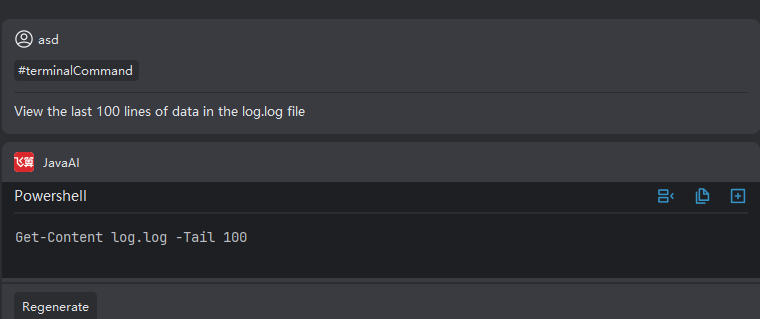
When you encounter commands you don't know how to write or are unclear about their meaning, you can use the smart Q&A window to activate #Terminal Command by typing #, then select it and describe your command needs in natural language. Smart Q&A will generate the commands you need.
Using Terminal Commands
- In the associated context, you can select #Terminal Command or type # in the input box, then select Terminal Command.
- Then use natural language to input your command requirements, such as: view all current files.
- Then smart Q&A will return the terminal command to execute, you can copy the command to the terminal to execute.