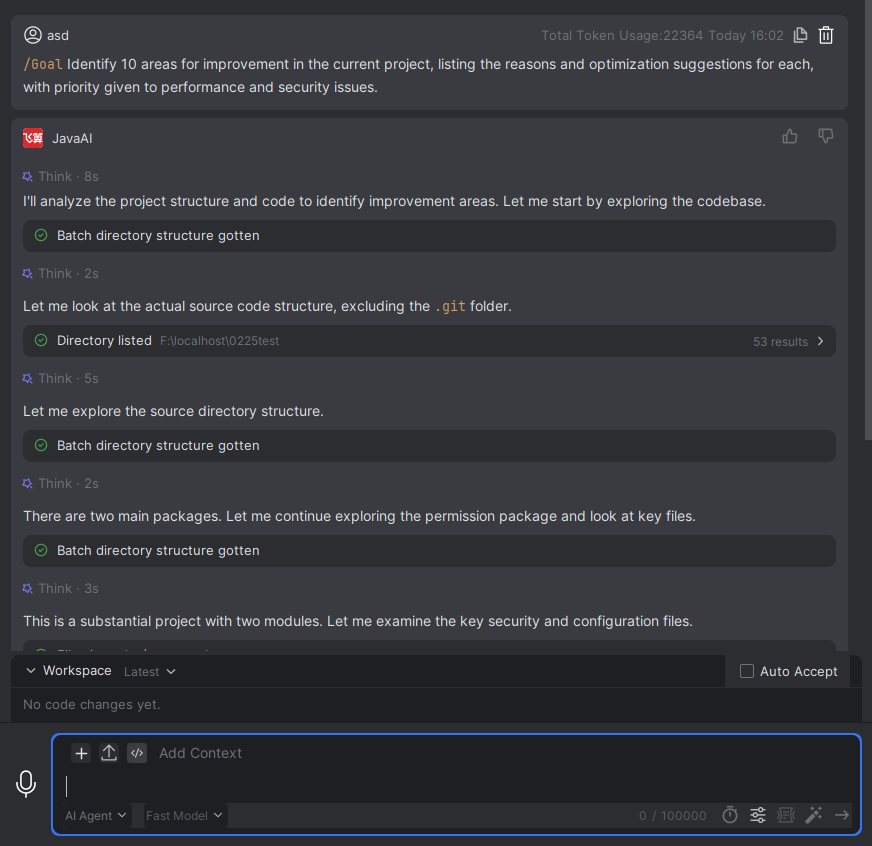
Goal
Introduction
You can use the "Goal" command to start a goal-oriented task and keep it running until completion.
TGoal
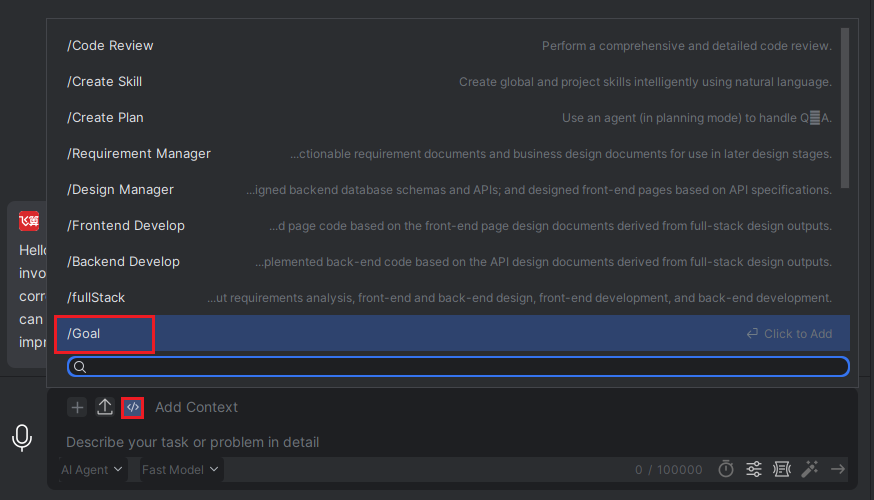
- Under "Agent" or "Agent (Plan Mode)" in the intelligent conversation, click "Add Command", then select "/Goal".
- Simply describe your task goal in the input box, and the model will keep running until the goal is achieved.