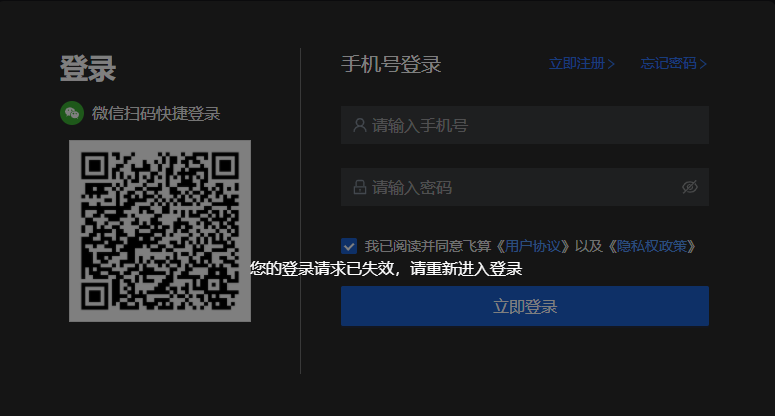
Web Login
Introduction
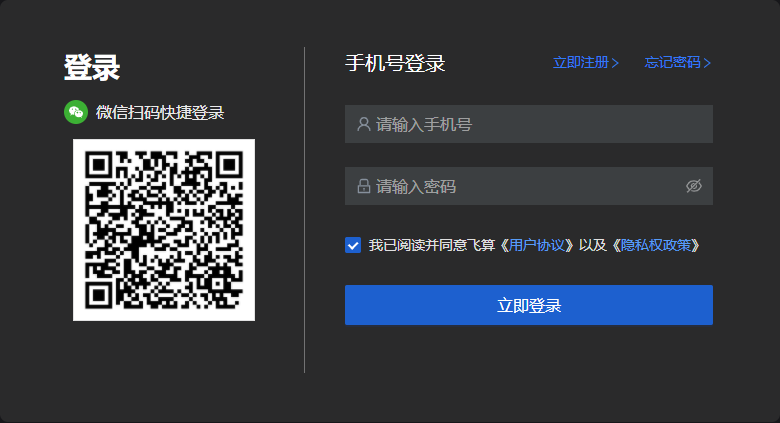
Use your phone number and password to log in to your account. If the phone number is not registered, or the password is incorrect, you cannot log in. If you forget your password, you can retrieve it through your phone number. If you encounter other situations where you cannot log in, please contact the system administrator for feedback.
Phone Number Login
- Click the "Login" button, and the page will redirect to open the login page in the browser.
Note: If clicking login does not automatically open the browser or load the login address, please manually start the browser and directly paste the address in the address bar. Please note that the login address has been copied to the clipboard, and can be used directly by pasting.

- Enter your phone number and password, then click "Login Now".
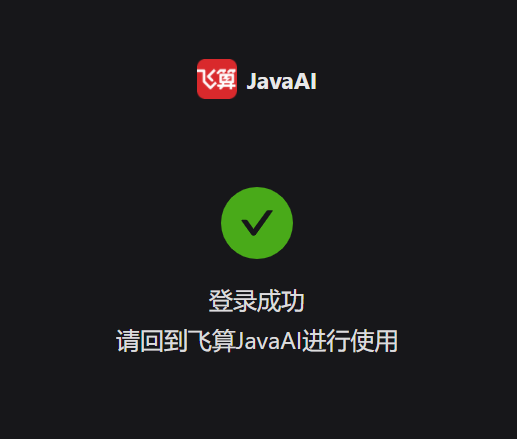
- After successful login, return to IDEA to continue using.
Please note:
- When obtaining login authorization in the IDE, a prompt box will appear. You can click "Cancel" to close this login authorization window and continue operating, which will not affect the login status.

- After the browser has the login page open for a long time without any operation, it will become invalid. After becoming invalid, please re-login in FeiSuan JavaAI.