Multi-turn Conversation
Introduction
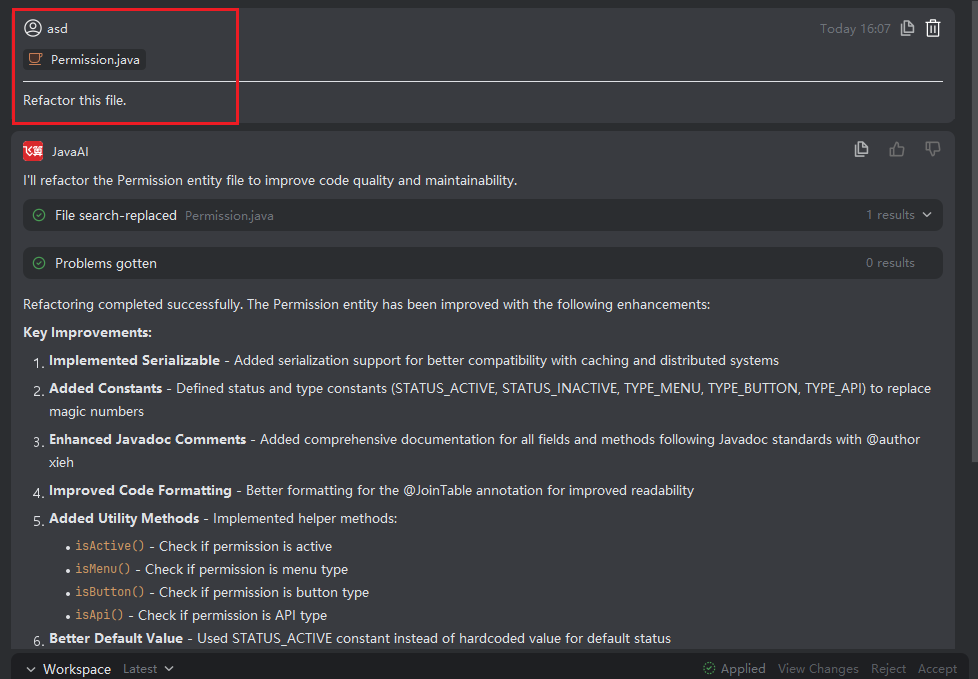
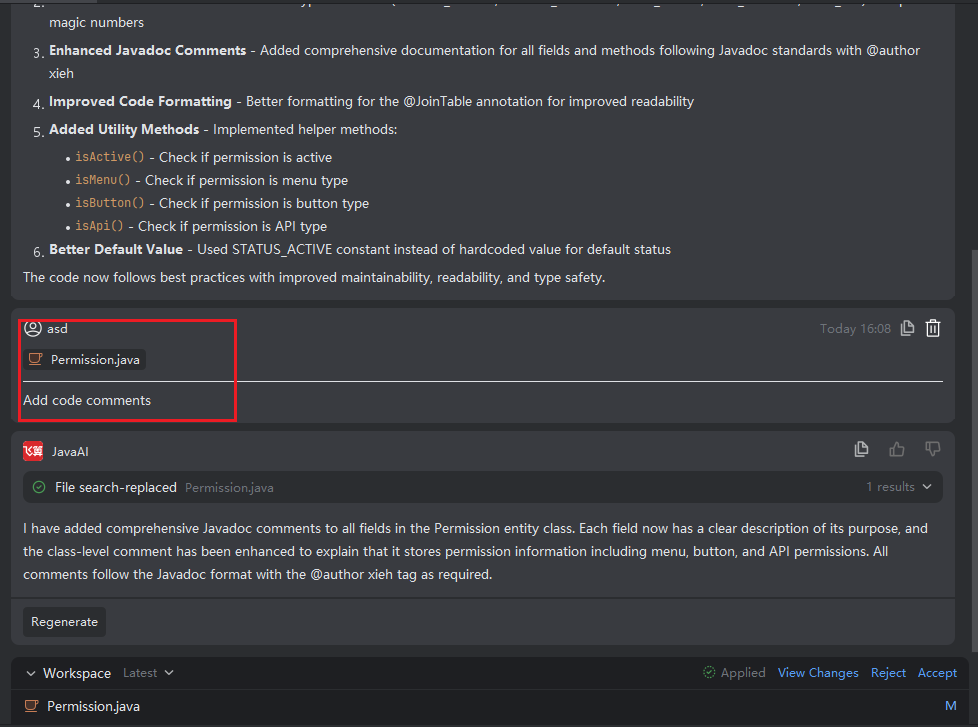
Multi-turn conversation enables you to iteratively refine your requirements, solve problems step by step, and engage in complex interactions through a continuous dialogue. Specifically, after completing an initial round of conversation and generating code changes, if you need to further adjust or extend your request, you can simply continue asking questions within the same conversation thread. Java Chat will take into account all previously generated code modifications and your new input, then produce updated code suggestions accordingly. This results in new or revised code change files—keeping your development workflow smooth, traceable, and easy to manage.
Using Multi-turn Conversation
- In the conversation panel, continue by adding new details or revising your previous request.
- Click on the modified file to preview the latest changes. If the result still doesn’t meet your expectations, keep asking follow-up questions to guide further refinements.