Issue Queuing
Introduction
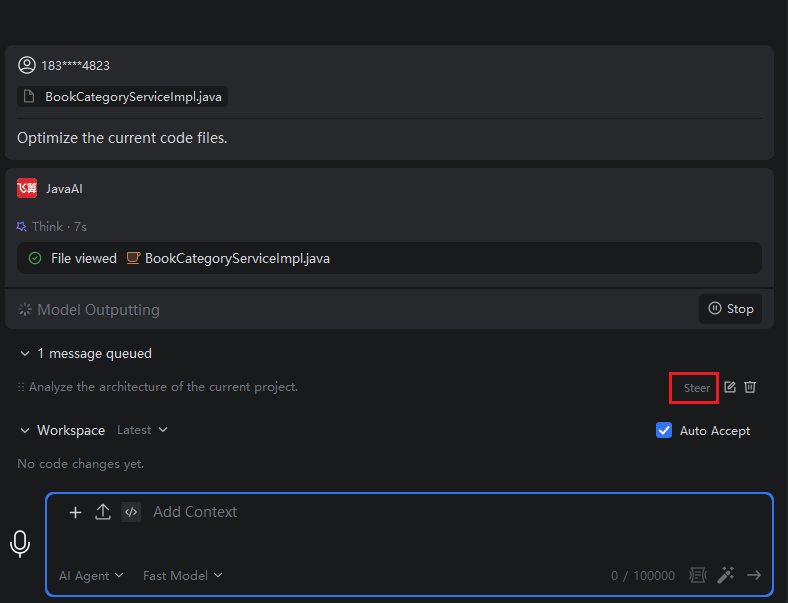
During the Q&A process, you can send new questions or submit new tasks at any time. They will automatically enter the queue and be executed in order once the current response is completed.
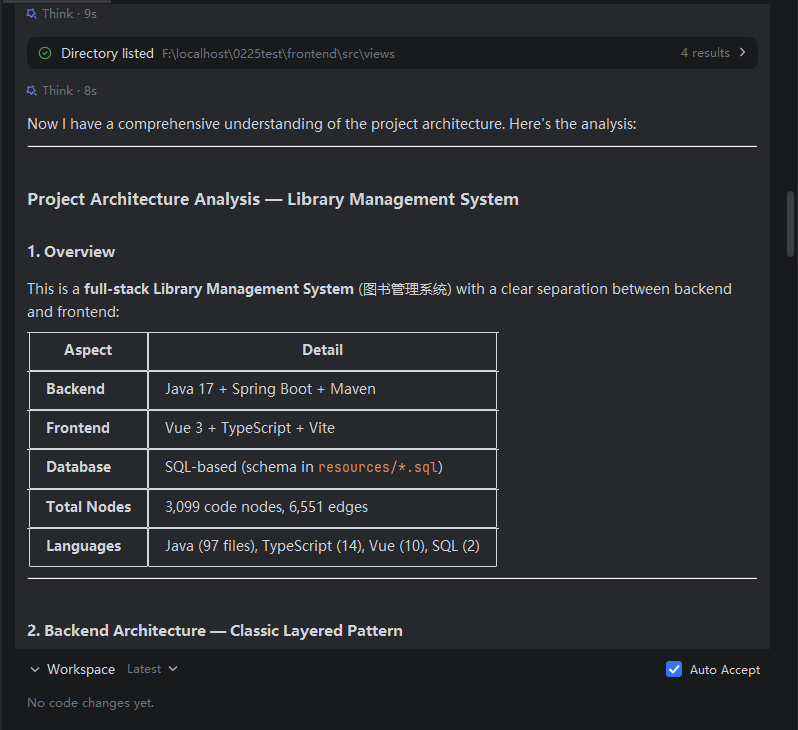
If you find that the current response deviates from your actual needs, you can rephrase your question and use the "Guidance" feature to insert it into the ongoing conversation. Once the guidance takes effect, the original response will be immediately terminated, and the model will regenerate the answer based on your new question.
Question Queuing
- In the current window, if there is a question already being answered, sending a new question will display it as "Queued". To modify it, click "Edit". If it is no longer needed, click "Delete".
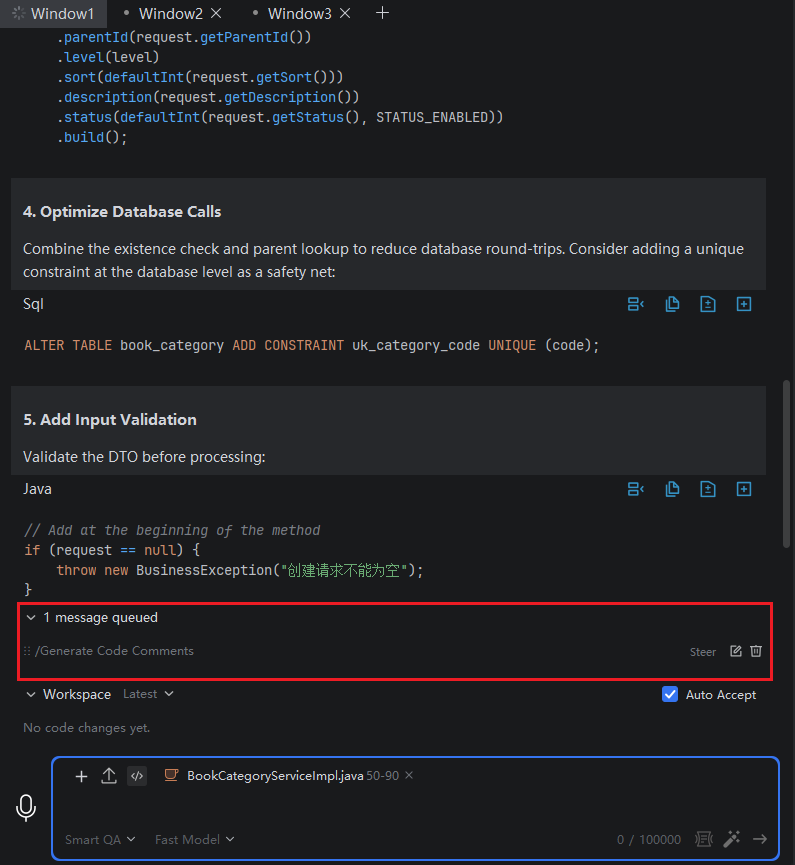
- Once the preceding task is completed, the queued tasks will be executed automatically.
Guidance
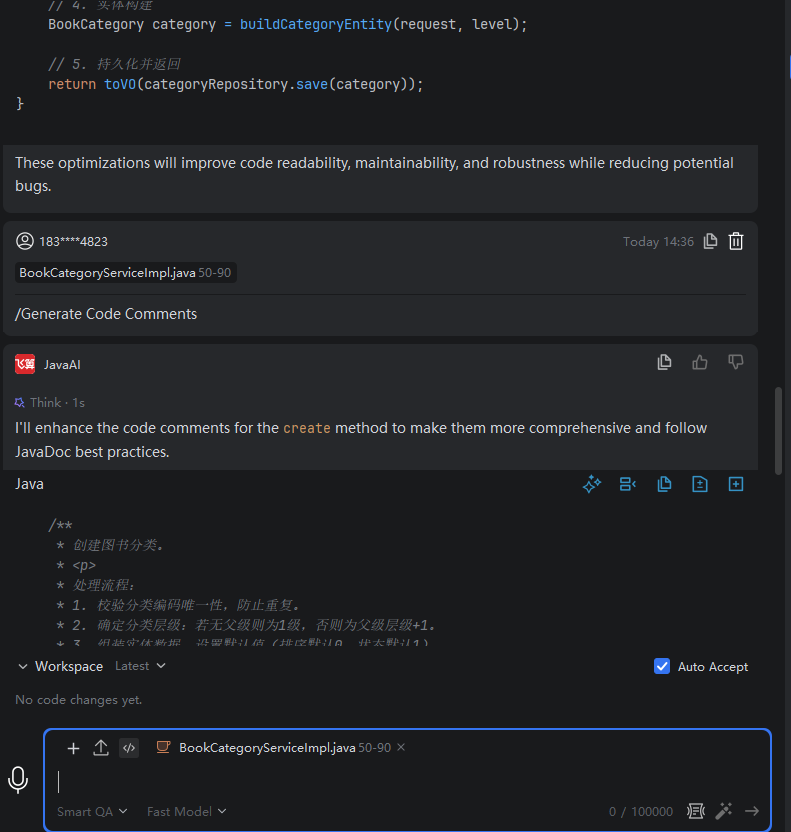
- For questions that are currently in the queue, you can click "Guidance". The model will terminate the response to the previous question and continue answering based on the guided question.