Generate Git Commit Message
Introduction
Generate git commit messages by intelligently analyzing file changes, automatically generating descriptive summaries for each modification. No need to manually fill in, simplifying the commit process, ensuring clear and consistent commit logs, and improving team collaboration efficiency.
Generate Git Commit Message
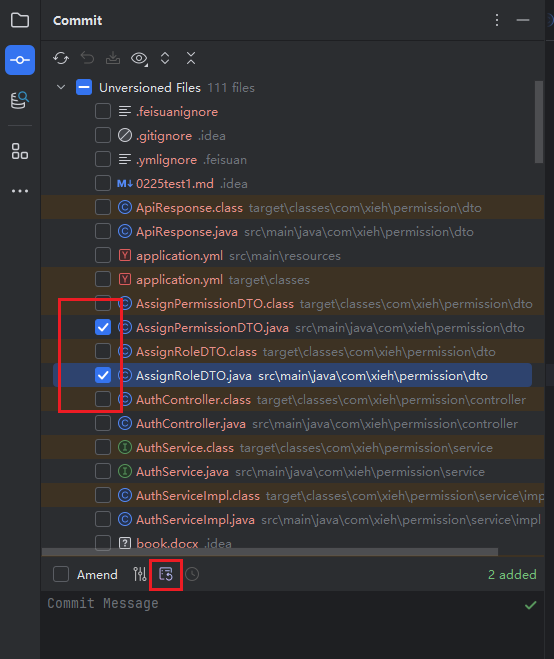
- In the git pending commit list, select the files to commit, then click the "Generate Git Commit Message" icon.
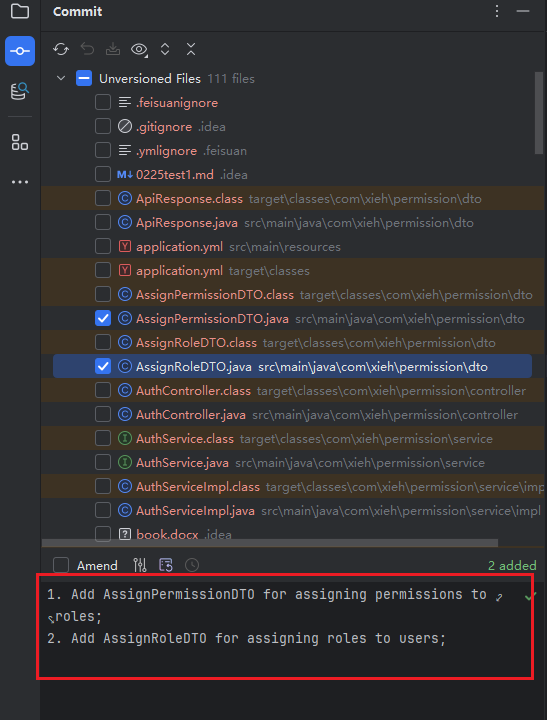
- Intelligently identify and summarize file modifications, then check the content for accuracy or manually adjust before committing.
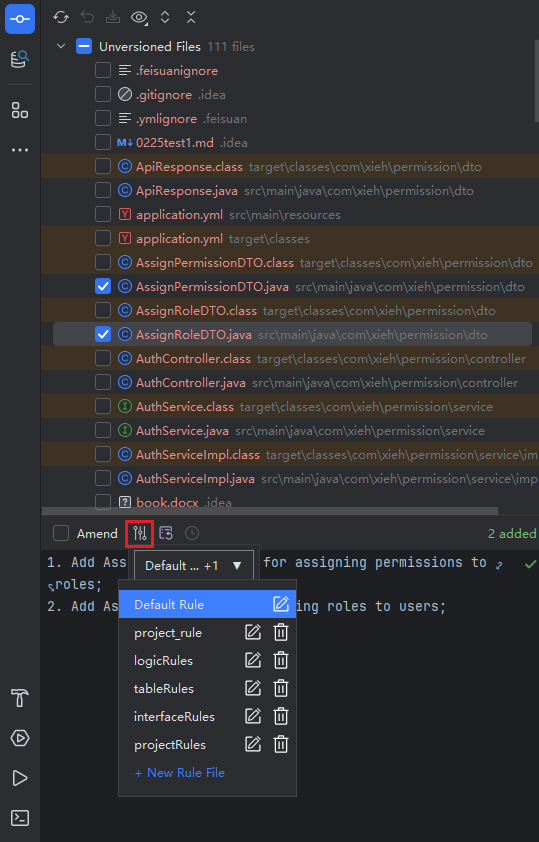
- You can also click the button on the left to select a custom rule file, then generate summary content intelligently.