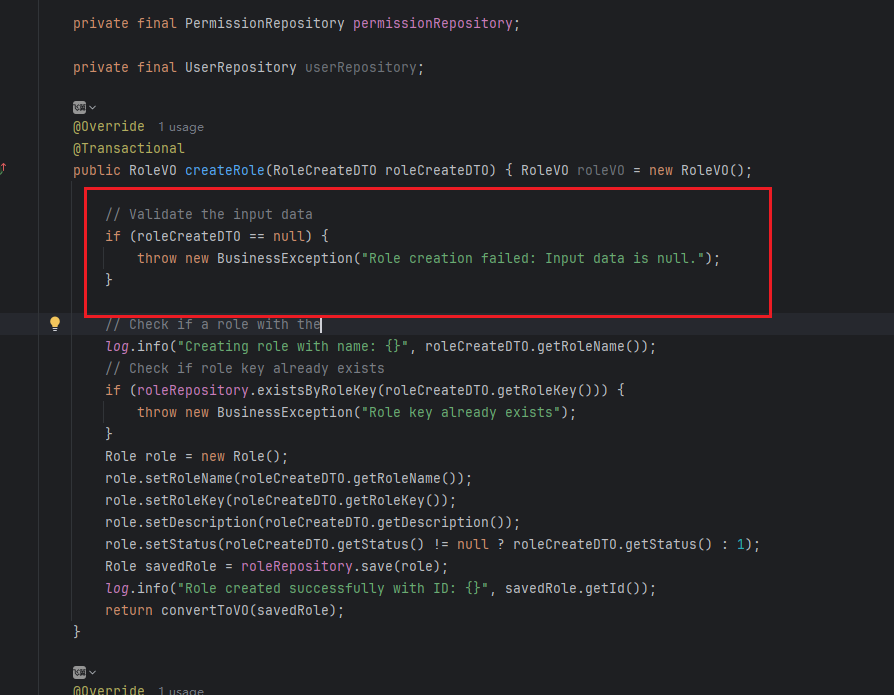
Code Completion
Introduction
Using our "Code Completion" feature, you can quickly complete code writing. Simply place your cursor at the position that needs completion and press the shortcut key. The system will intelligently recommend possible code snippets, functions, and variable names based on the context, helping you improve coding efficiency and accuracy.
Code Completion
- In the code editor, place the mouse at the location that needs completion and press the shortcut Alt+P. After completing the code, press Ctrl+down arrow according to your needs to adopt line by line.
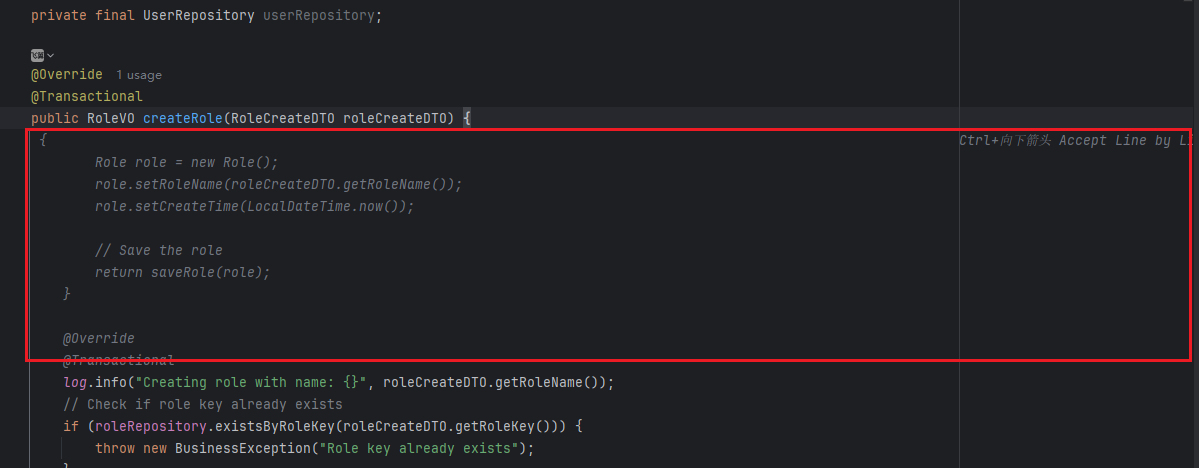
Automatic Smart Completion
- In the code editor, place the mouse at the location that needs completion and press the shortcut key. Press Esc to cancel completion.
Description: The shortcut key is located at the top-left of the Tab key on the keyboard and works under English input method. You can also modify it in advanced settings. Different from the above, after triggering the shortcut, it will automatically complete the content and select it, without needing to adopt line by line.