Using Smart Q&A
Introduction
When you encounter code-related issues during programming, you can get help from the Smart Q&A feature of FeiSuan JavaAI. Whether you need code explanations, adding code comments, or generating unit tests, FeiSuan JavaAI can assist you. Additionally, when encountering compilation failures and other issues, simply select the corresponding error code or error log information and start a conversation through the FeiSuan JavaAI plugin, providing your issue details. FeiSuan JavaAI will provide solutions and guidance to help you quickly overcome difficulties. Such support ensures a smoother and more efficient development process.
Creating a New Session
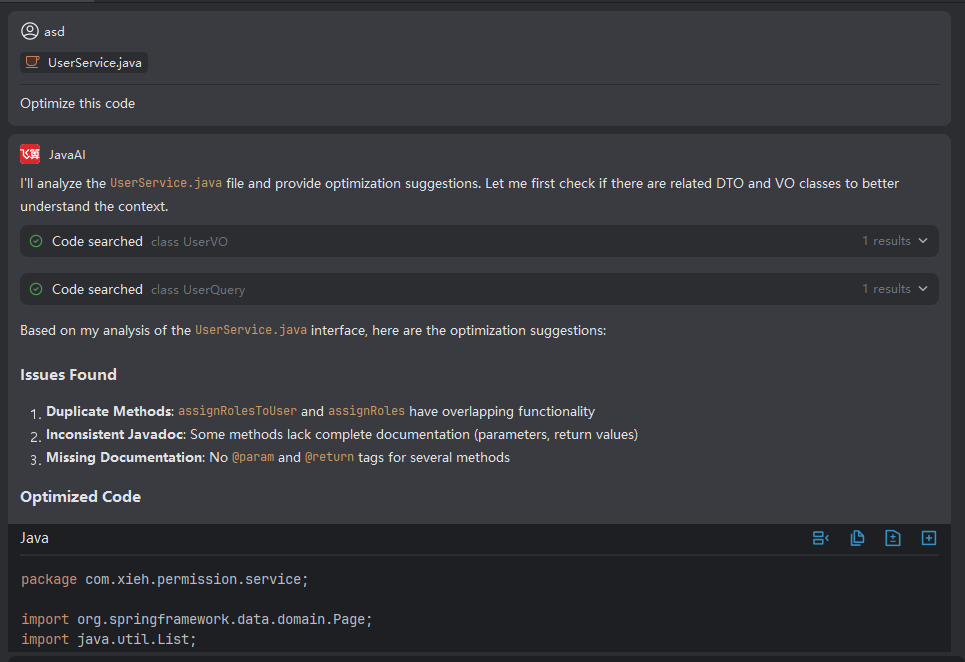
- Click the upper right corner to create a new session, enter your question (the input box lower left corner defaults to Smart Q&A; if not, you need to switch to Smart Q&A first before entering your question). You can also select related context before entering your question.
Selecting Context
- Context provides 5 choices as follows (shortcut input #):
| Type | Scope | Typical Operations |
|---|---|---|
| Current File | Current project engineering file | Class structure refactoring/method logic enhancement |
| Selected Code | Editor-selected file content | Adding exception handling/performance optimization |
| Changed Code | Git staging area code changes list | Code style unification/logic optimization |
| Code Repository | Current project engineering | Design pattern introduction/module decoupling |
| Git Commit History | Current git commit log list | Analyzing commit log information/checking compliance with standards |
Note: For more detailed content about selecting context, please refer to the article content about associated context in the Java Chat module.
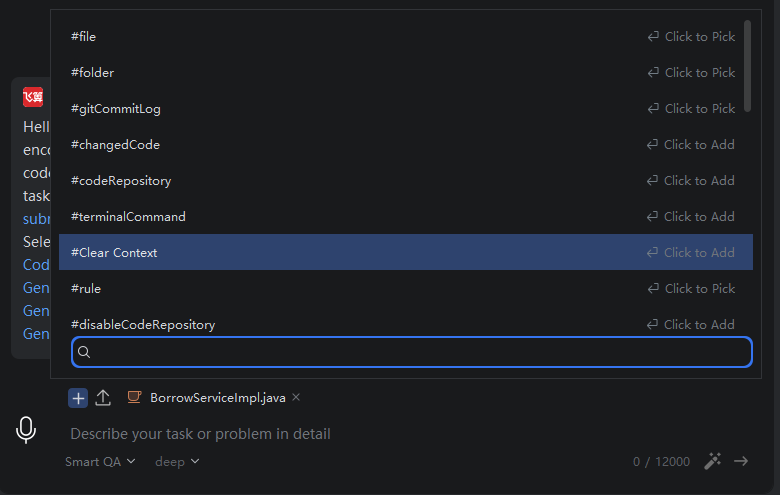
- Enter your question, Smart Q&A will generate answers.
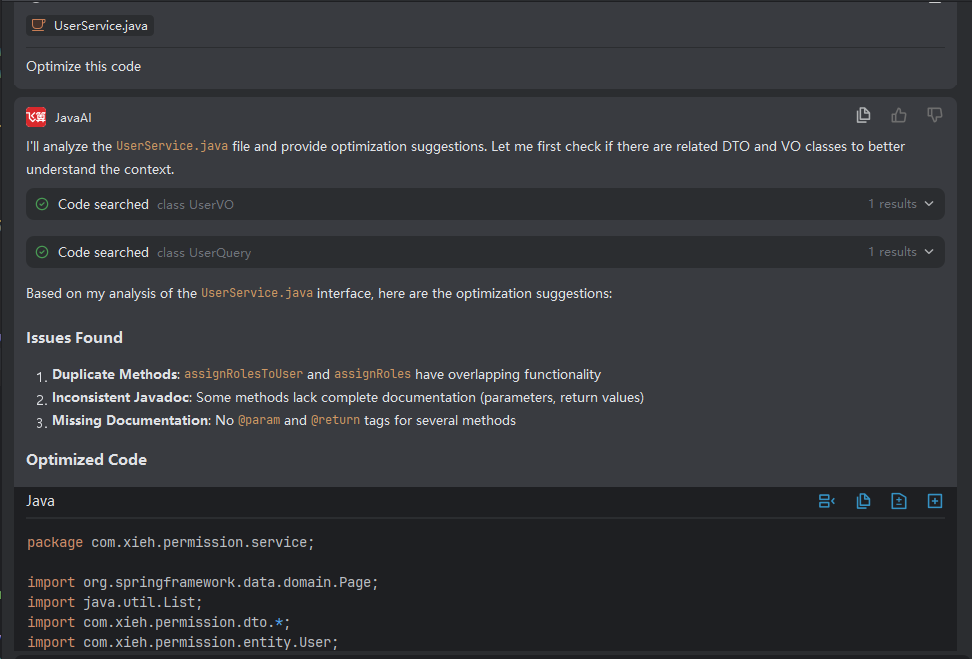
Selecting Smart Type
- In the code editing area, click the FeiSuan icon, select the Q&A type, and the FeiSuan JavaAI answer content will be displayed on the right side.
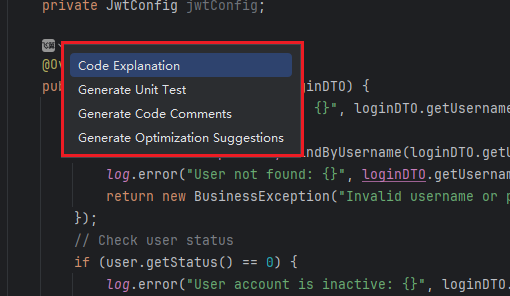
Quick Actions After Generating Answers
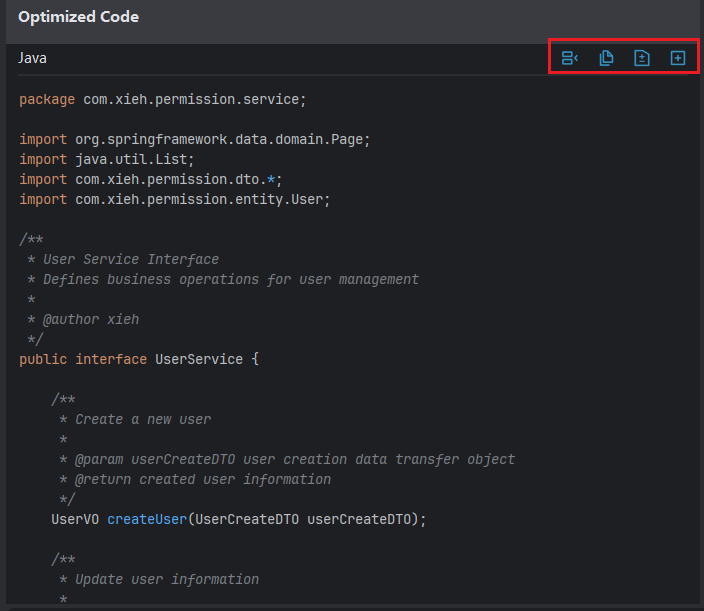
- After smart answers are completed, you can quickly save results through insert/copy/save as file methods for future reference.