
SQL Save As Script
Introduction
You can choose automatically generated table data structures or use existing database table structures. The system will generate corresponding table creation statements based on your selection and provide functions to view, copy, and save as SQL scripts. Perform corresponding operations according to your needs.
If choosing automatically generated table data structures: The system will generate table creation statements, and you need to execute these SQL statements on the corresponding database service to ensure the database contains the new table's data structure.
If choosing existing database table structures: If no field modifications have been made, there is no need to save additional SQL scripts; if field modifications exist, you can choose to save the updated SQL script as a file and execute the script on the server to update field structure and data information.
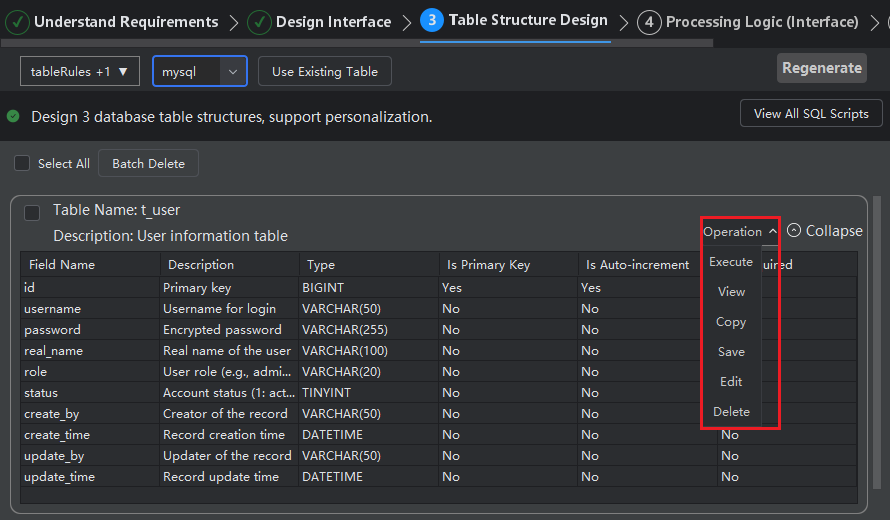
Saving Single SQL Script
- Click "Operations > Save"
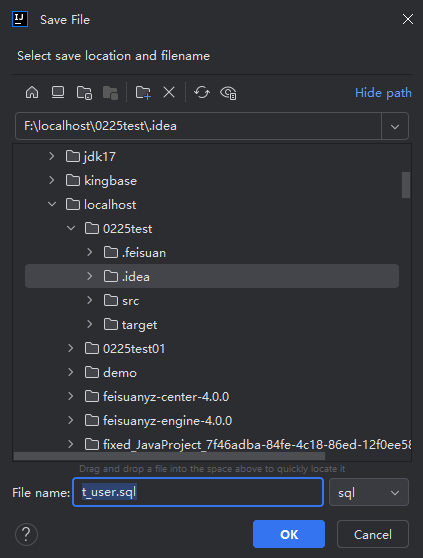
- Save the script file.
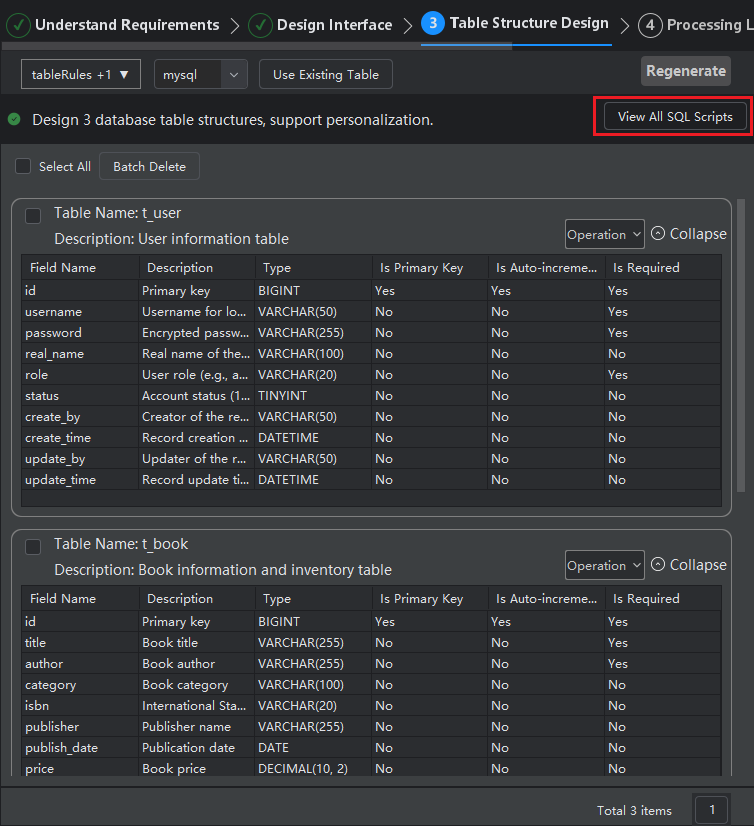
Saving All SQL Scripts
- Click "View All SQL Scripts".
- Click "Save".
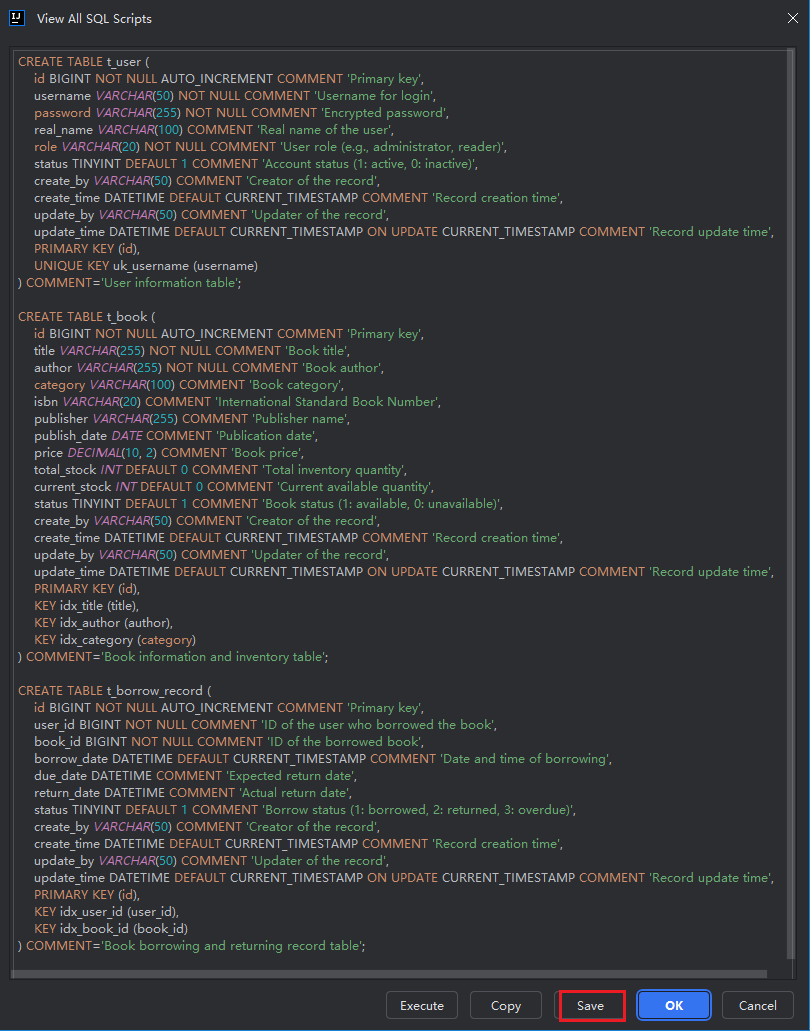
Then execute the SQL script in the corresponding database.