Associate Submodule
Introduction
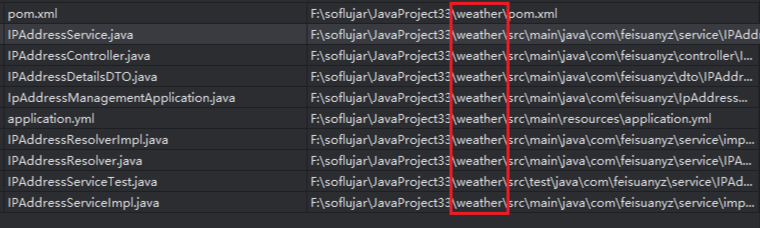
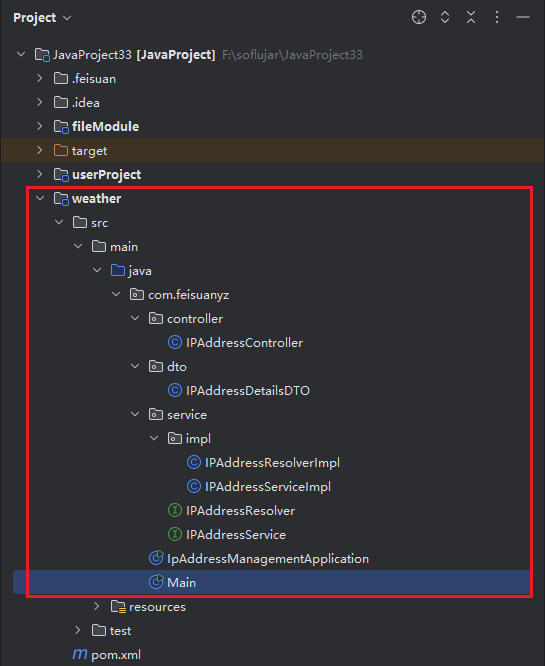
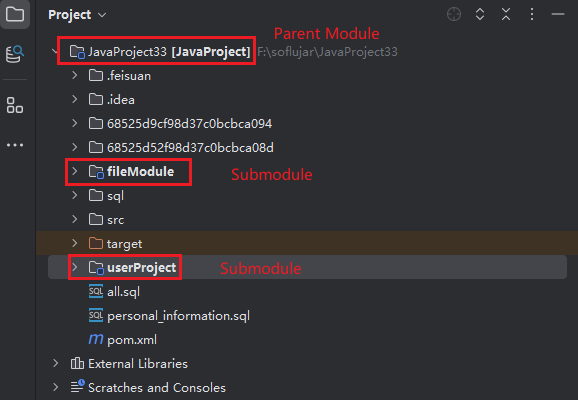
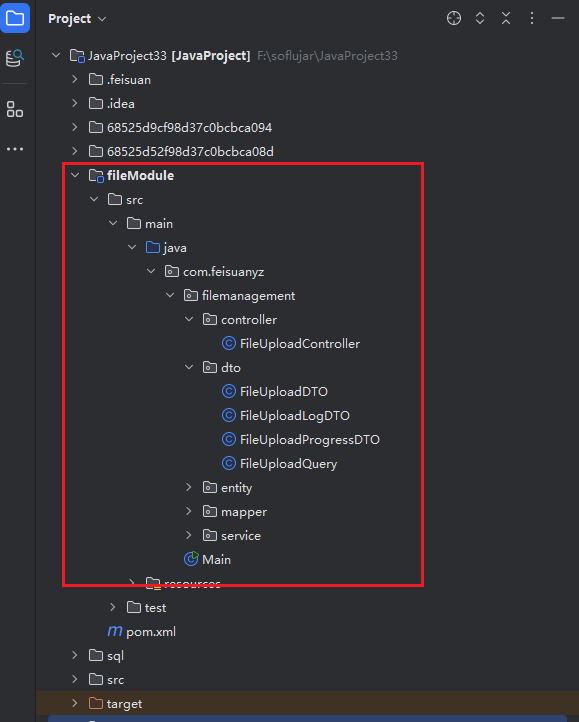
When the currently opened project is a parent-child module project, you can choose to merge into the parent module or submodules of the current project. If you select the corresponding submodule, the generated source code will be merged into the corresponding submodule. If no submodule is selected, the model will understand the demand context and parse the modules. If there is a suitable submodule, it will be merged into that submodule or under the src directory. If the model detects that none exist, a new module will be created to store the generated source code file content.
Associate Submodule
- In the first step when inputting the requirement description, select "Associate Project/Submodule", then select "Corresponding Module" from the list.

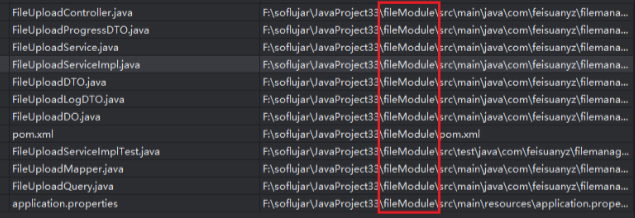
- Complete the subsequent steps according to the process. After source code generation ends, check the required files, then click "Merge Code". The checked files will be merged under the selected designated module.
Associate Parent Module - With src Directory
- In the first step when inputting the requirement description, select "Associate Project/Submodule", then select "Parent Module" from the list.
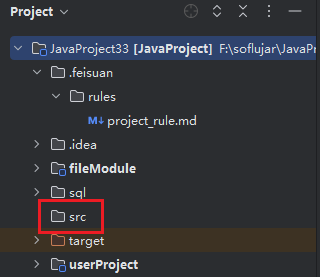

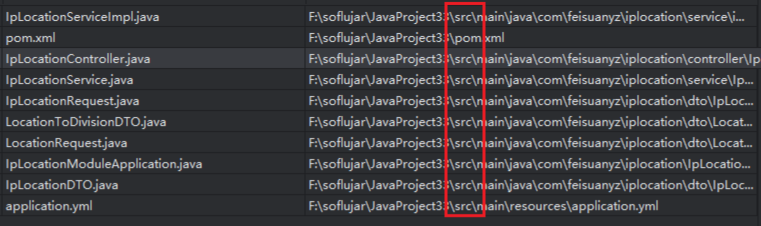
- Complete the subsequent steps according to the process. After source code generation ends, check the required files, then click "Merge Code". The checked files will be merged under the src directory of the parent module.
Associate Parent Module - Without src Directory
- In the first step when inputting the requirement description, select "Associate Project/Submodule", then select "Parent Module" from the list.
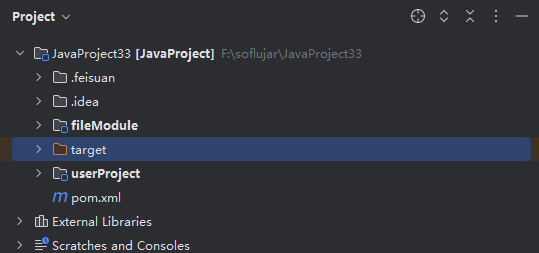

- Complete the subsequent steps according to the process. After source code generation ends, check the required files, then click "Merge Code". The checked files will be merged under the newly created module.