Delete and Restore Modules
Introduction
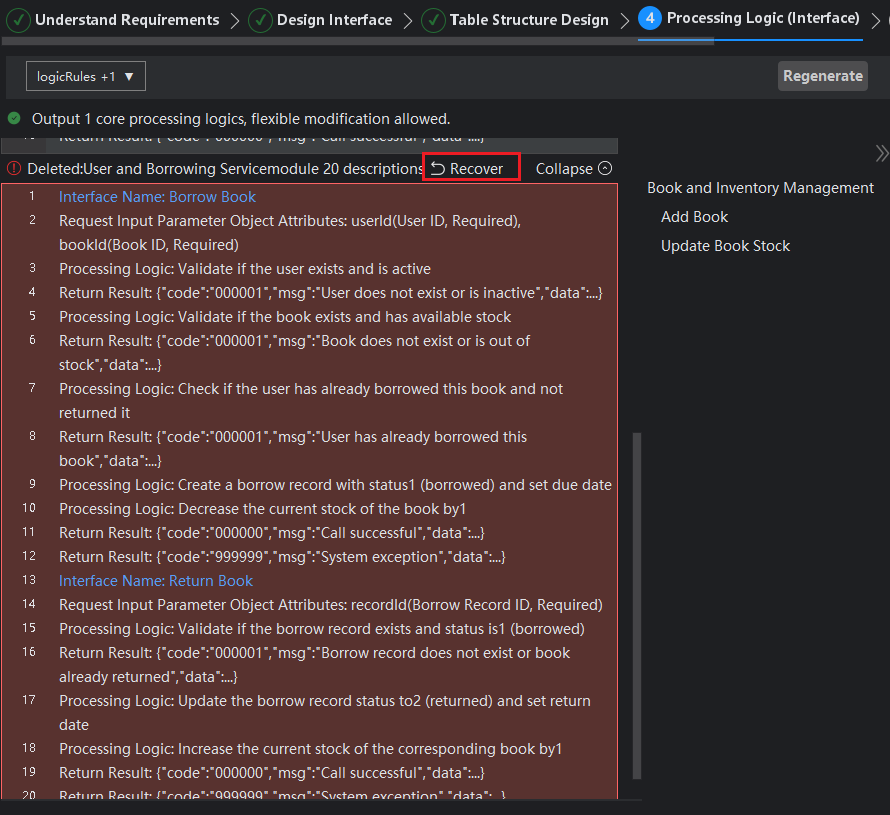
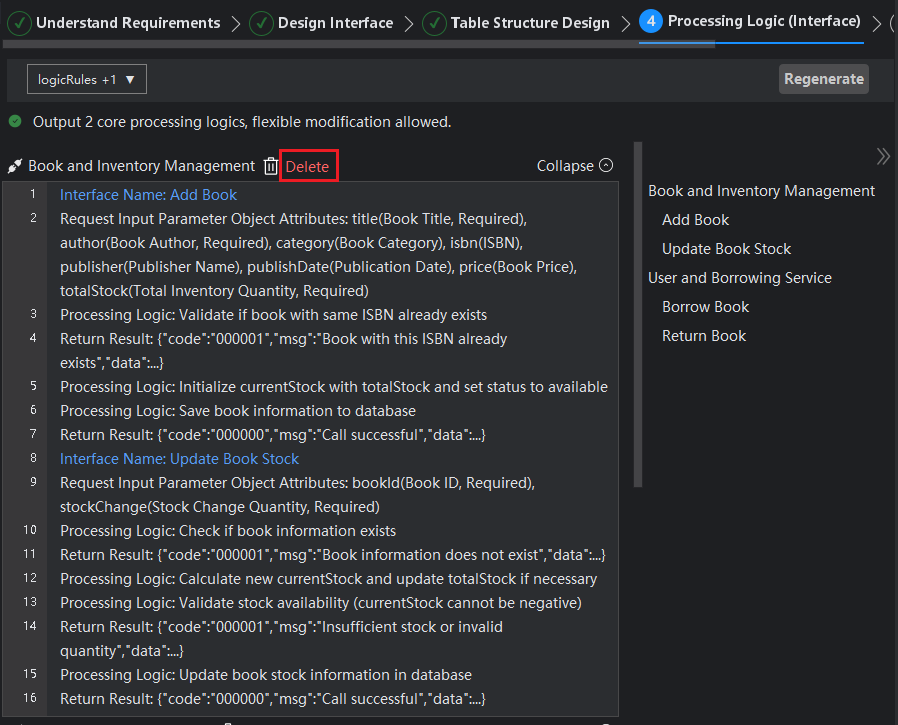
If you no longer need all interface information under a certain module, you can choose to delete the entire module. After a module is deleted, its information will be displayed at the bottom of the page as "Deleted Module Information". If you accidentally delete a module, you can restore the deleted module information by clicking the restore button. This design ensures the reversibility of operations, helping you manage interface logic content more flexibly.
Delete Module
- Click the "Delete" button next to the module.
Restore Module
- Click the "Restore" button.