
Forgot Password
Introduction
When you forget your password, don't worry. Below are the steps to reset your password, which can help you regain access to your account.
Forgot Password
- Click "Forgot Password" to enter the password reset page.
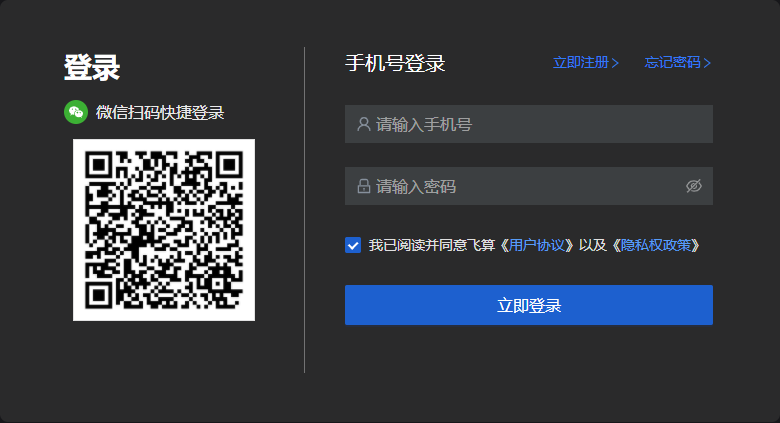
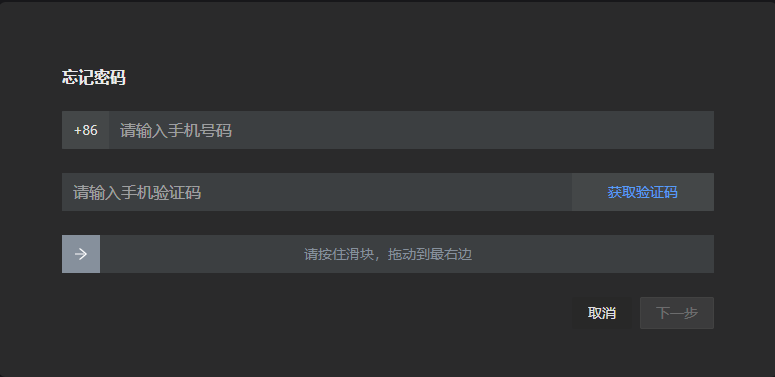
- Enter the corresponding phone number, click "Get Verification Code". Then enter the verification code, slide the slider, and click Next.
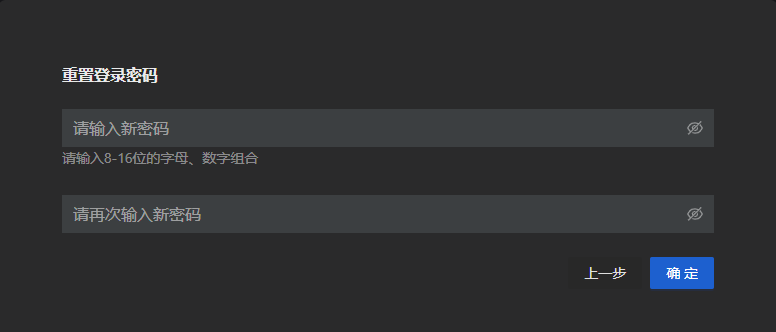
- Reset the password, then click "Confirm".
Note: After resetting the password, please remember it.
- After successful reset, you can log in using your phone number plus the new password.