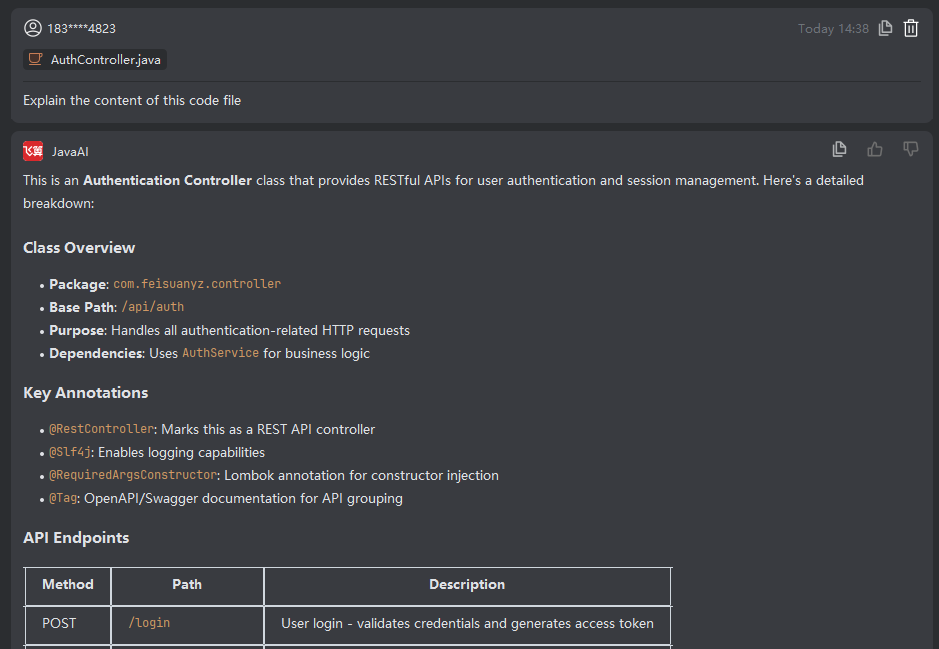
File
Introduction
In your requirement description, you can use the shortcut "Space + #" to select a "File", then provide detailed optimization or task instructions for that specific file in the input area. The system will read the selected file and process it according to your specified requirements. Once the task is complete, the system returns the modified result for your confirmation.
Linked Context – File
- Select "File".
- Use structured input to describe your optimization request for this file or specify a programming task involving this file.
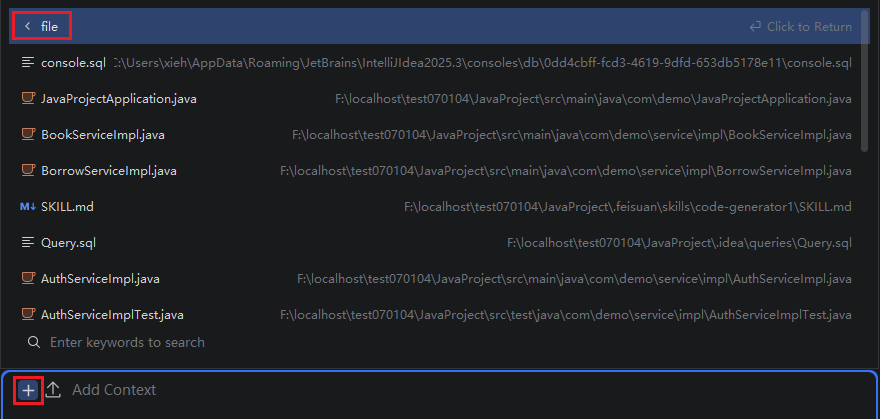
- After the system modifies the file based on your description, review the result. If it doesn’t meet your expectations, continue refining your description for further adjustments. If it matches your needs, click "Accept".