Rule Overview and Scope
Rule Overview
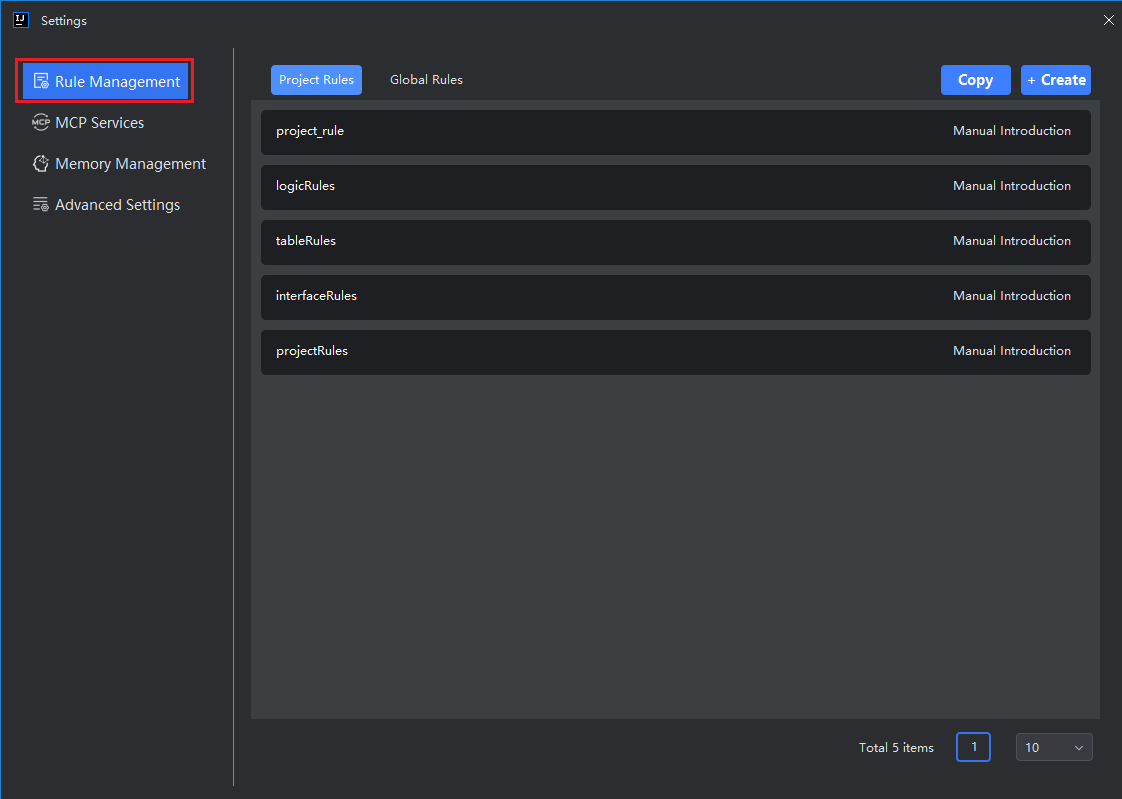
The Feisuan JavaAI plugin includes multiple core modules—such as Smart Guidance, Smart Chat, and Inline Chat—each of which can be customized with tailored response rules. All these rules are centrally managed in the Rule Management section for easy maintenance and updates.
Rules can be scoped either to a specific project or applied globally across all projects, allowing you to define context-appropriate behaviors based on your needs.
Rule Scope
Project Rules
- Scope: Applies only to the current project.
- Storage: Saved under the
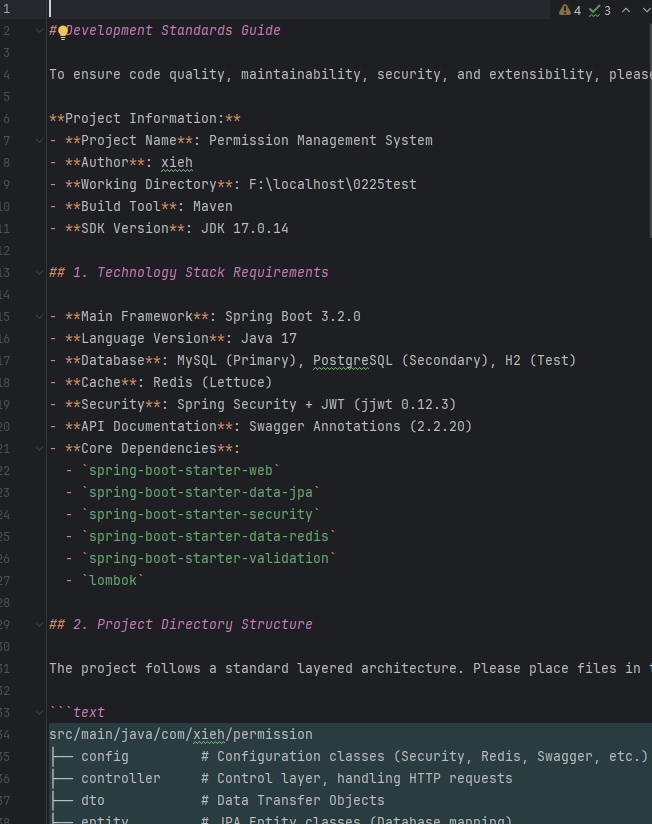
.feisuan/rulesdirectory within the project root. - Use Case: Ideal for defining project-specific coding conventions, architectural patterns, or domain-specific terminology. This helps the AI model better align with your team’s preferences and project context.
Global Rules
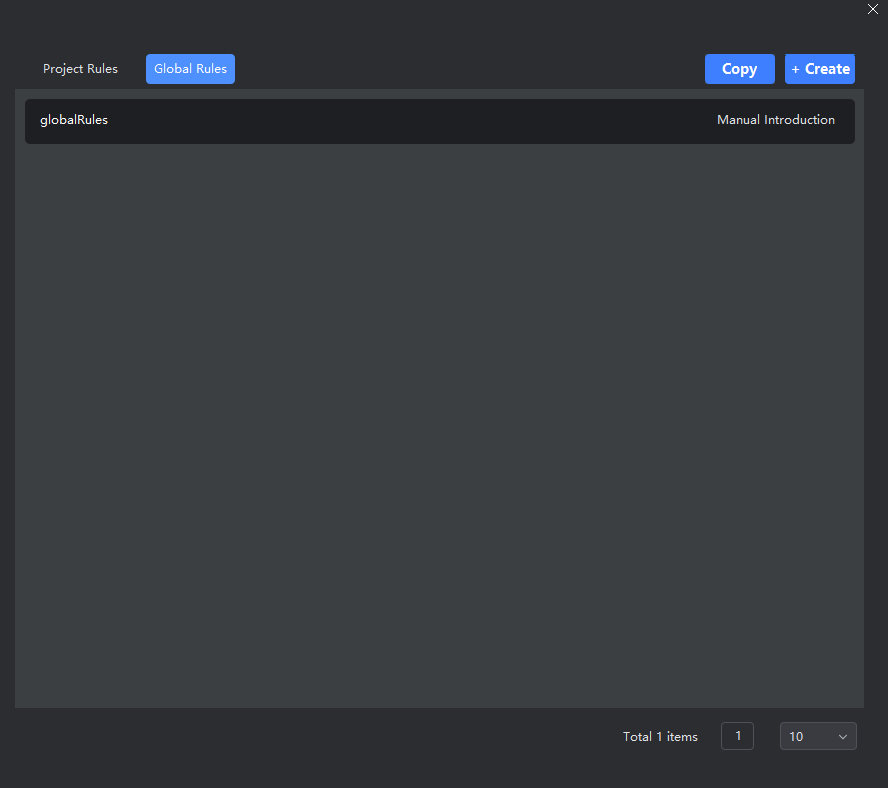
- Scope: Applies to all projects using the plugin.
- Use Case: Best for setting universal standards—such as preferred code style (e.g., indentation, naming), default response persona (e.g., “senior Java engineer”), or organization-wide best practices.