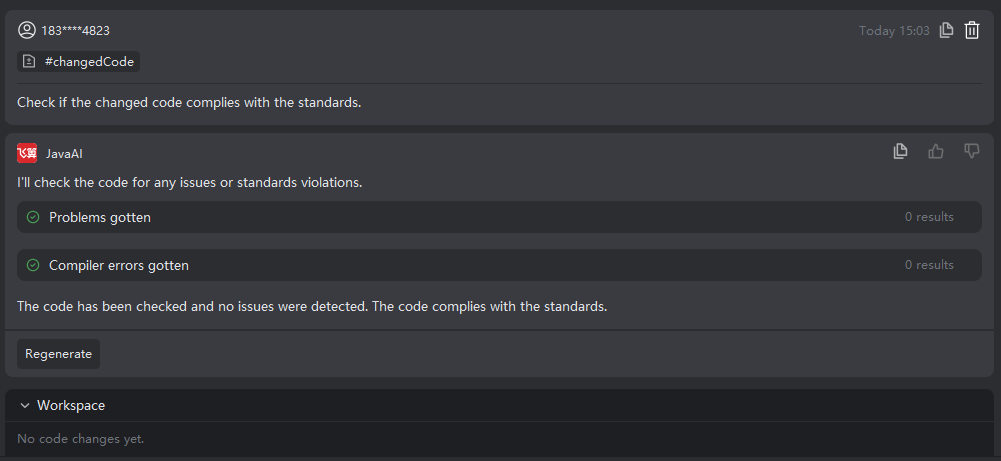
Modified Code
Introduction
For code files that have been modified and are currently in the Git staging area, you can directly submit optimization or other task requests—such as unifying code style or improving logic—against these files. This approach allows you to quickly refine and enhance your most recent changes, ensuring all updates align with project standards.
Working with Modified Code
- After modifying a file in the Git staging area, select "Modified Code", then provide your request using structured input.
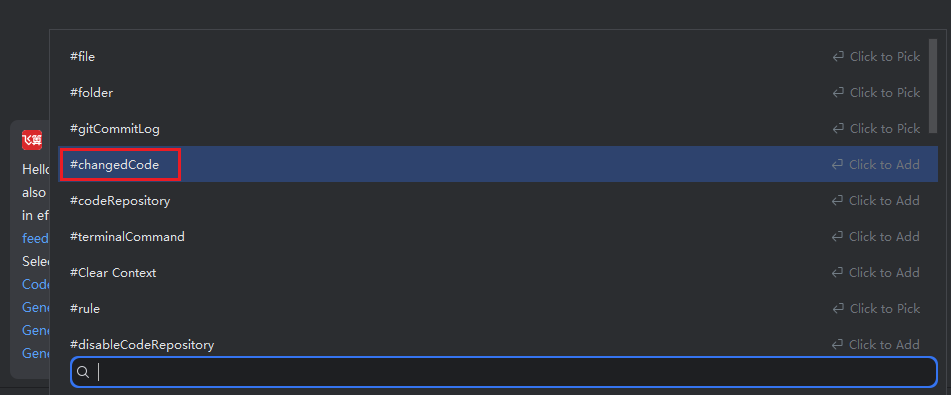
- The system will modify the code based on your description. Review the result to see if it meets your expectations. If not, continue refining your description for further adjustments. If satisfied, click "Accept".