Create Branch Session
Introduction
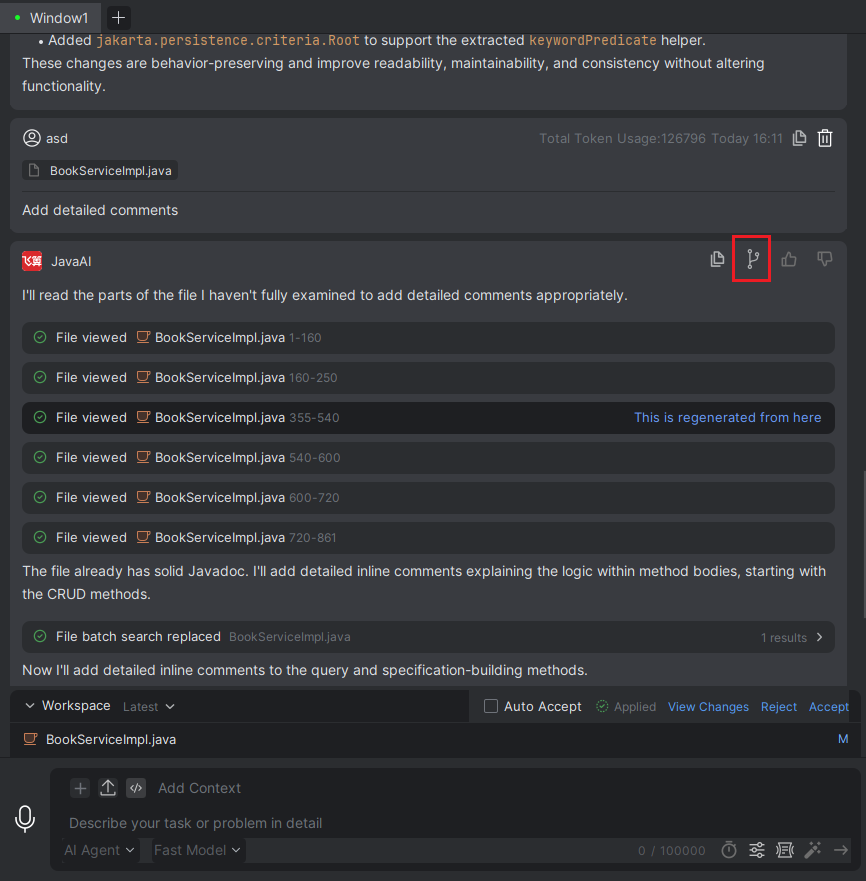
If the current session accumulates too much content, you can use the "Create Branch Session" feature. This operation will isolate the conversation content prior to that point into a new branch and open a new session window. Please note that the new window only contains historical data before the branch point, including generated files and their statuses; conversations after this point will not be retained. This effectively avoids context interference caused by long conversations, helping you quickly focus on the current task and start a more precise, fresh conversation.
Create Branch Session
- In the conversation history, select the conversation where you want to create a branch, and click the "Create Branch Session" button.
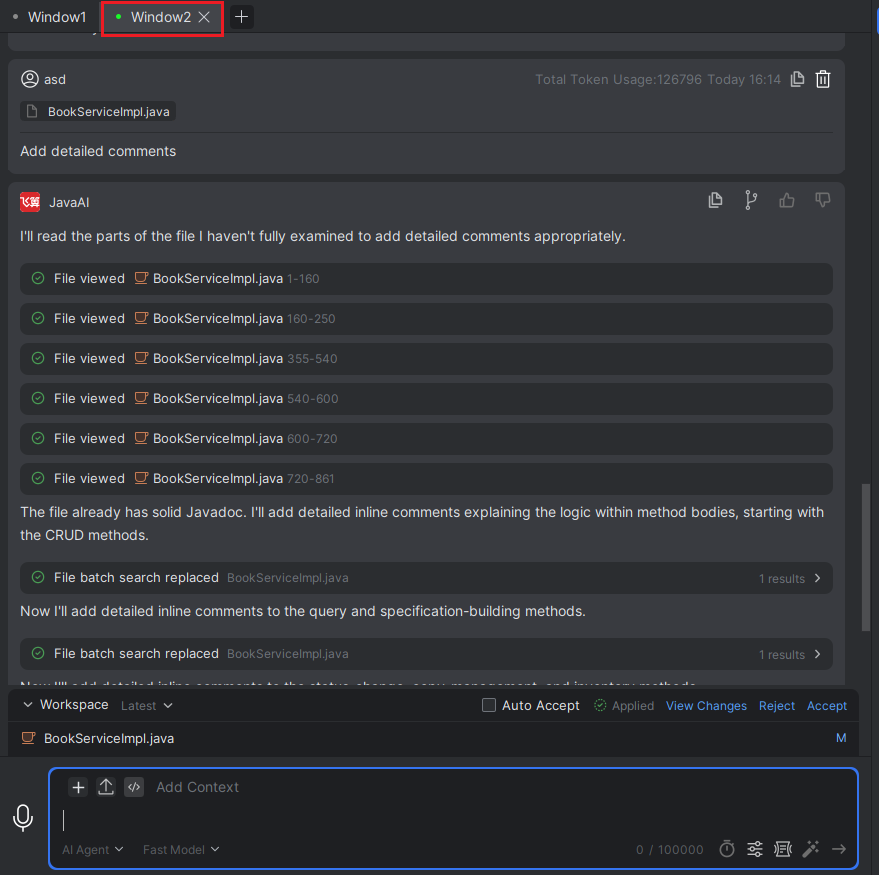
- A new branch session will be created and opened in a new window, where you can continue with subsequent conversations.
Note: You can see that the new window only contains historical data before the branch point, including generated files and their statuses; conversations after this point will not be retained.