Edit Field Columns
Introduction
You can edit table fields to specify which columns are relevant for your dataset. By excluding irrelevant fields, you streamline your dataset, improve query accuracy, and enhance execution efficiency. This focused approach ensures that AI-generated SQL queries are based only on the essential data, leading to more precise and faster analytical results.
Editing Field Columns
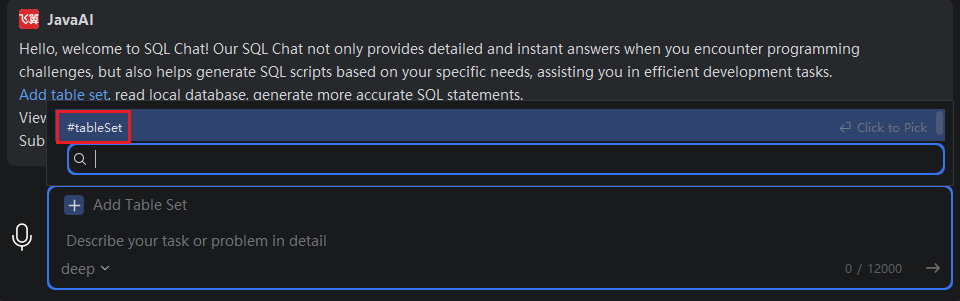
- Click "Add Dataset", or type
#in the input box and select "#Dataset".
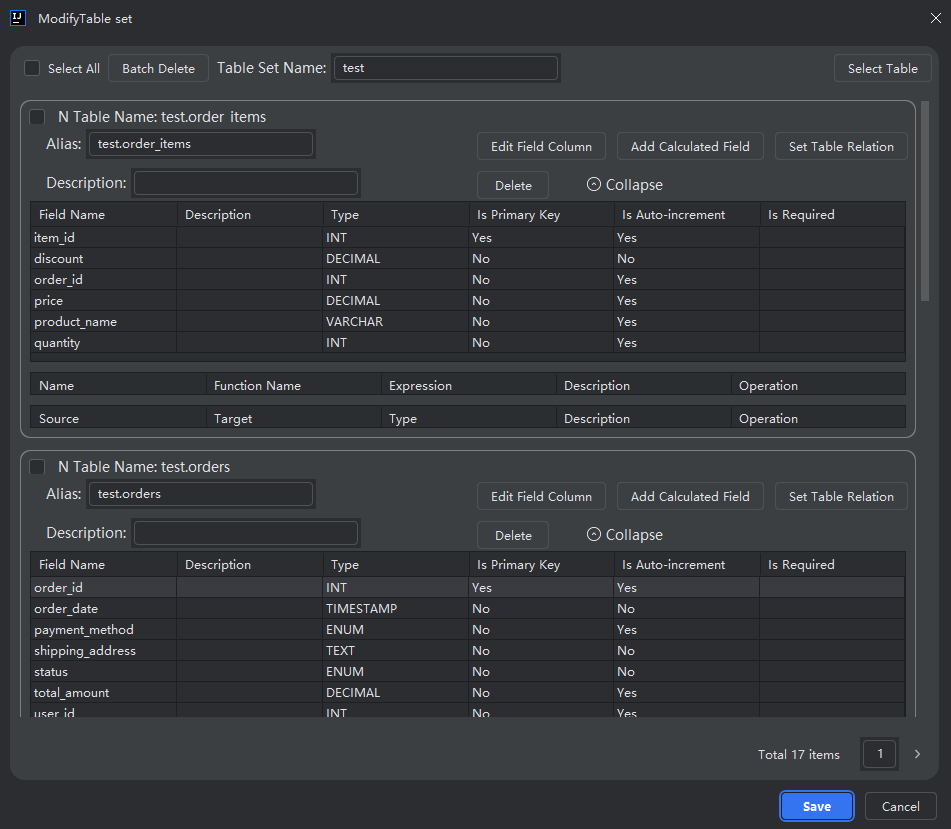
- Select the dataset you want to modify, then click "Edit".

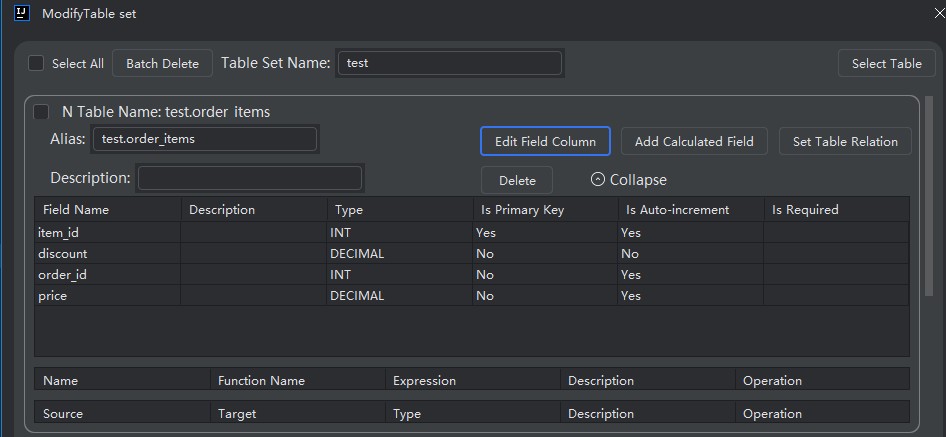
- Click "Edit Field Columns" next to the table you wish to adjust.
- To remove a field from the active set:
- Select a field in the right panel (required fields), then click "<" to move it to the left panel.
- To add a field back:
- Select a field in the left panel (excluded fields), then click ">" to move it to the right panel.
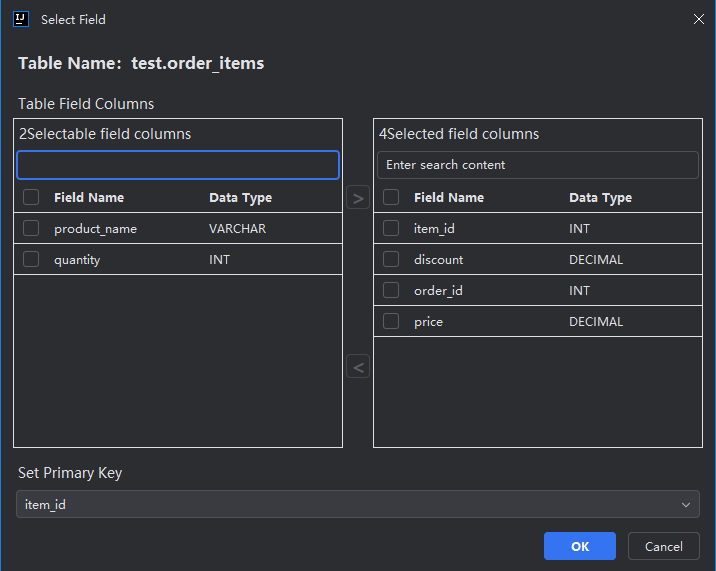
- The left panel shows fields excluded from AI processing.
- The right panel shows fields included for use in SQL generation.
- This configuration does not alter the actual database schema—it only affects how the AI interprets and generates queries based on your selected fields.
- Optionally, designate one or more fields as primary keys, then click "OK" to save your settings.