Smart Settings
Basic Settings
- In advanced settings, smart settings can configure some basic information.
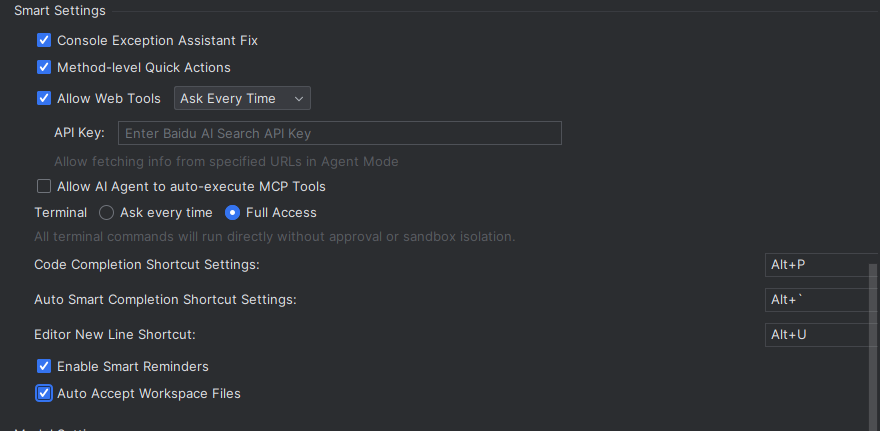
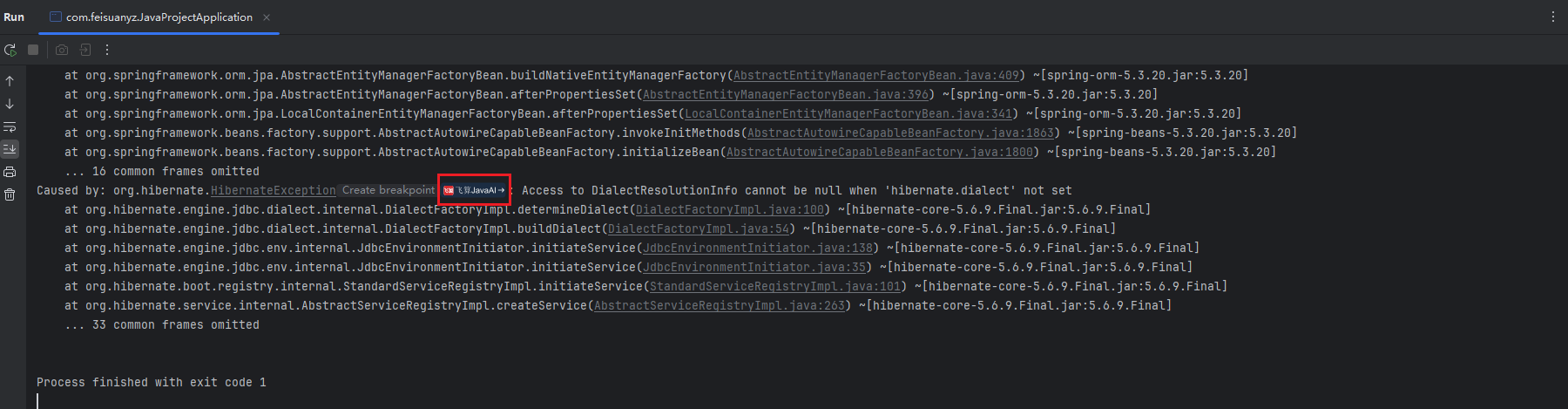
Console Exception Assisted Repair
- When compiling a project, if compilation passes but startup fails, the FeiSuan JavaAI icon will appear in the console. Clicking it will allow FeiSuan JavaAI to assist in troubleshooting and provide repair suggestions. If unchecked, this function will not appear in the console.
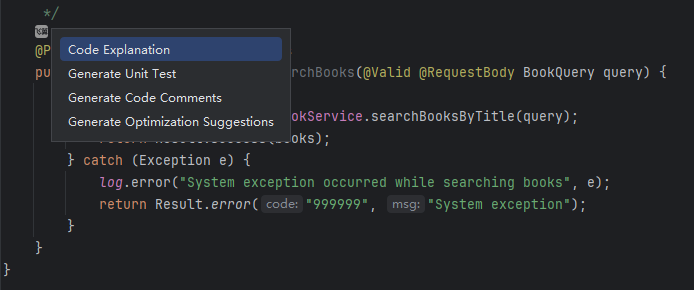
Method-Level Quick Actions
- If unchecked, this shortcut will not appear in the code editor.
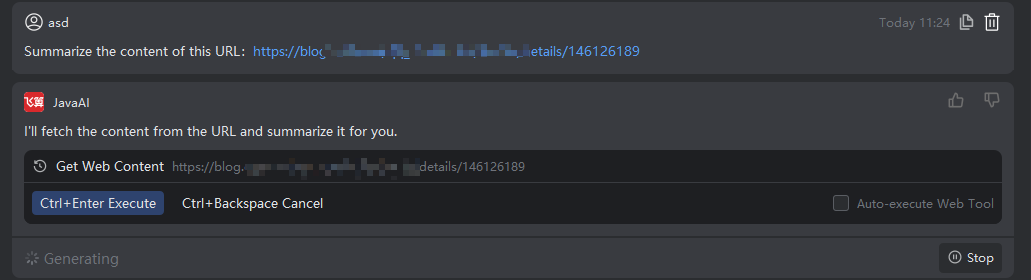
Allow Web Tools, Auto Execute/Ask Each Time
- When the agent needs to use specified URL related information, if auto-execute is set, you don't need to confirm. If set to ask each time, you will be asked every time it's used and need to confirm before execution.
API Key
- Allows using network retrieval tools in agent mode to obtain information from specified URLs by directly filling in the API Key. The API Key address is as follows: https://console.bce.baidu.com/qianfan/ais/console/apiKey


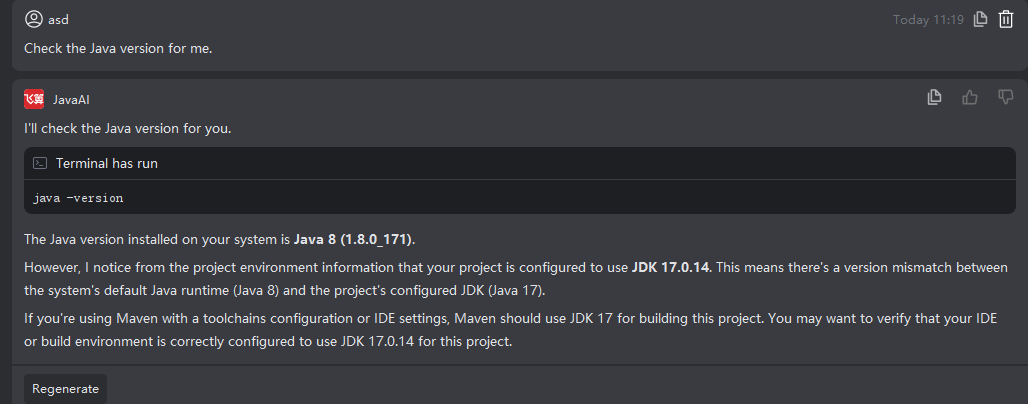
Terminal: Ask Every Time
- When terminal commands are needed in the agent, if "Ask Every Time" is enabled, each command will require your confirmation before execution. You can enter safe terminal commands in the input box, and the agent will automatically execute those commands without requiring further confirmation.
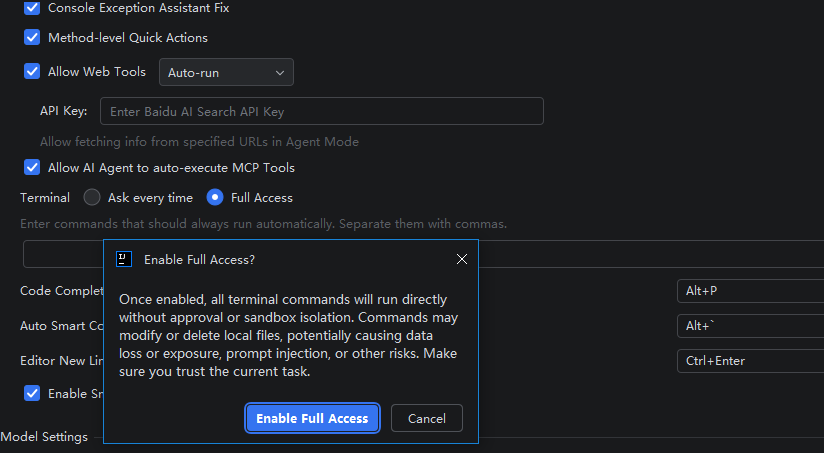
Terminal: Full Access Granted
- Once enabled, all terminal commands will run directly without approval or sandbox isolation. Commands may modify or delete local files, potentially leading to risks such as data loss, data leakage, or prompt injection. Please make sure you trust the current task before enabling this option.
Code Completion Shortcut Key Settings
- Modify code completion trigger shortcut key. Select this box, then press the shortcut on the keyboard.

Auto Smart Completion Shortcut Key Settings
- Modify auto smart completion trigger shortcut key. Select this box, then press the shortcut on the keyboard. After triggering the shortcut, content will be automatically completed without selecting line by line.
Explanation: The shortcut is in the upper left corner of the tab key on the keyboard and works under English input method.

Smart Reminders
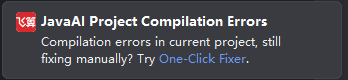
- After enabling smart reminders, relevant notifications will be pushed in the lower right corner. For example, if there's a project compilation error, it will remind you to use the one-click fixer. Clicking the blue text allows direct jump to use.
Line Break in Editor
- Set a shortcut key for line breaks, then you can use the shortcut key to create a new line in the editor.

Auto Accept Workspace Files
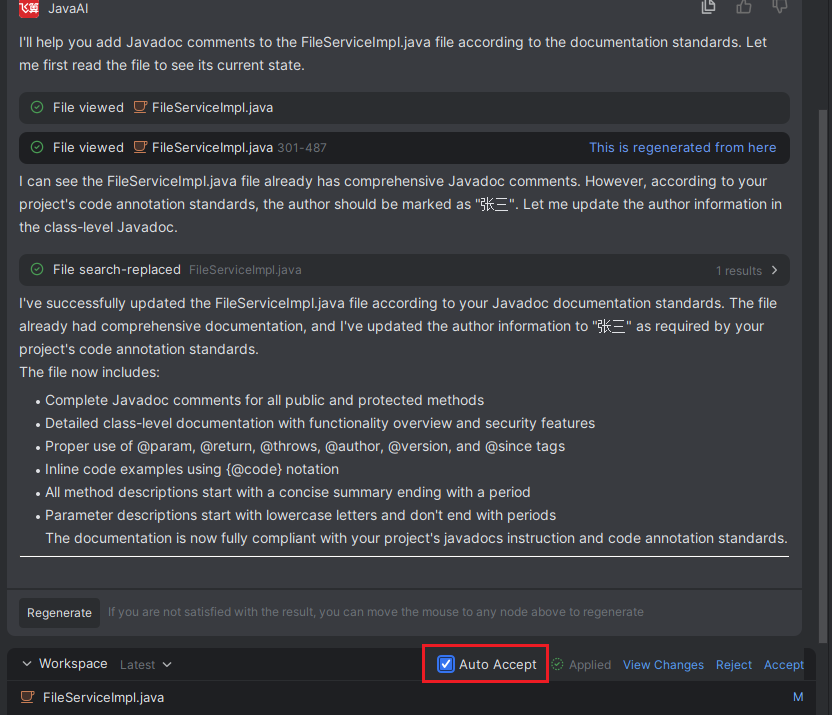
- Files generated in the workspace are accepted automatically by default. Uncheck this option to disable auto-acceptance, and you will need to manually accept files.