
Continue Generating Historical Project Source Code
Introduction
In the history records, you can understand which step the current task has progressed to through the task status. Double-clicking the task title or clicking the "Enter" button allows you to return to a specific node of that task and continue completing subsequent steps from there until the source code generation is complete.
Continue Generating Historical Project Source Code
- Select the corresponding task, double-click to enter details, and you can continue to complete subsequent steps.

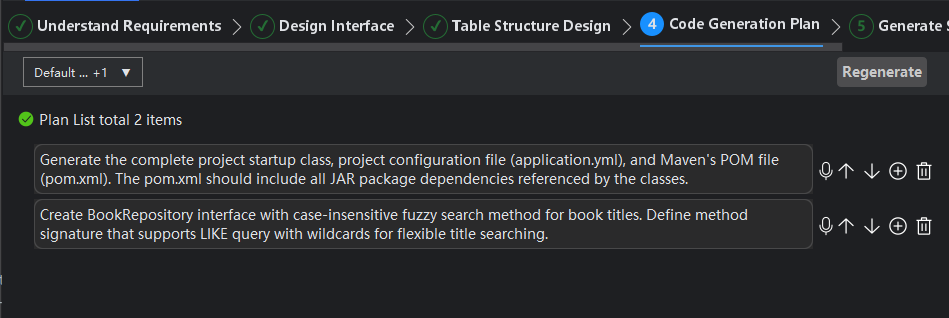
- If you click "Previous Step" to backtrack to earlier steps, when you click "Next Step", a prompt to create a new record will pop up, i.e., generate a new task.
