Jar Dependency Fixer
Introduction
Automatically detects and fixes Jar dependency issues in the project. Such as cleaning redundant Jars, automatically upgrading outdated or security-risk dependency versions, identifying version conflicts and automatically resolving them.
Jar Dependency Fixer
- Click the "top-left corner" to switch and select "AI Toolbox".

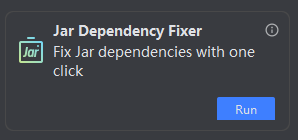
- Select Jar Dependency Fixer and click "Run".
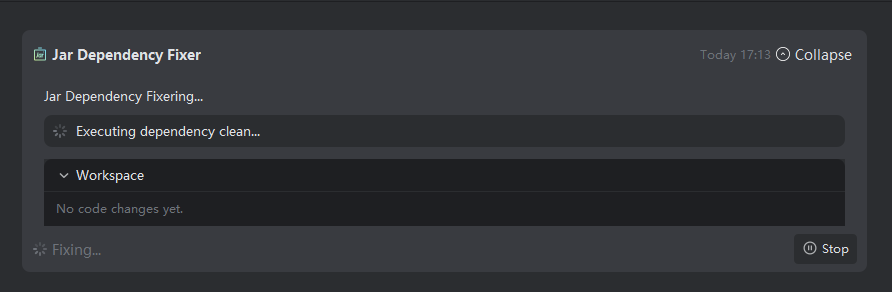
- After compiling the project, start cleaning dependencies, then upgrade dependencies.
Note: Cleans unused jar dependencies in the project. If cleaning fails, adjustments are needed based on the error message—this may be due to overly high jar dependency versions that cannot be cleaned.
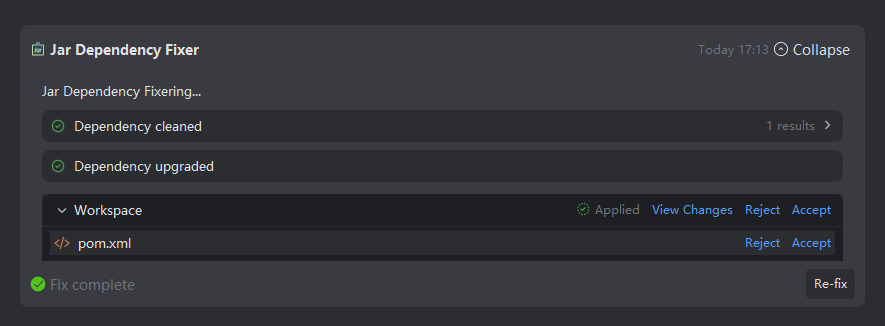
- After repair is completed, view the repaired files in the workspace and choose "Accept/Reject".
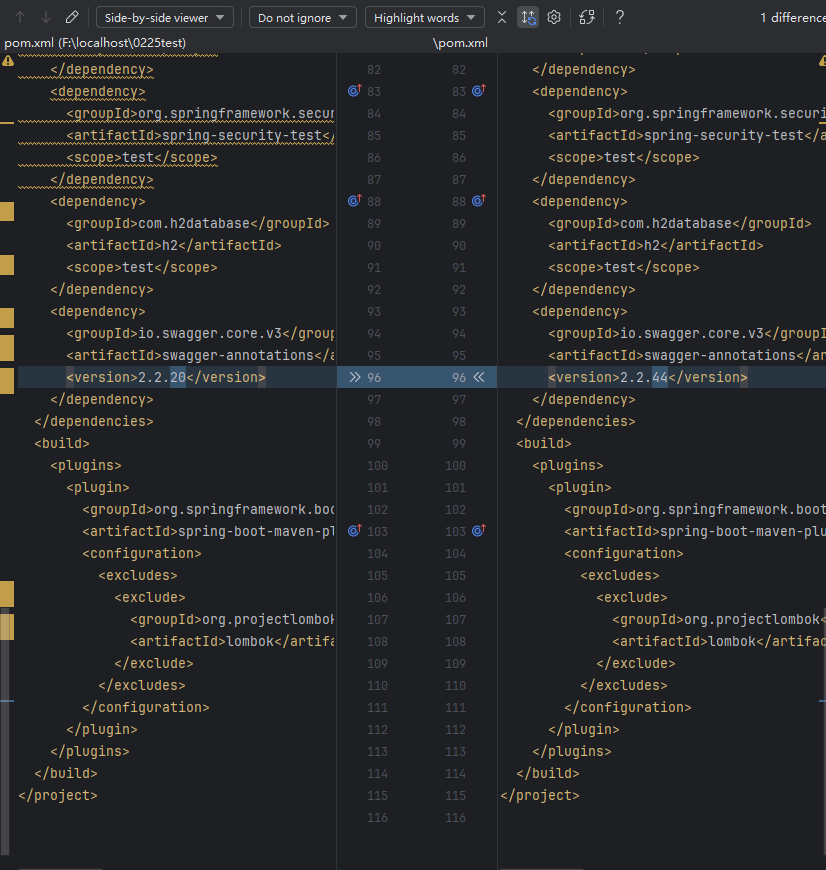
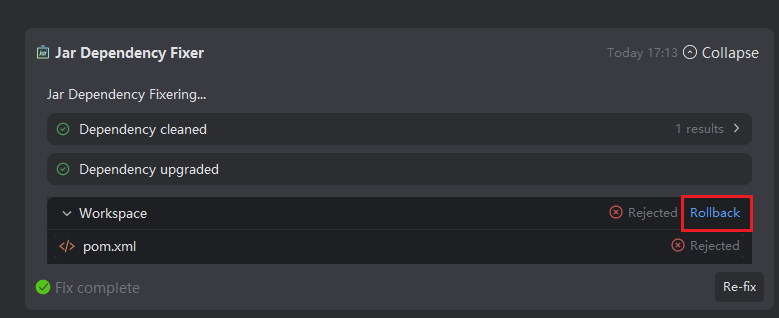
- If you need to revert, click the "Revert" button.