Setting Local Storage Path
Introduction
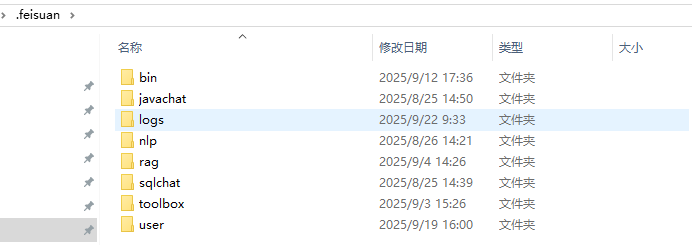
Data from modules such as Intelligent Guidance, SQL Chat, AI Toolbox, and Smart Session in FeiSuan JavaAI are stored on the local disk. You can migrate local data to your specified directory by modifying the current storage path. Historical record information will take effect after restarting IDEA.
Setting Local Storage Path
- In the upper right corner "Advanced Settings", select a new storage path.
Explanation: The system defaults to the largest available space disk directory that is not the system disk. Historical records will take effect after restarting the IDEA tool, and modifications will have no impact.

- View historical data storage.