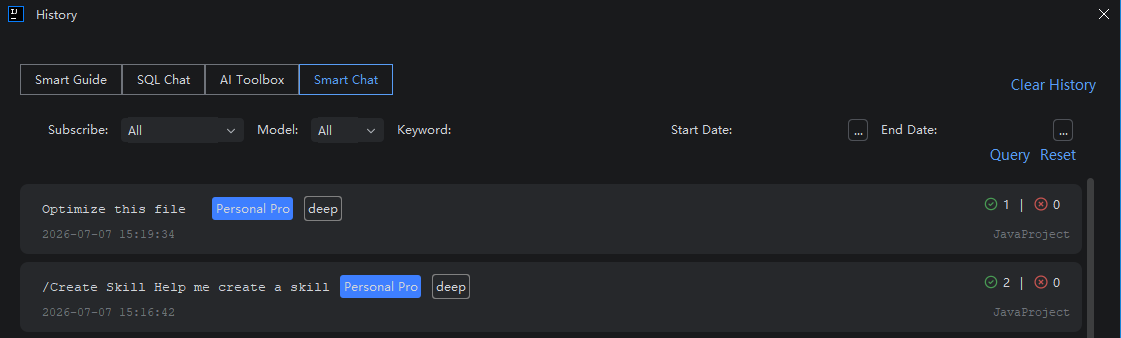
View Conversation History
Introduction
The Conversation History feature helps you save and manage all past dialogues. With it, you can easily locate and revisit previous conversations to review earlier discussions or retrieve useful solutions. The history includes records from Smart Q&A, Java Chat, and Agent modes. You can identify the relevant session by its title, or quickly find specific entries using keyword search or time-based filtering.
Viewing Conversation History
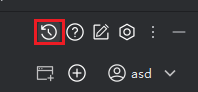
- Click "Conversation History" in the top toolbar to open the list of available sessions.
- Use the search field to enter keywords or apply a time filter to narrow down your results.
To remove all stored conversations, click "Clear History"—please note that this action is irreversible and will permanently delete all history.