Export Documentation
Introduction
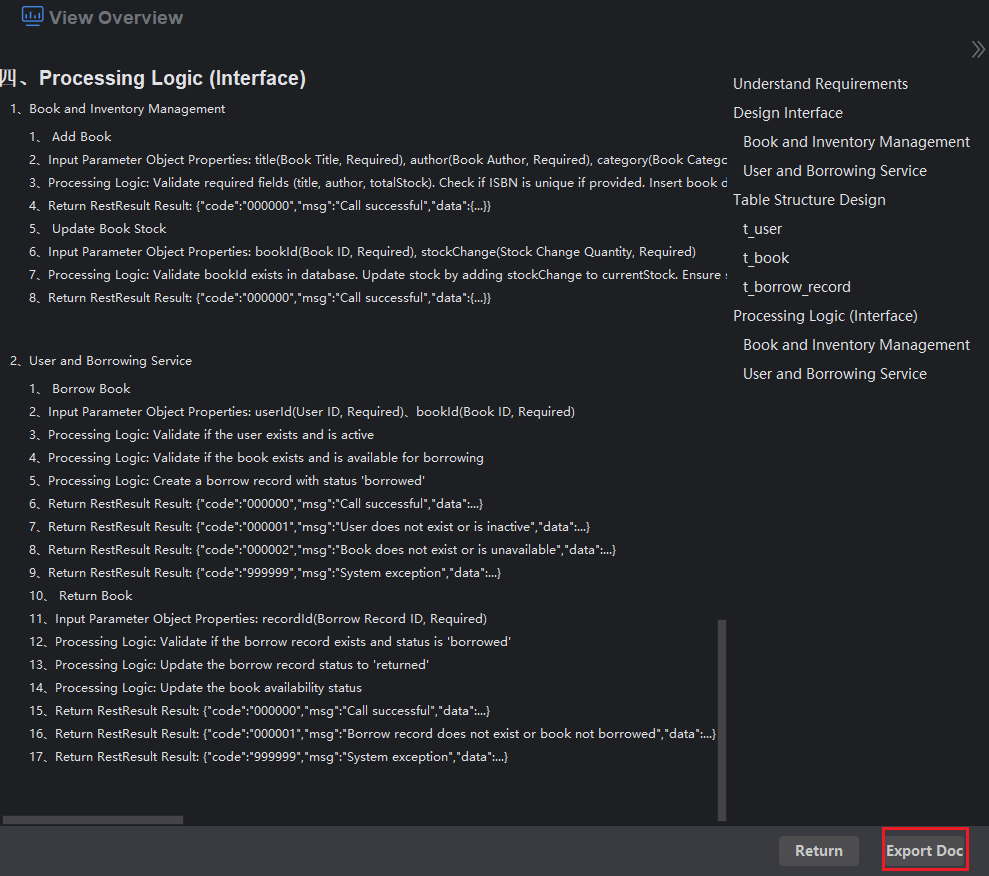
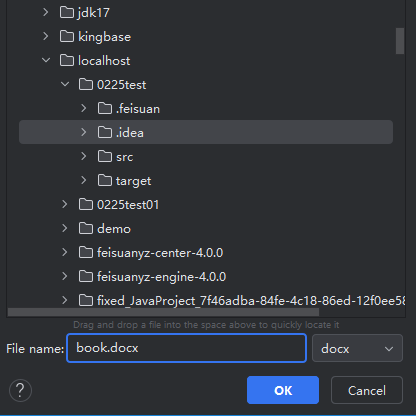
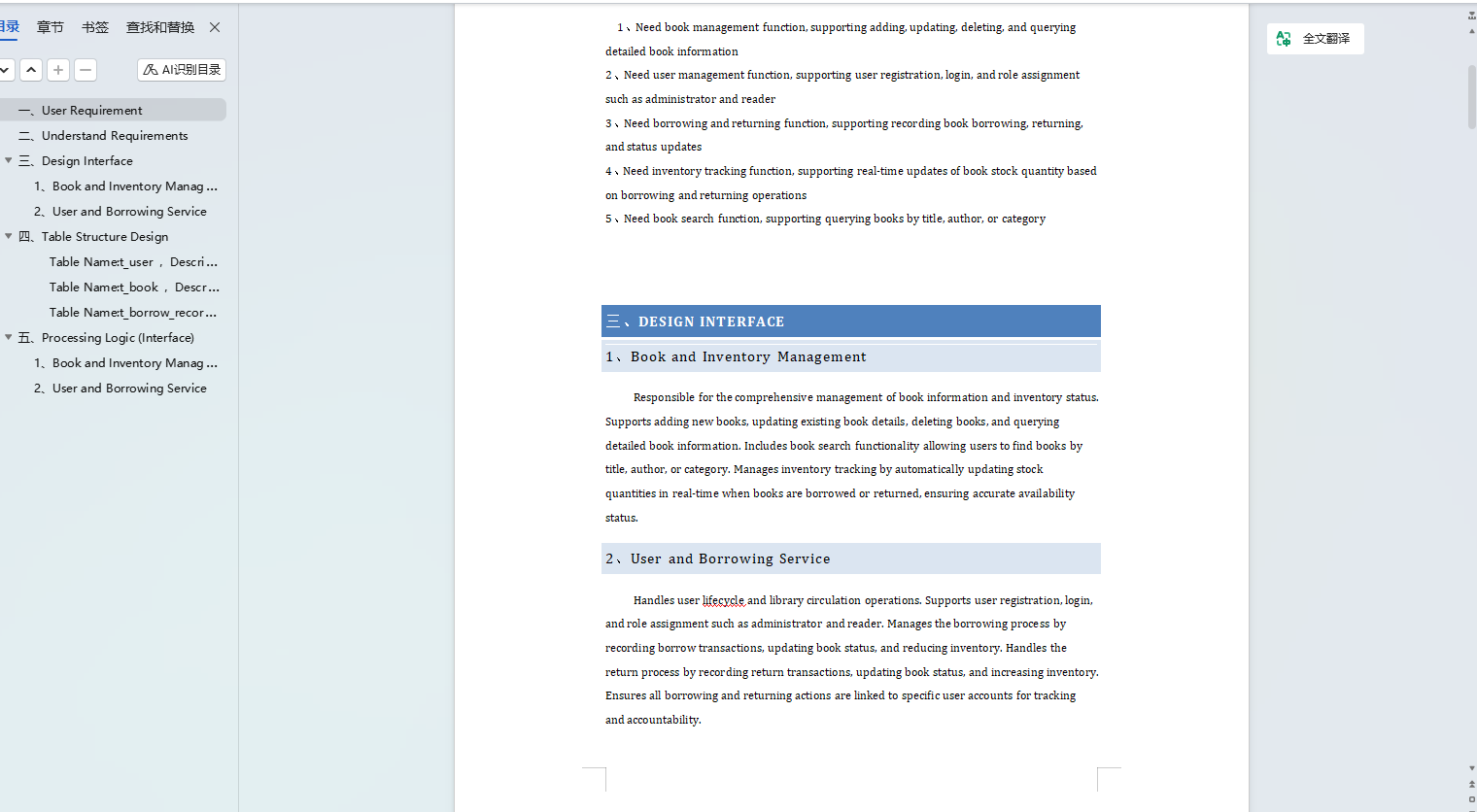
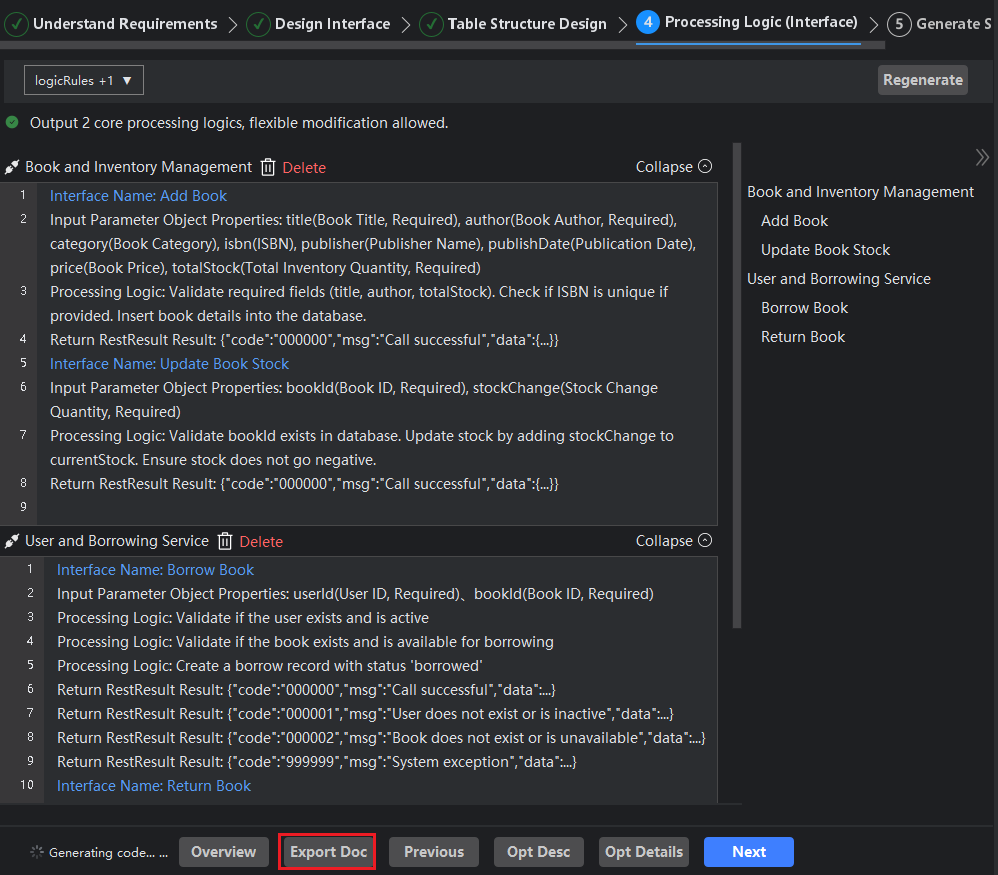
You can quickly export all content generated during the code creation process to a Word document for easy viewing in document format later. The export option is only available after completing the processing logic (interface), and you can also choose to export documentation when viewing the overview. This approach ensures the completeness and accuracy of the documentation, facilitating your further use and reference.
Export Documentation
- Click the "Export Documentation" button.
View Overview - Export Documentation
- Click "View Overview", then click "Export Documentation".