
SQL Statement Correction
Introduction
If a generated SQL statement produces an error upon execution—or if you believe its logic is incorrect—you can use the correction feature to automatically refine it. Note that SQL correction cannot guarantee 100% alignment with your original intent. If the result still doesn’t meet your needs, please revise your input question and try again.
Correcting an SQL Statement
Click "SQL Correction". The system will first re-execute the current SQL statement.
- If an error occurs, it analyzes the error message and generates a corrected version.
- If no error is detected but the logic seems off, it regenerates a new SQL statement based on the original request.
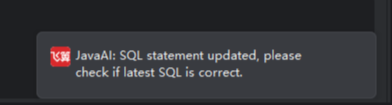
Note: The newly generated SQL will replace the previous one. You can then directly execute the updated statement.
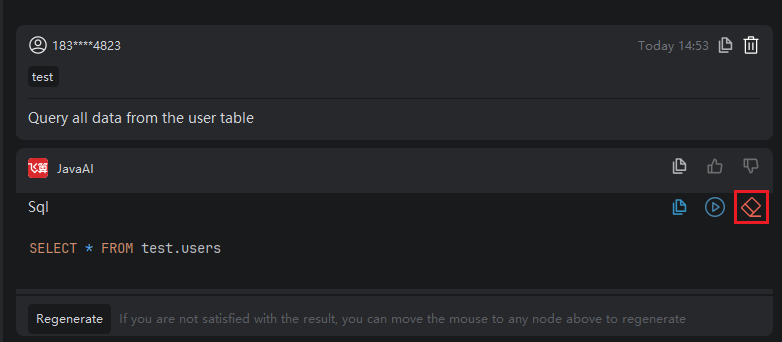
- Click the "Execute" icon to run the corrected SQL and verify the results.