Create a New SQL Request
Introduction
You can submit a natural language question or data request, and SQL Chat will generate an answer based on your connected database—returning both a clear explanation and the corresponding SQL query.
Creating a Request
- Click the "New Request" icon in the top-right corner.

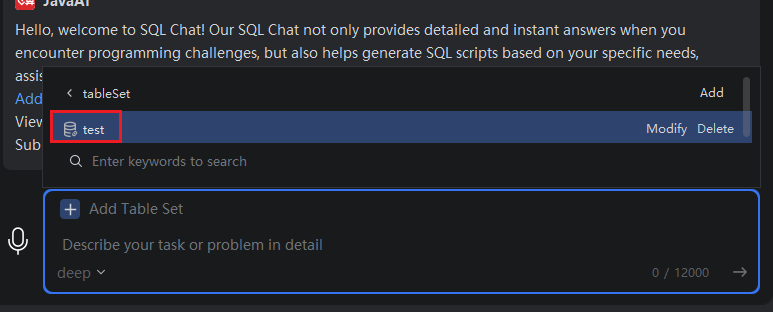
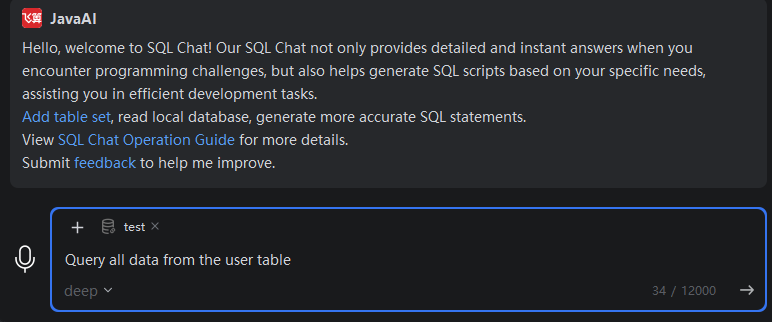
- Select the relevant database and table set, enter your request in natural language, choose a model (if applicable), and click "Send".
Note:
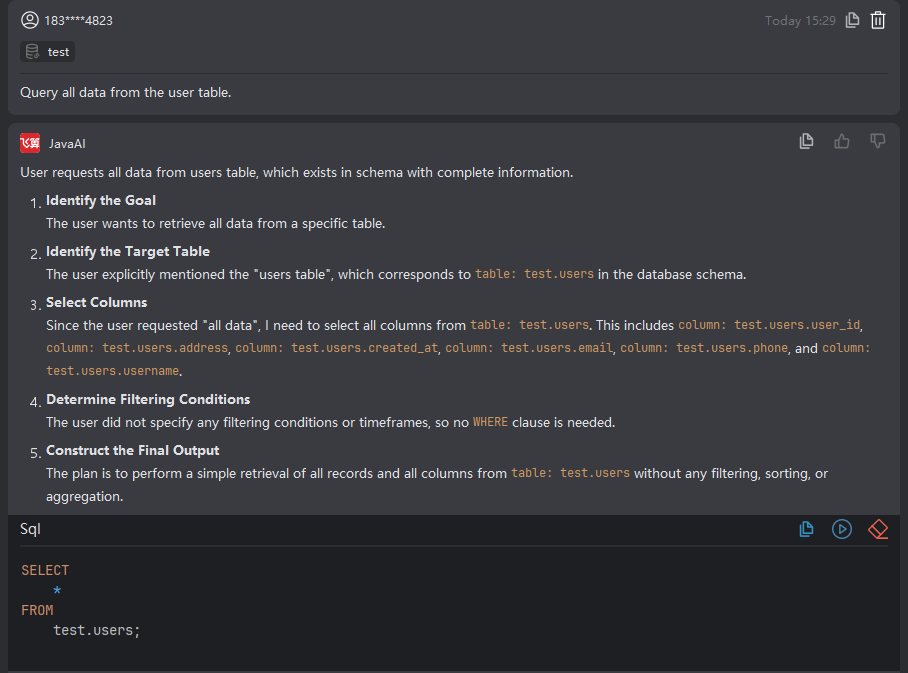
SQL Chat will analyze your question and return:
- A step-by-step reasoning of how the query was constructed
- The final generated SQL statement
You can then:
- Review the SQL for correctness
- Execute it directly in the Database plugin to verify if the results match your expectations
If the result is not as expected, refine your request—the more clearly you describe the tables, fields, and intent, the better the output.
Multi-turn conversations are not supported; each request is processed independently.