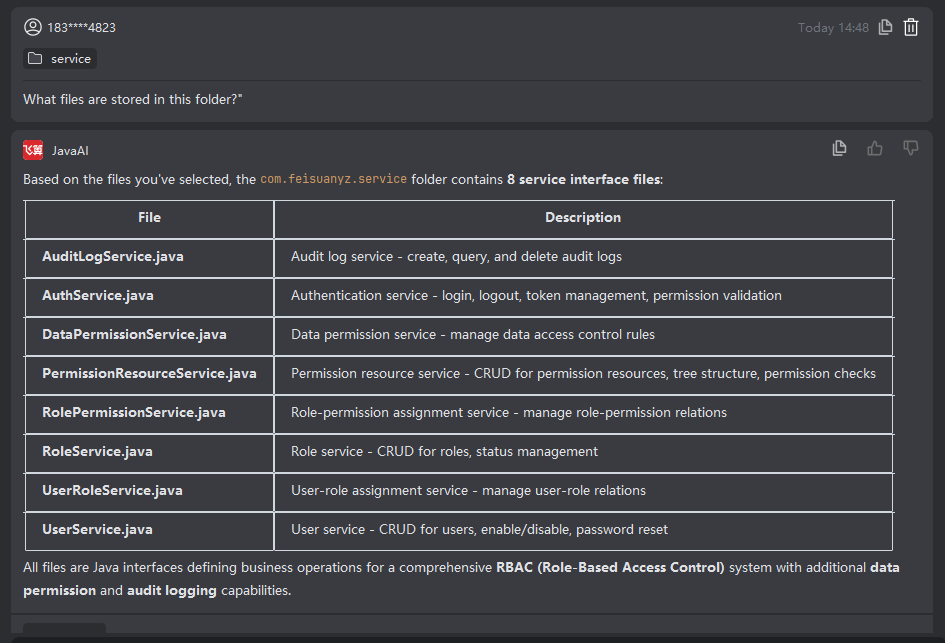
Folder
Introduction
You can directly select a folder and then input your requirements. Feisuo JavaAI will analyze all files within that folder and generate appropriate suggestions or complete the requested task based on both the folder contents and your specified needs.
Folder
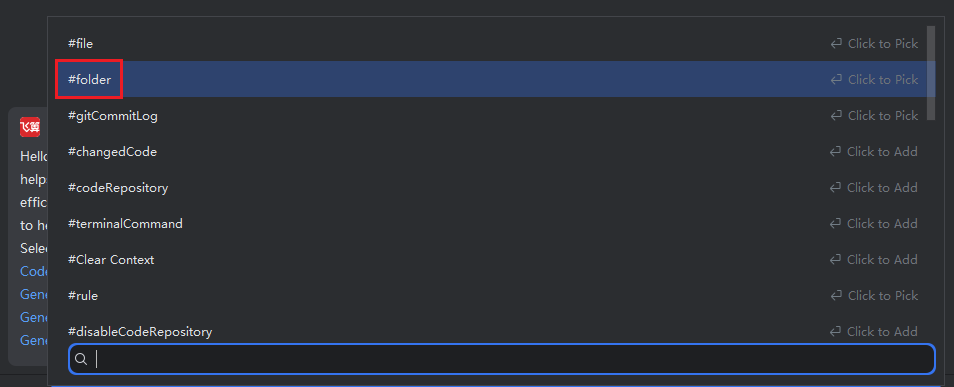
- Select "Folder".
- Use structured input to describe your optimization request for the files in this folder or specify a programming task involving this folder.
- After the system processes your request and applies modifications, review the results. If they don’t meet your expectations, continue refining your description for further adjustments. If satisfied, click "Accept".