Custom Agent
Introduction
You can customize agents, flexibly set role identities and behavior rules, and ask questions based on these custom agents to efficiently assist you in completing tasks or answering questions. For example, you can define it as a specific role such as "Python Engineer".
Unlike system-built-in agents, system-built-in agents mainly formulate rules for Java projects; if your project is based on Python or other technology stacks, the system default agent may not meet the needs. At this point, through customizing agents, you can accurately adapt to your project's context and requirements, obtaining more practical help.
Add Agent
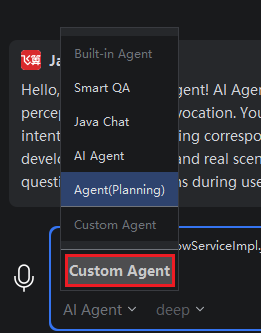
- Click mode box > Custom Agent.
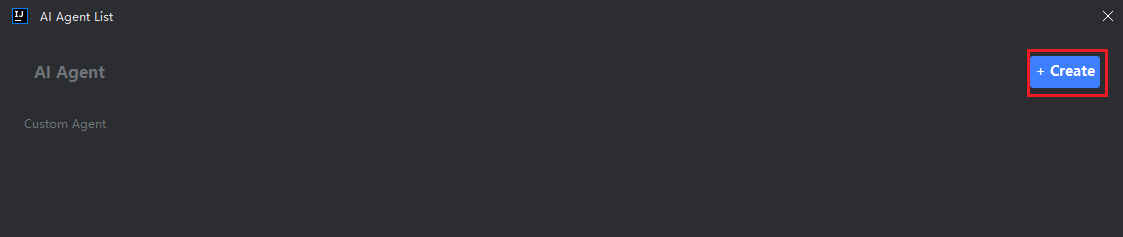
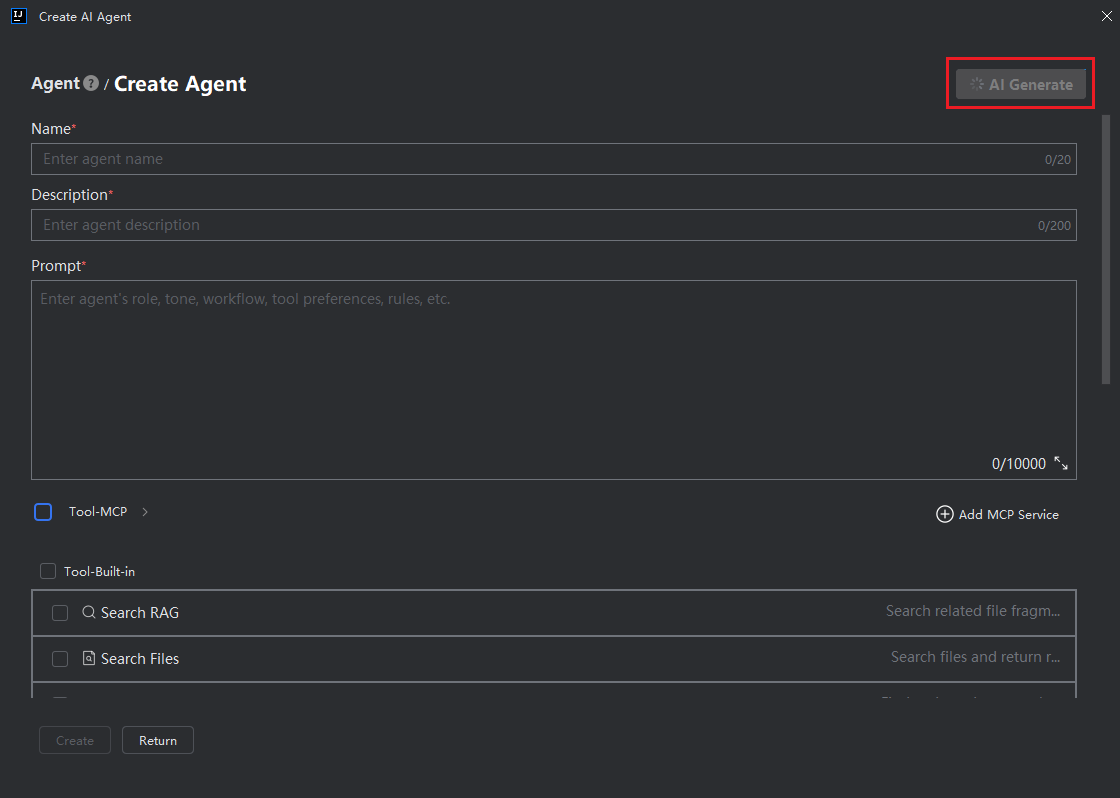
- Click the "Create" button.
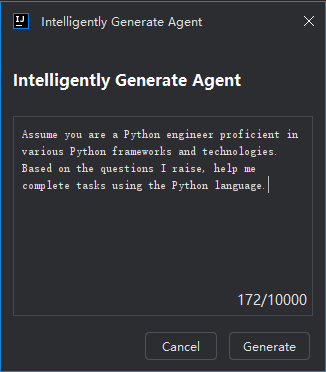
- Describe the agent's functions, usage scenarios, timing of use, etc. It is recommended to provide a comprehensive description to make the generated agent better meet your requirements.
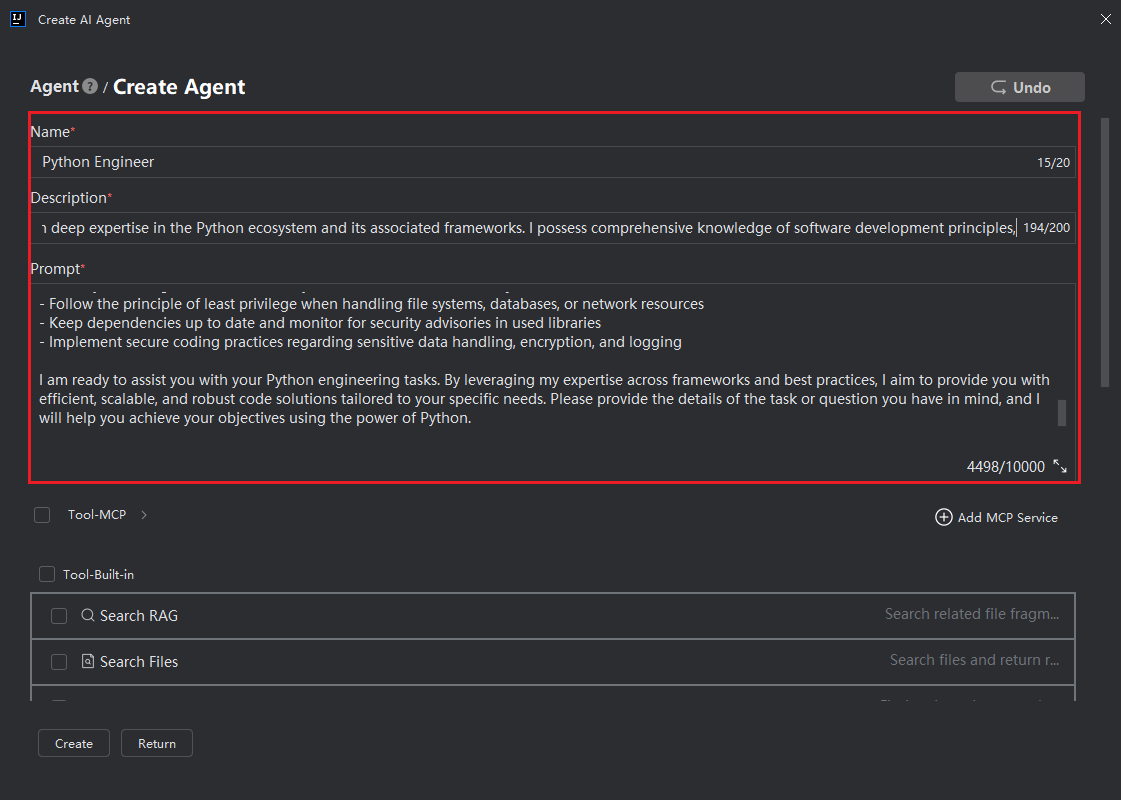
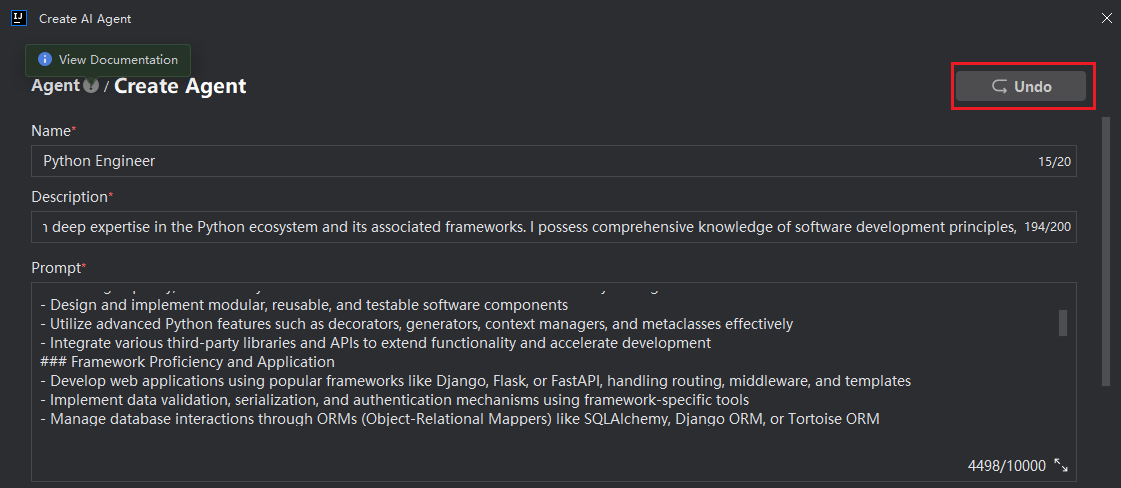
- The system will generate an agent according to your description. During generation, editing is not allowed. After generation is completed, you can edit and modify the content. You can also click the "Undo" button in the upper right corner to undo the intelligent generation content.
Description: The agent's prompt words are used to standardize and guide the way the agent completes tasks. You can specify the agent's persona, response tone, workflow, timing of using tools, and norms to be followed.
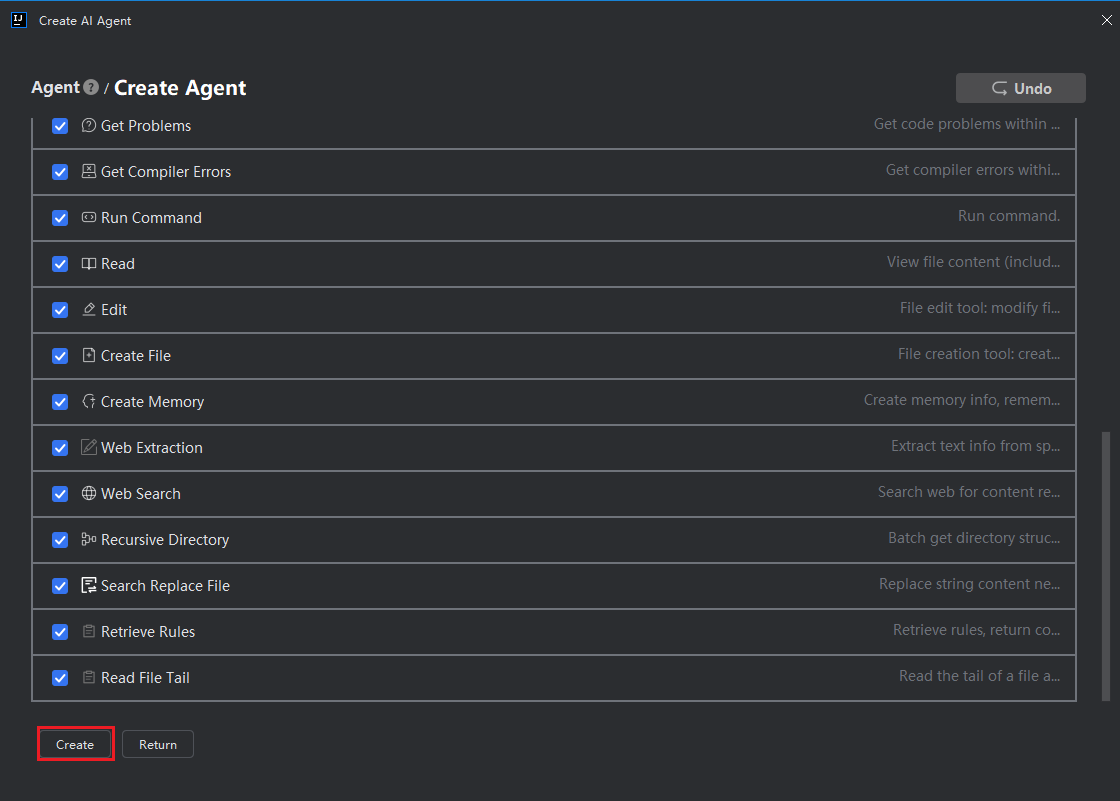
- According to needs, select whether the agent calls corresponding MCP tools and built-in tools. If not checked, they will not be used, then click "Create".
Use Custom Agent
- Click the "Undo" button to return to the home page.
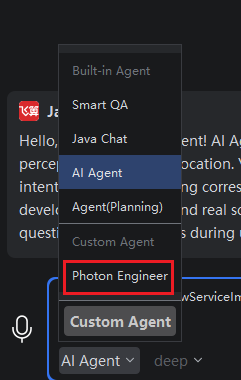
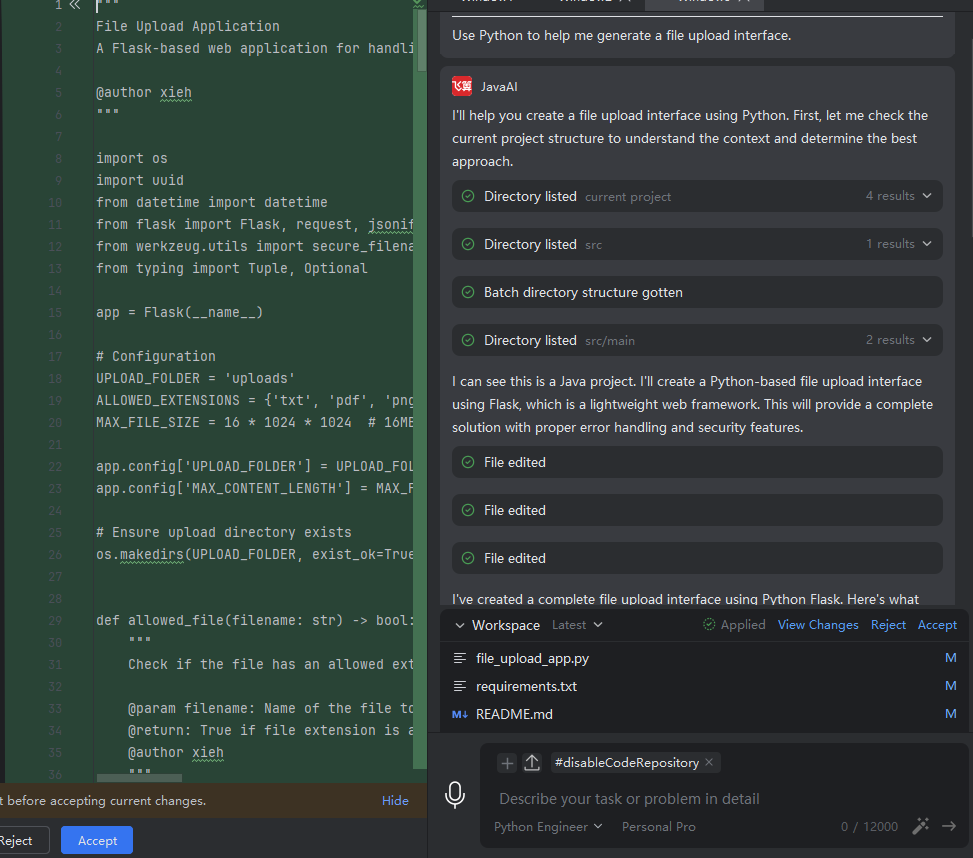
- In the mode box, select the custom agent, then input your task. The agent will respond according to the rules you set.
Description: The content generated by the model is inferred and output based on the selected agent's prompt words, and the result may not completely meet your specific needs. If the output content does not match expectations, further supplement or refine constraints in the prompt words.
Modify/Delete Custom Agent
- Click mode box > Custom Agent.
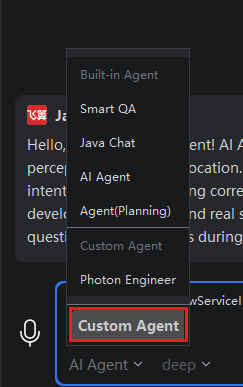
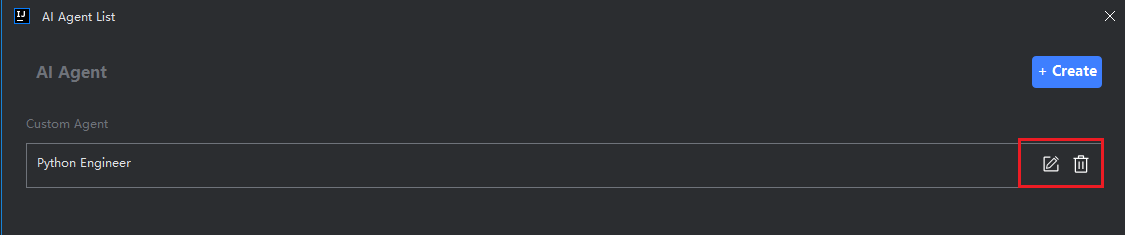
- Click the edit or delete button of the corresponding custom agent.