Java Cleaner
Introduction
The Java Cleaner resolves common static analysis issues (also known as SAST issues) and automatically fixes Checkstyle violations. It also automatically cleans up code—for example, by removing unnecessary parentheses, simplifying expressions, and more—to make Java code clean and tidy.
Java Cleaner
- Click the "top-left corner" to switch and select "AI Toolbox".
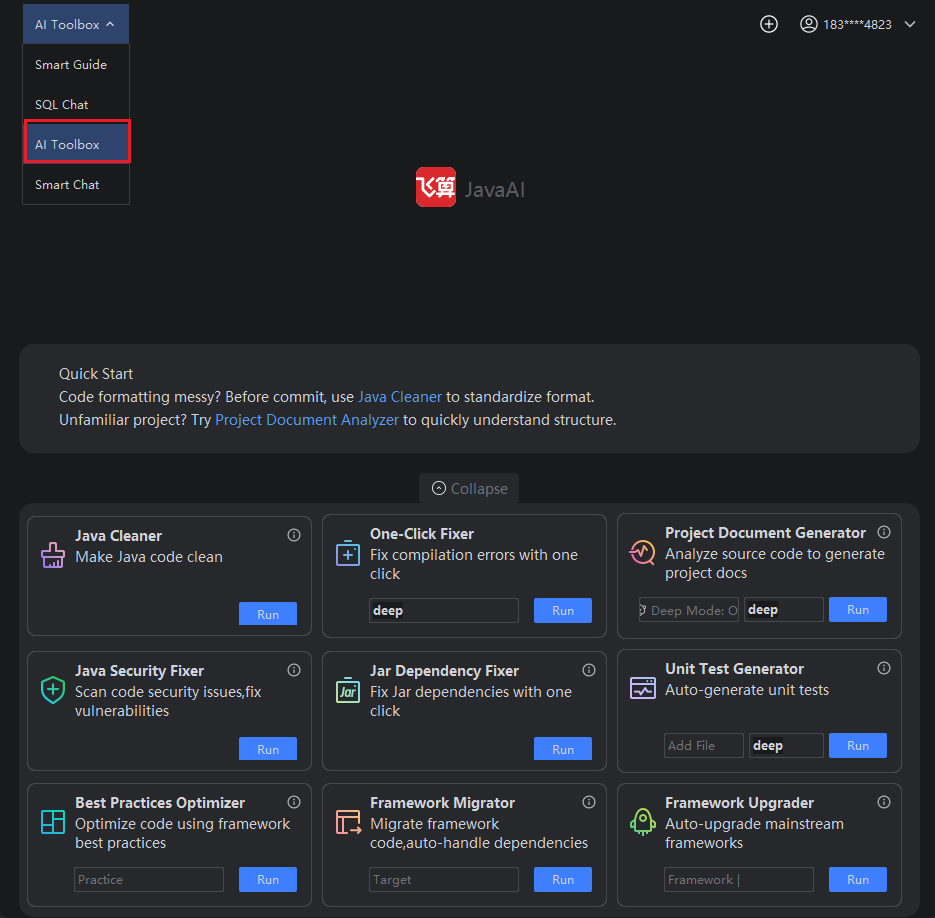
- Click the "Run" button in the Java Cleaner.
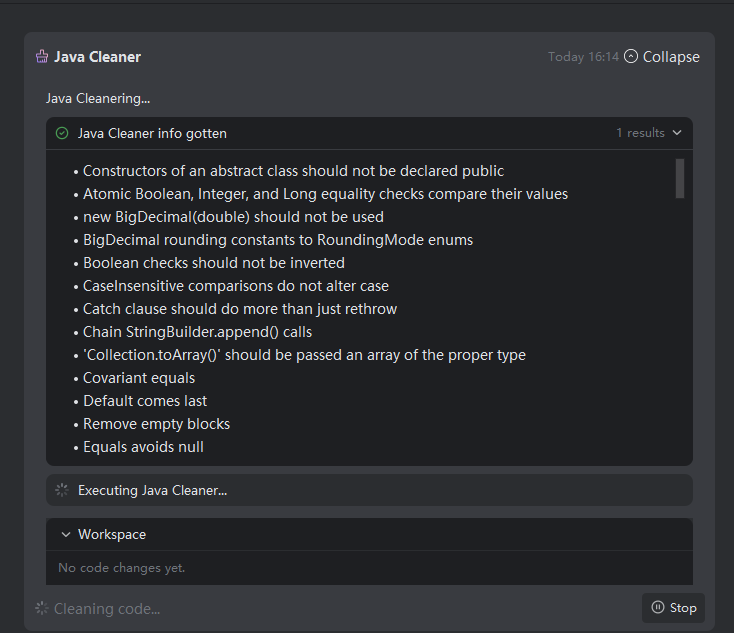
- Wait for the cleaning process to complete successfully.
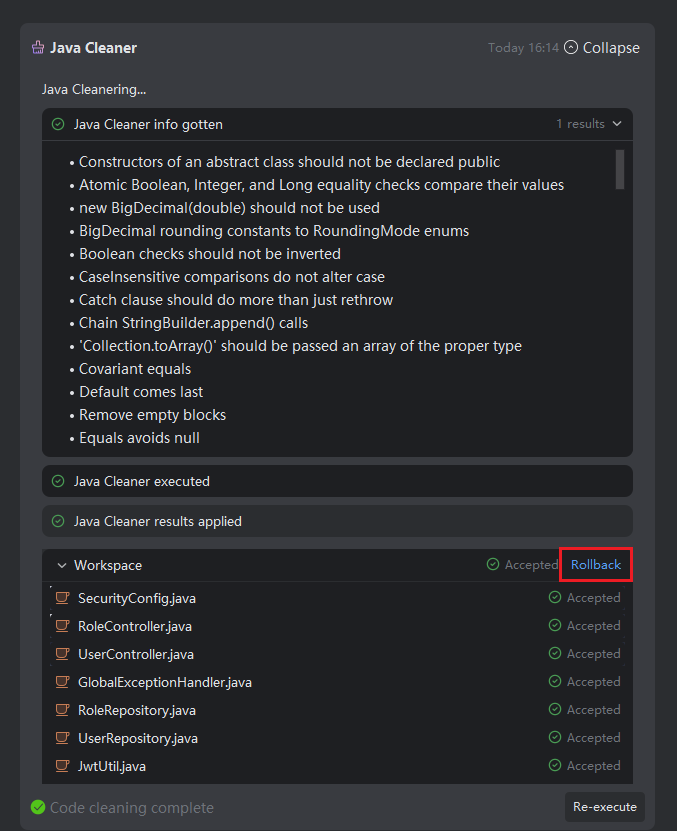
- After successful cleaning, view the cleaned files in the workspace by clicking on them, then choose to accept or reject the changes.
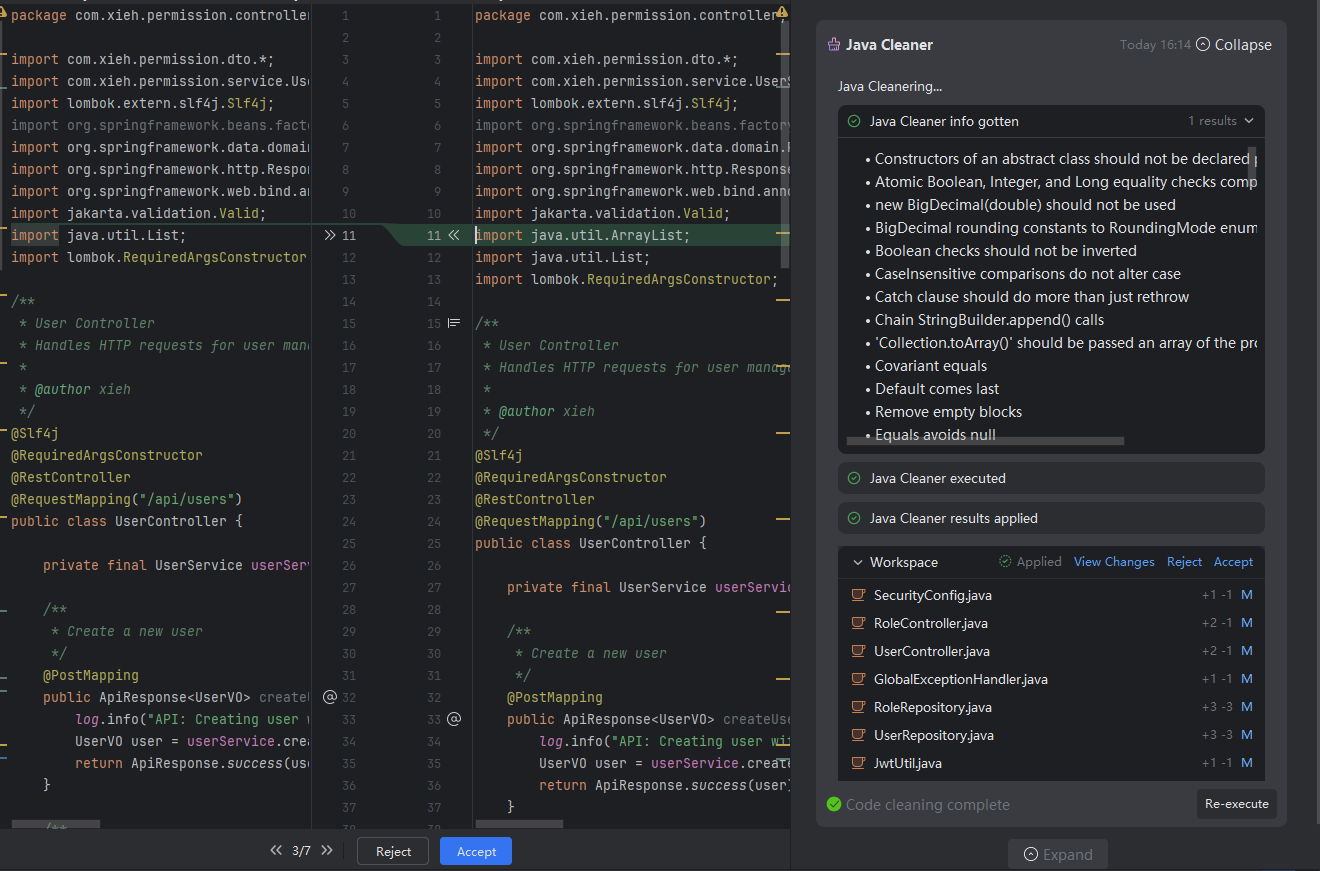
- If you need to restore the previous version, click the "Revert" button.