Phone Number Registration
Introduction
Register an account using your phone number and password. After successful registration, you can log in using the same phone number and password. Please note that SMS verification codes are required during registration, so ensure that the phone number you provide can normally receive SMS verification codes. This verification code is only used for account registration verification.
Phone Number Registration
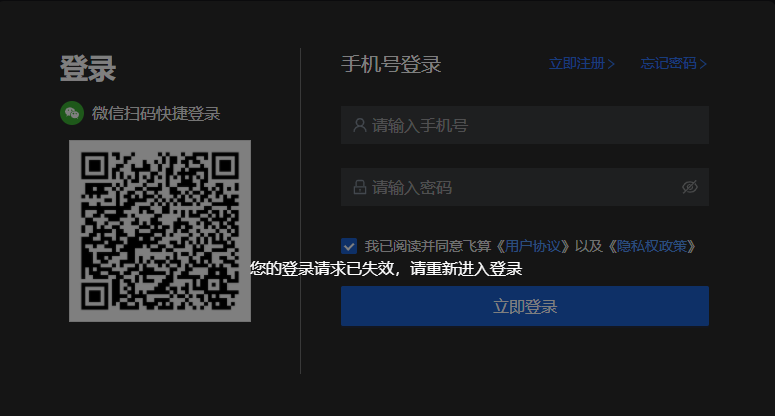
Click the "Login" button, and the page will redirect to open the login page in the browser.
Note: If clicking login does not automatically open the browser or load the login address, please manually start the browser and directly paste the address in the address bar. Please note that the login address has been copied to the clipboard, and can be used directly by pasting.

- Click "Register Now"
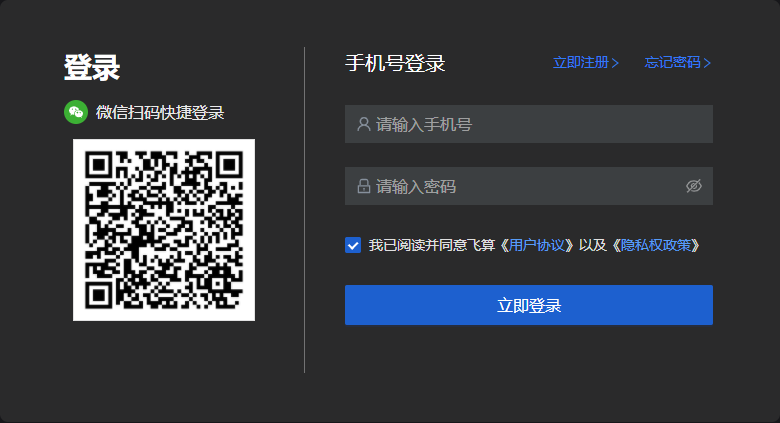
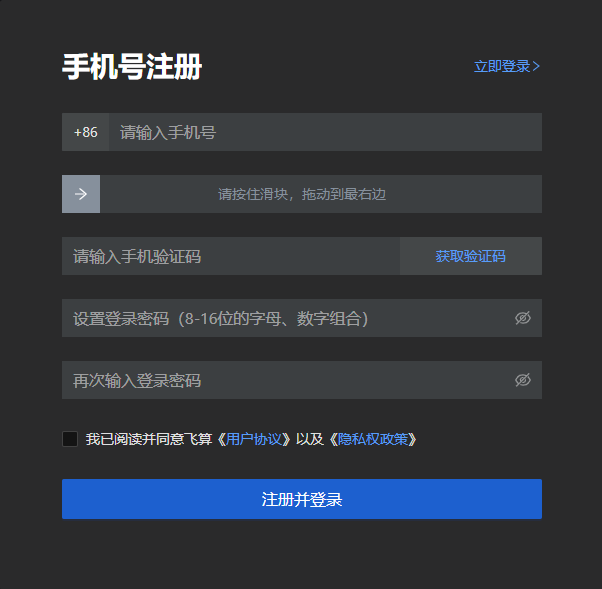
Select "Phone Registration", fill in your phone number on the registration page, then click "Get Verification Code", enter the verification code, set your login password, slide the slider, and check the agreement.
Note: The login password rule is 8-16 digits and letter combination. Before registering, you need to read FeiSuan's "User Agreement" and "Privacy Policy". After reading, you can check the box.
- After the browser has been open for a long time without any operation, it will become invalid. After becoming invalid, please re-login in FeiSuan JavaAI.