Copy Rules
Introduction
You can copy rule configurations from the current project, from other projects, or to global rules. This enables quick reuse of validated rule sets across different contexts.
Copy Rules from Another Project
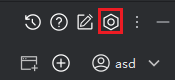
- Click "Settings > Rule Management".
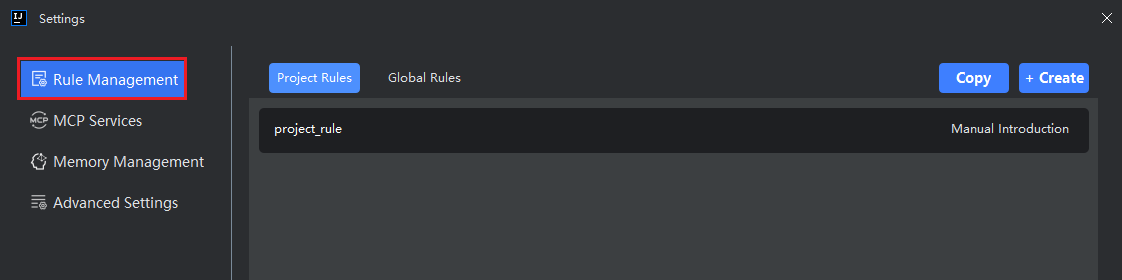
- Choose whether to copy the rules to "Project Rules" or "Global Rules", then click the "Copy Rules" button.
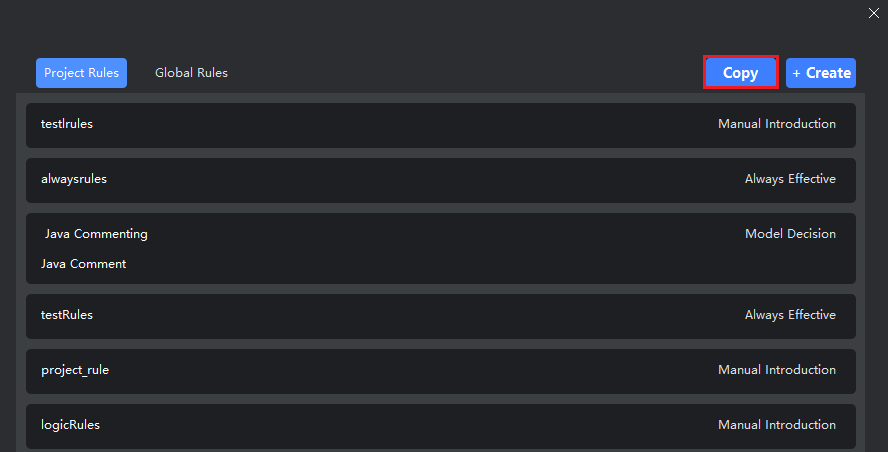
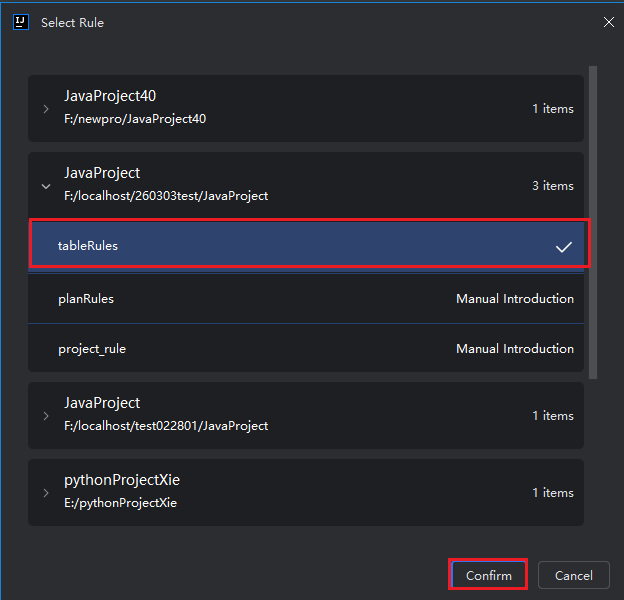
- Select another project from the list, expand it to view its available rules, choose the desired rule(s), and click "OK".
Note:
- Only project rules from other projects are displayed; global rules are not shown.
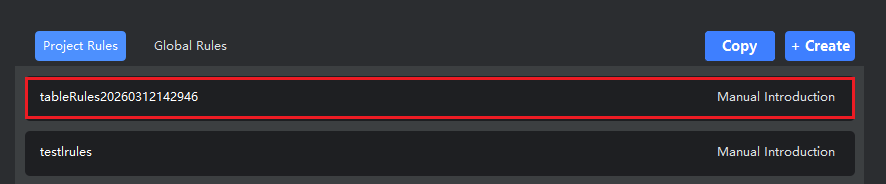
- If a rule with the same name already exists in the target location, a random suffix will be appended to ensure uniqueness (e.g.,
MyRule_8a3f).
Copy Current Project Rules
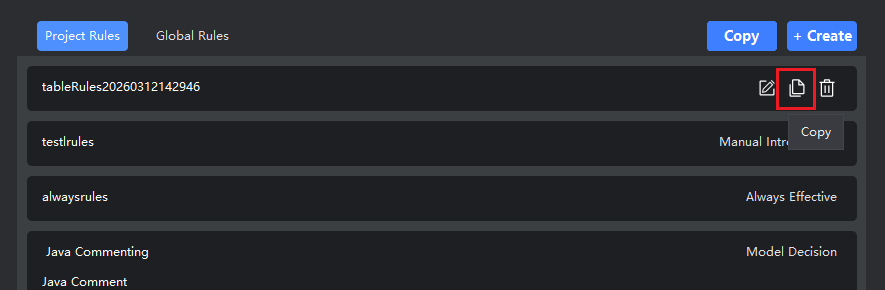
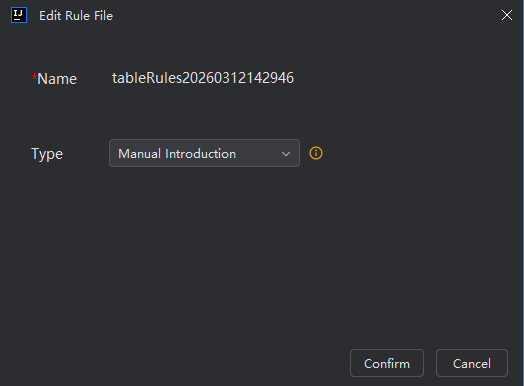
- Select the rule you want to duplicate within the current project, click the "Copy" button, then click "OK" to confirm.