Memory
Introduction
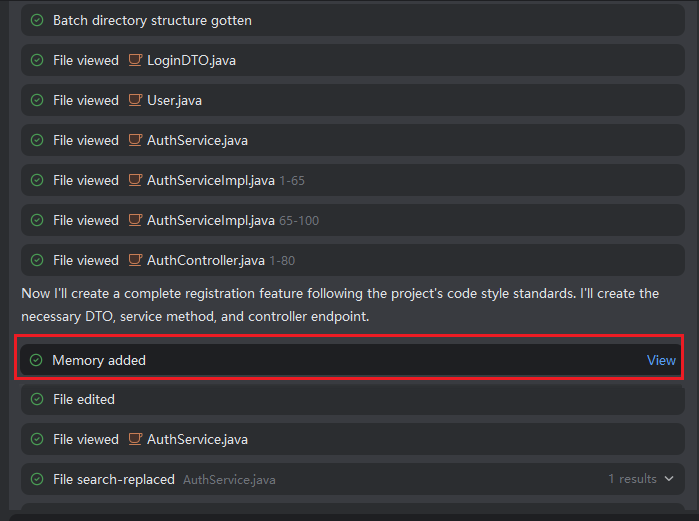
The intelligent agent will actively remember the conversation information between you and the agent, automatically classify, organize, and analyze related questions, and gradually form rich memories related to individual developers, engineering projects, problems, etc. At the same time, you can also actively request the agent to remember your coding style, habits, preferences, etc., so that subsequent programming tasks can be closer to your style preferences, making the entire project style consistent.
Active Memory
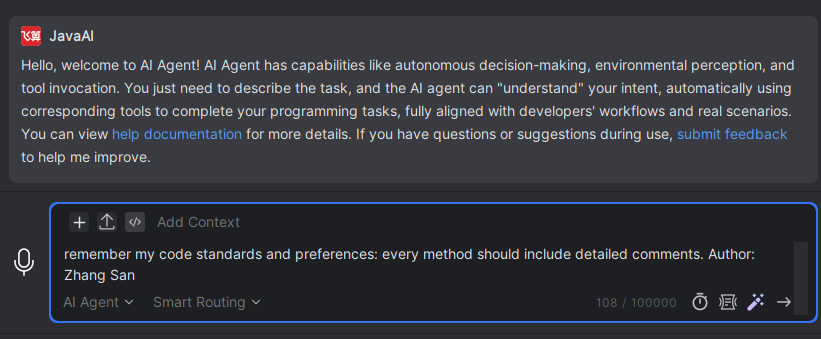
- Under the agent, send things you want the agent to remember in the input box, such as: "Remember my coding standards: XXXX", etc., and the agent will recognize and remember them.
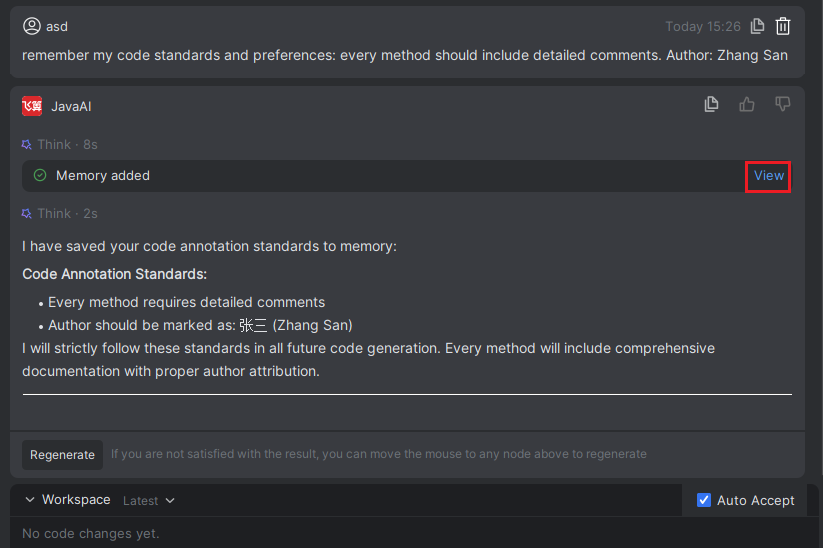
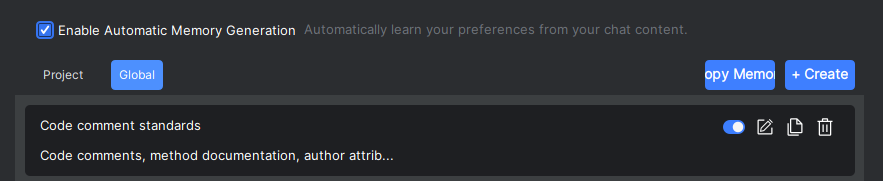
- Click "View" to see the memory content.
Automatic Memory
- Automatic memory requires no operation, just communicate normally with the agent. The agent will automatically add relevant memories based on context.