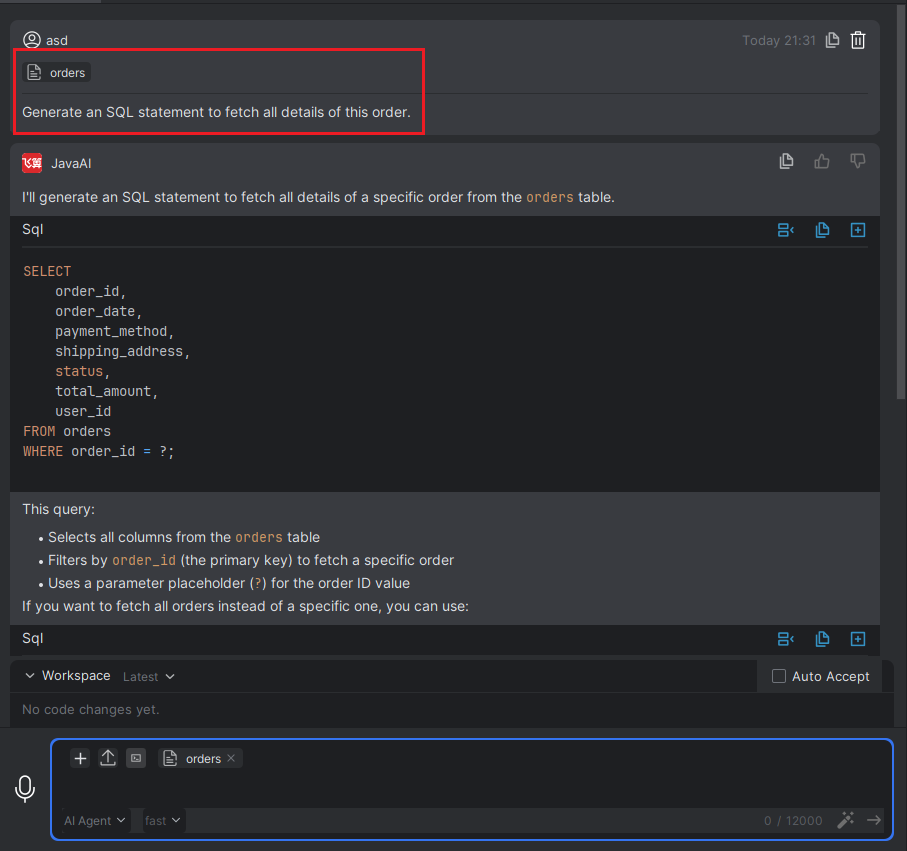
Database Tables
Introduction
You can associate specific database tables within the context. The model will then combine your requirements with the database table information to provide an answer. Please note that if no MySQL database information has been added, the database tables will not be displayed. Please add the connection information for the corresponding database in the Database plugin first. If your IntelliJ IDEA is the Community Edition, you will need to install the Database Navigator plugin before adding the database information.
Database Tables
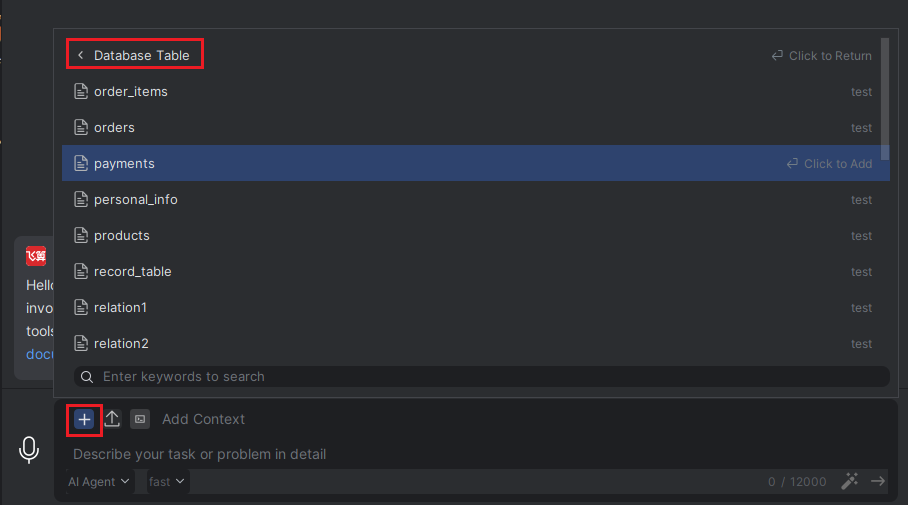
- In the "Add Context" area, click the "+" icon, select "#Database Tables", and then choose the corresponding table.
- Then, enter your requirements related to this table in the input box. For example, querying relevant data from this table.