
Submit Feedback
Introduction
If you encounter any issues or have suggestions while using the tool, please use the Submit Feedback feature. Your input helps us understand your experience and continuously improve the product based on real user needs.
How to Submit Feedback
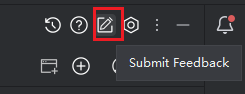
- Click "Usage Feedback" in the top-right corner of the interface.
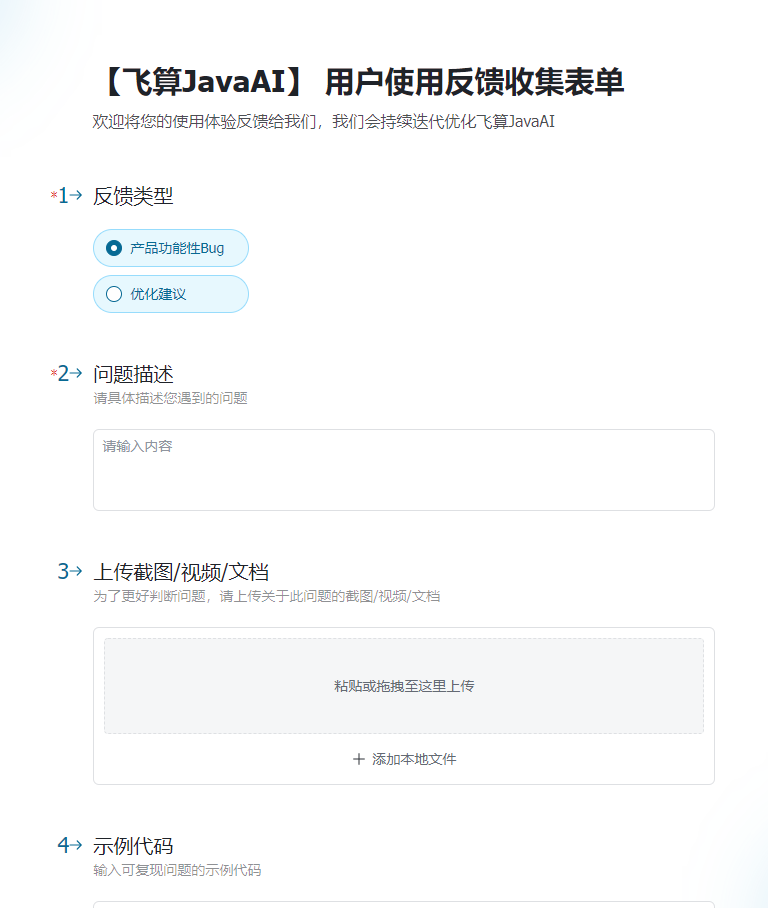
- Your browser will open a feedback form. Select the appropriate issue type and describe your problem or suggestion in detail.
- Finally, click "Submit". Our support team will review your feedback promptly and forward it to the engineering team for follow-up and optimization.