Usage Scenario Examples
Introduction
Two types of MCP services are supported. You can choose the appropriate MCP service type to experience MCP functionality.
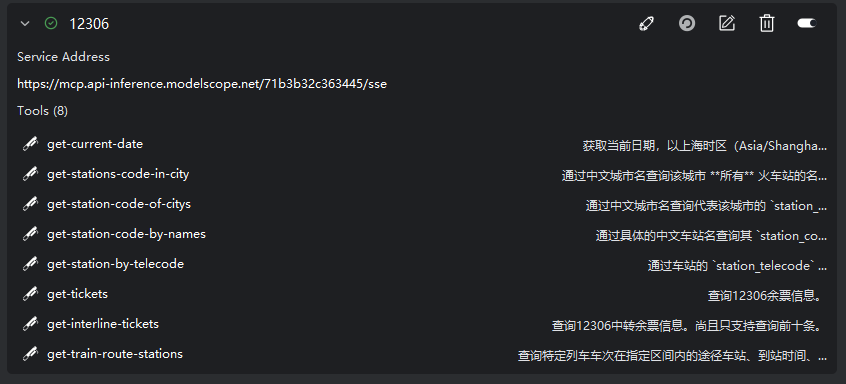
SSE type (remote service hosting): This type of service is hosted on a remote server, with a simple and quick configuration process, making it ideal for new users to get started quickly. In this example, we will use the 12306 ticket inquiry system's MCP service selected from the ModelScope MCP Marketplace to experience invoking this MCP tool within an agent to query ticket information.
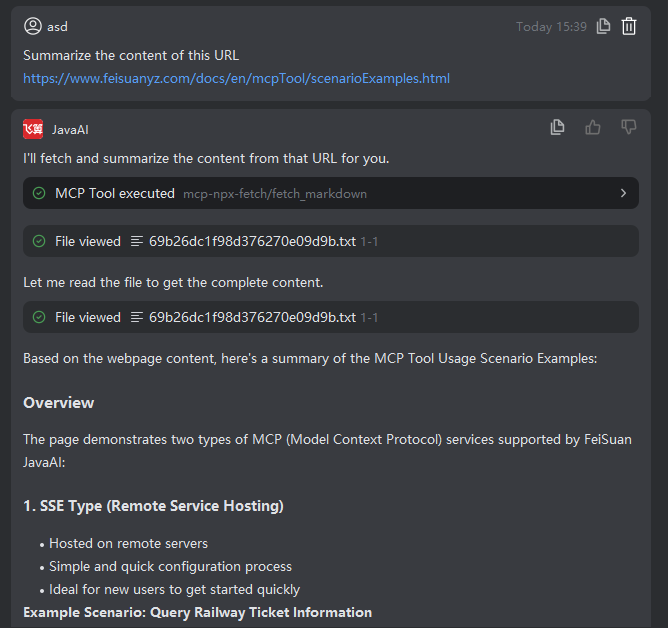
STDIO type (local service execution): This type of service runs in your local environment and requires preparation of your local setup, suitable for professional developers. In this example, you will experience using a local MCP service to fetch web page content.
Scenario One: Query Railway Ticket Information Using a Remote MCP Service
Example requirement: Query railway ticket information for travel from Shenzhen to Shanghai on October 25, 2025.
- In the MCP Plaza, search for “12306”, then install the railway ticket inquiry system’s MCP service and enable it.
Note: You can also open the ModelScope MCP Marketplace (https://www.modelscope.cn/mcp) to find the SSE-deployed MCP service, copy the corresponding information, and add it to the MCP service in FeiSuan JavaAI plugin. For instructions on how to add a service, please refer to the “MCP Service Configuration and Usage” section.
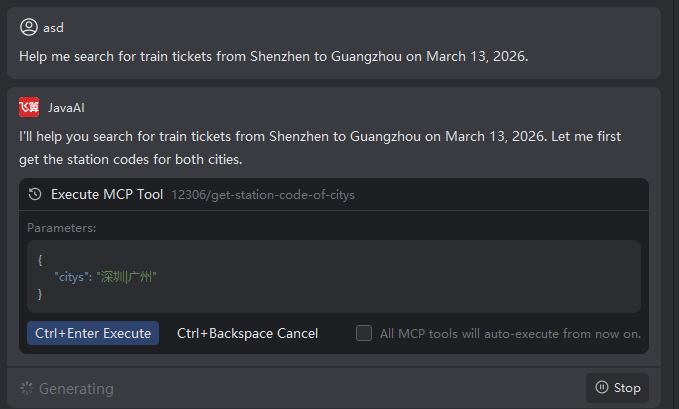
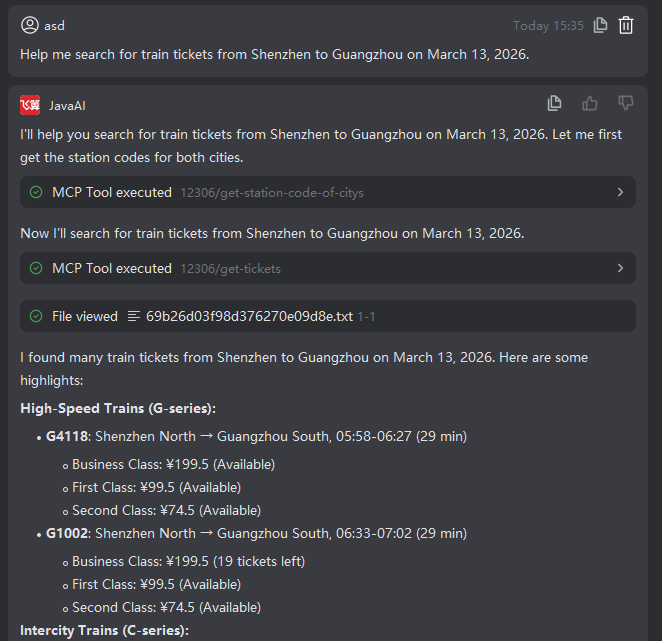
- In Smart Agent chat mode, enter the request: Query railway ticket information for travel from Shenzhen to Shanghai on October 25, 2025.

- The agent will invoke the corresponding tool to fulfill the request.
Scenario Two: Fetch Web Page Content Using a Local MCP Service
Example requirement: Summarize the content of this URL: https://www.feisuanyz.com/docs/languages/help.html
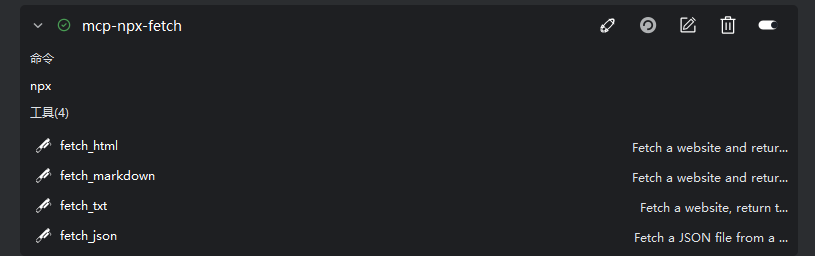
- In the MCP Plaza, search for “Content Fetching and Conversion Tool”, then install the MCP service and enable it.
- In Smart Agent chat mode, enter the request: Summarize the content of this URL https://www.feisuanyz.com/docs/languages/help.html

- The agent will invoke the corresponding tool to fulfill the request.