Offline Plugin Installation
Introduction
Installing plugin packages in the IntelliJ IDEA tool, currently demonstrated using IntelliJ IDEA.
Offline Installation
- Use a browser to open the official website address https://www.feisuanyz.com, then click "Get JavaAI", then scroll to method two, then click "Download offline installation package".

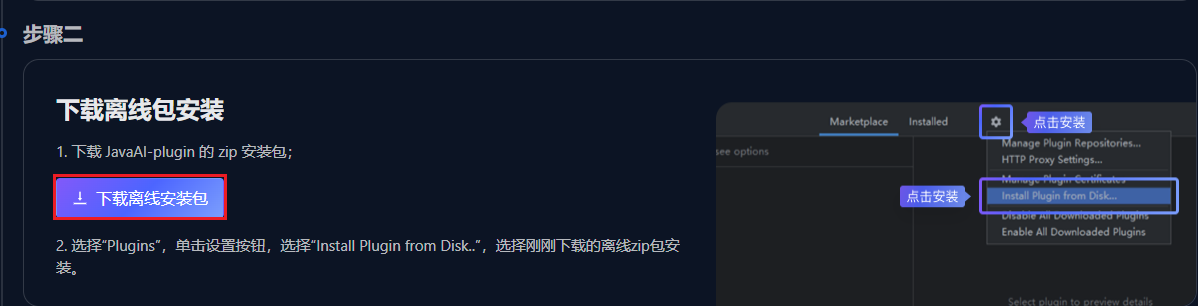
Place the zip plugin package in the desired directory, no need to extract.
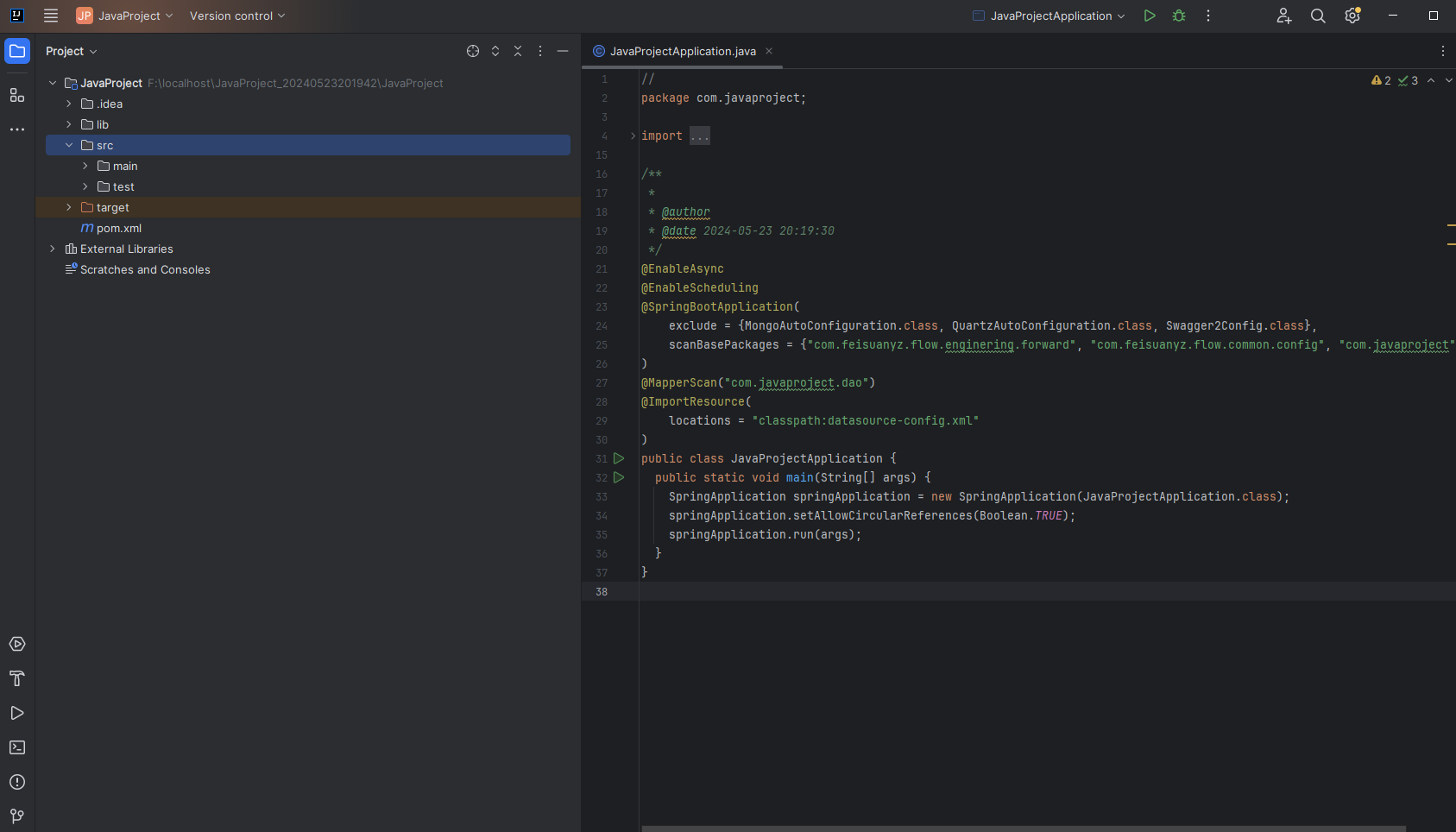
Open the IntelliJ IDEA tool.
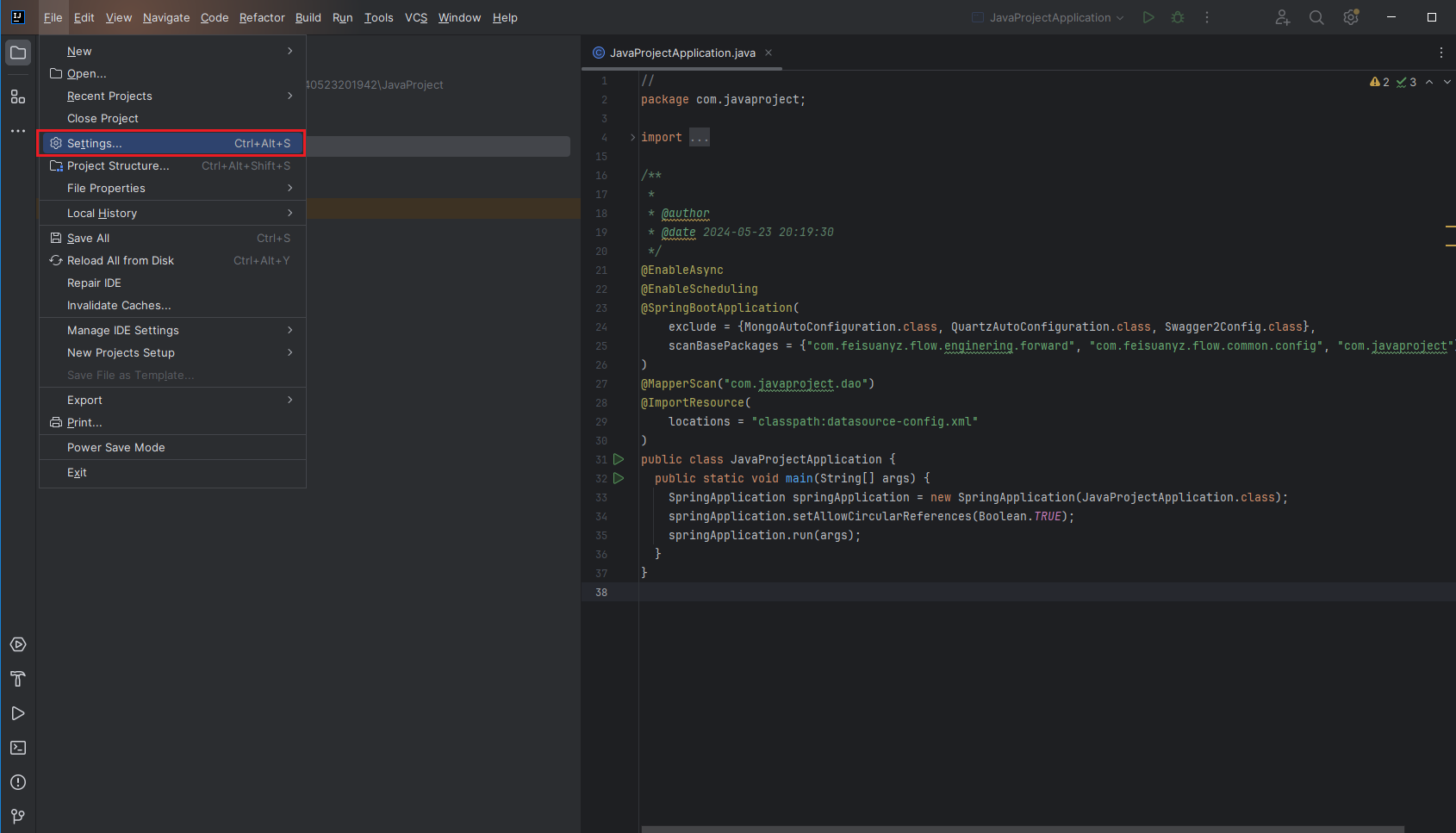
- Click the upper left corner "File > Settings".
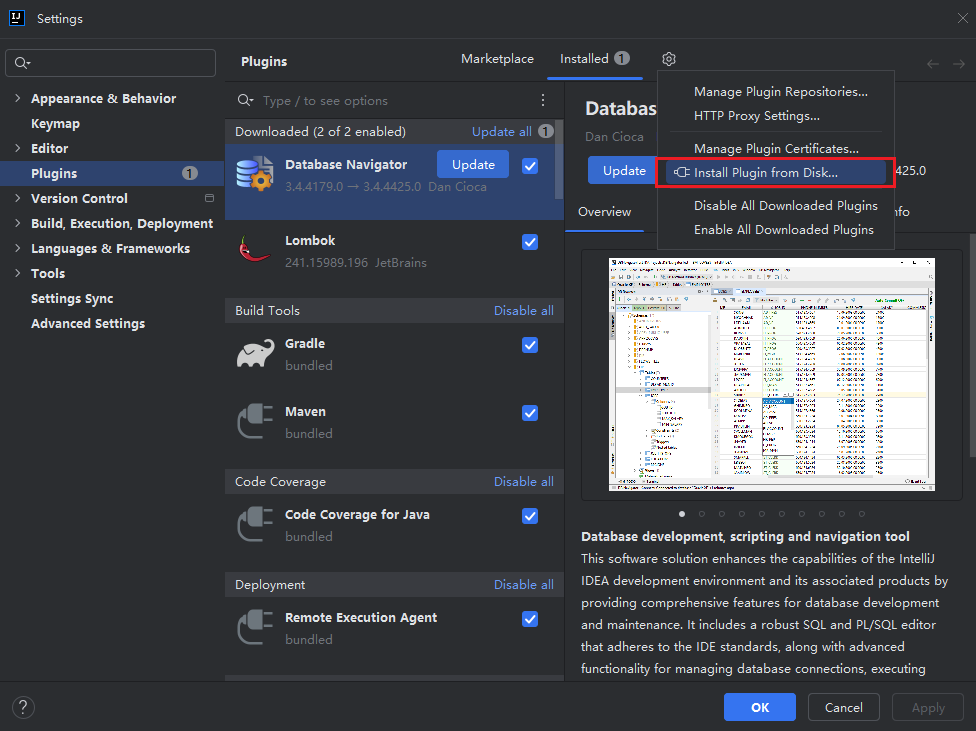
- Select "Plugins", then click the settings button, select "Install Plugin from Disk...", choose the downloaded offline zip package.
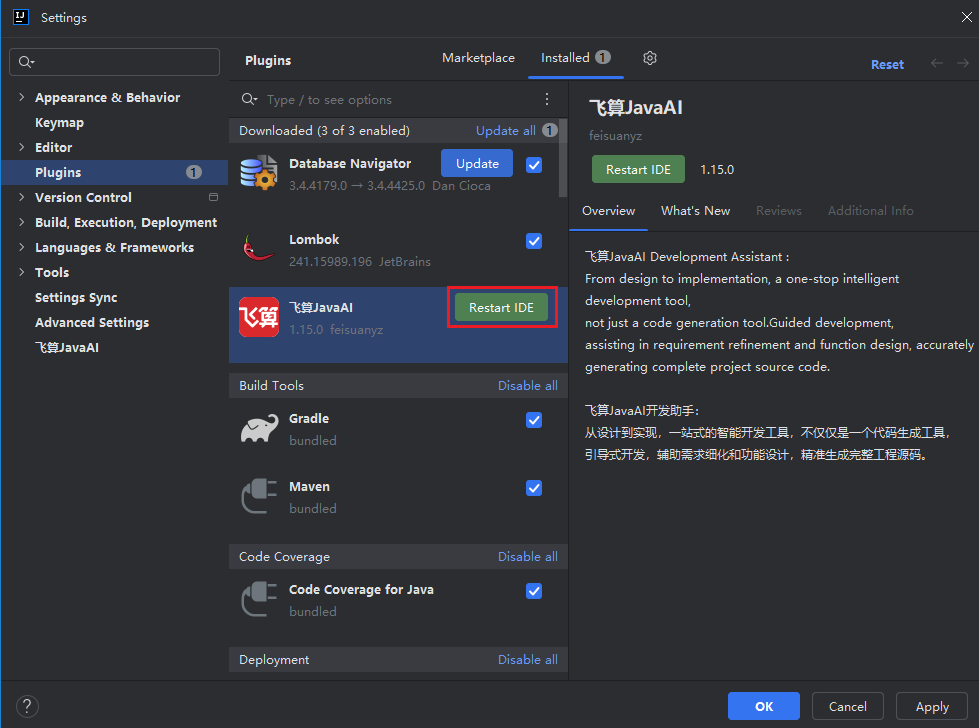
- Restart the IntelliJ IDEA tool.
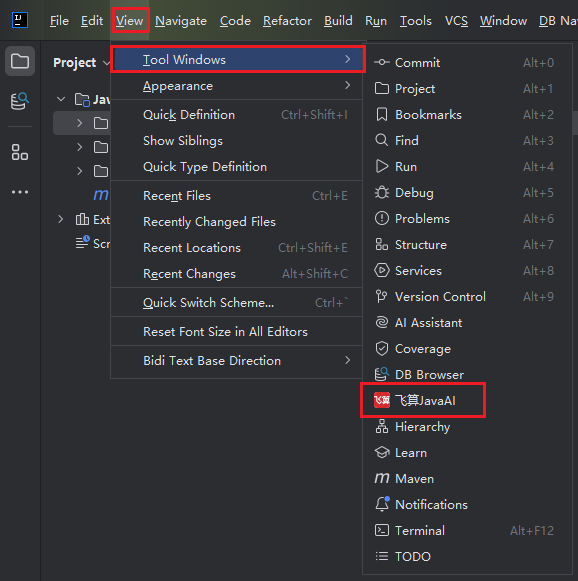
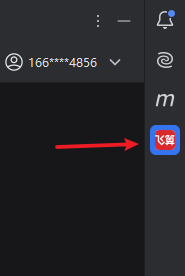
- You will see the FeiSuan logo icon on the right side, indicating successful installation. If the logo icon is not displayed, please follow the operations in step 8.
- Click the top menu bar "View > Tool Windows > FeiSuan JavaAI" to open.