Generate Frontend Project
Introduction
Java Web Project (New Version) supports generating frontend projects. You only need to clearly describe the frontend project requirements in your request. In step 5, you can set the name and generation rules for the frontend project, and the system will automatically generate corresponding frontend code files according to the set rules.
Generate Frontend Project
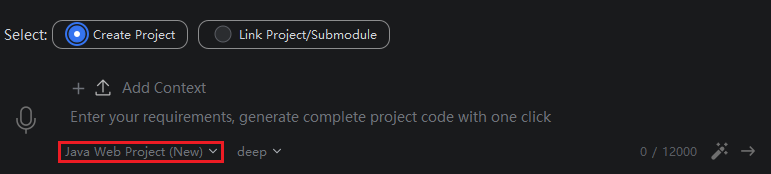
- Select Java Web Project (New Version), then in the input box, clearly describe the frontend requirements and backend requirements, then click Send.
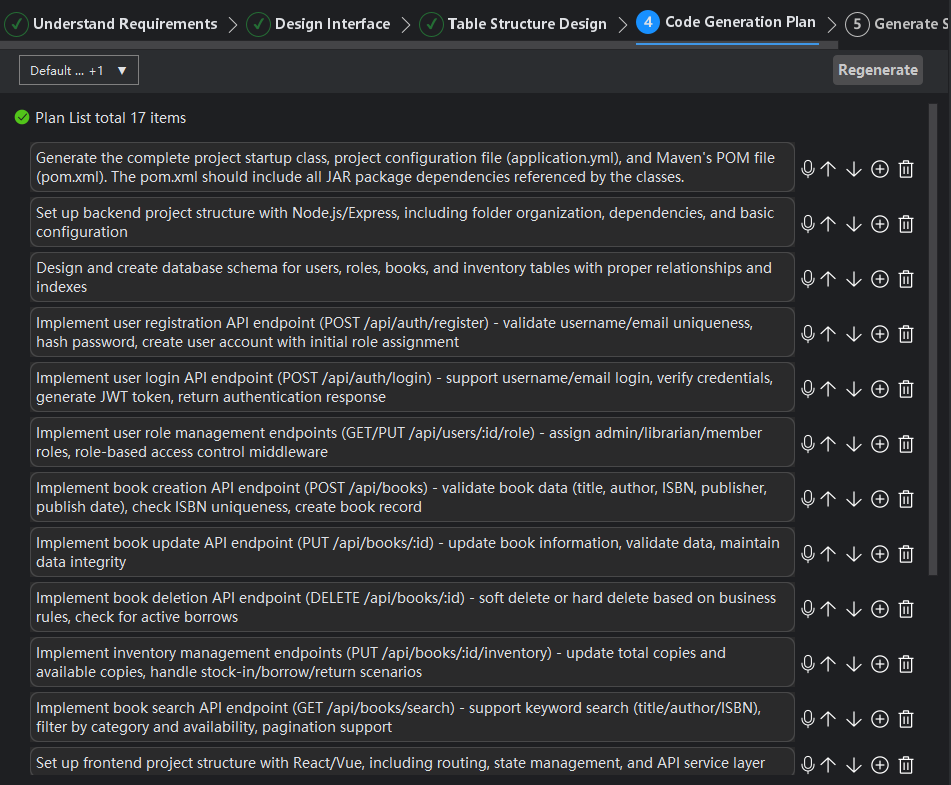
- Steps two and four remain the same as before, please adjust according to your requirements.
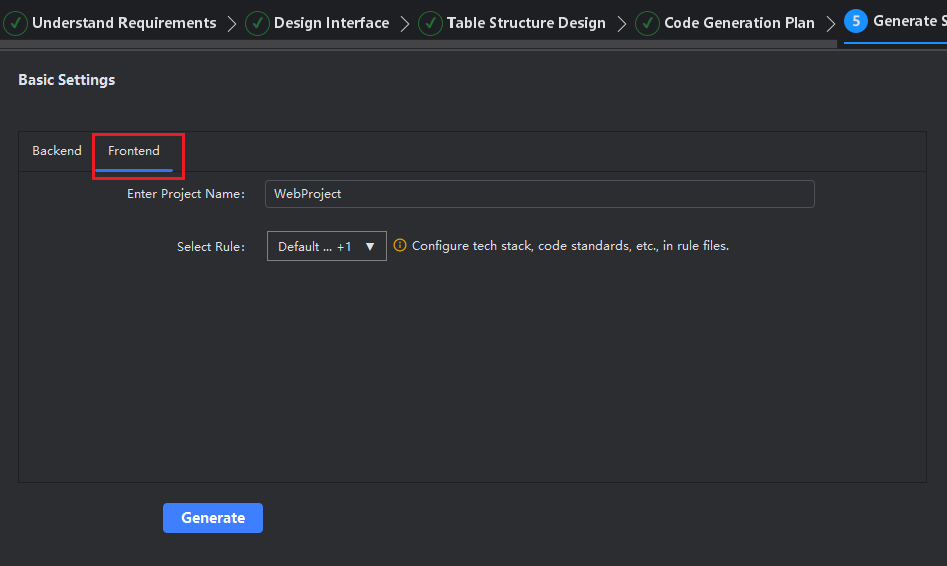
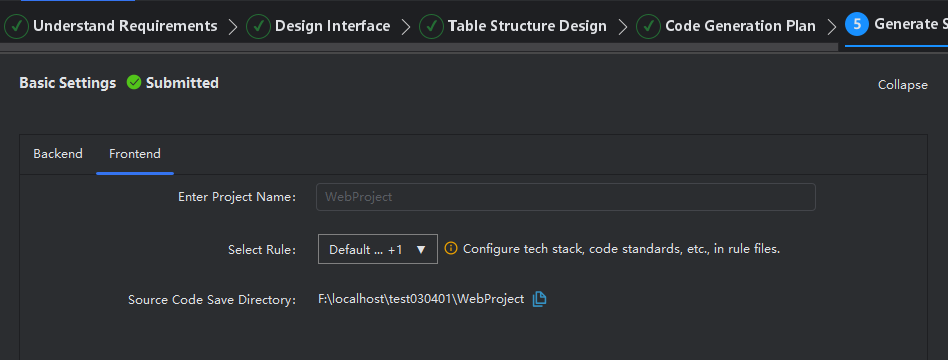
- Step five, after setting up the backend project, click Frontend to set the name and rules for the frontend project.
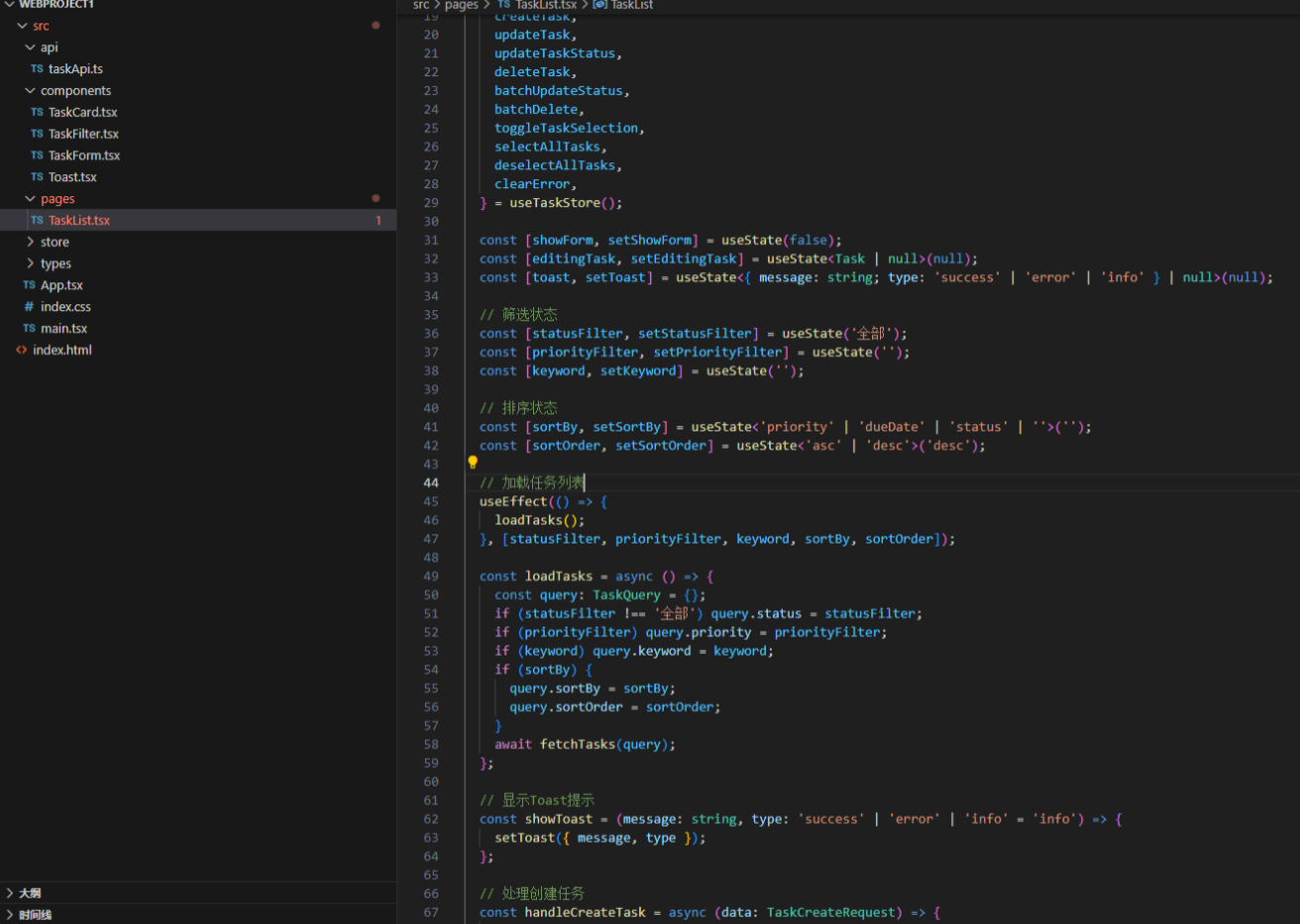
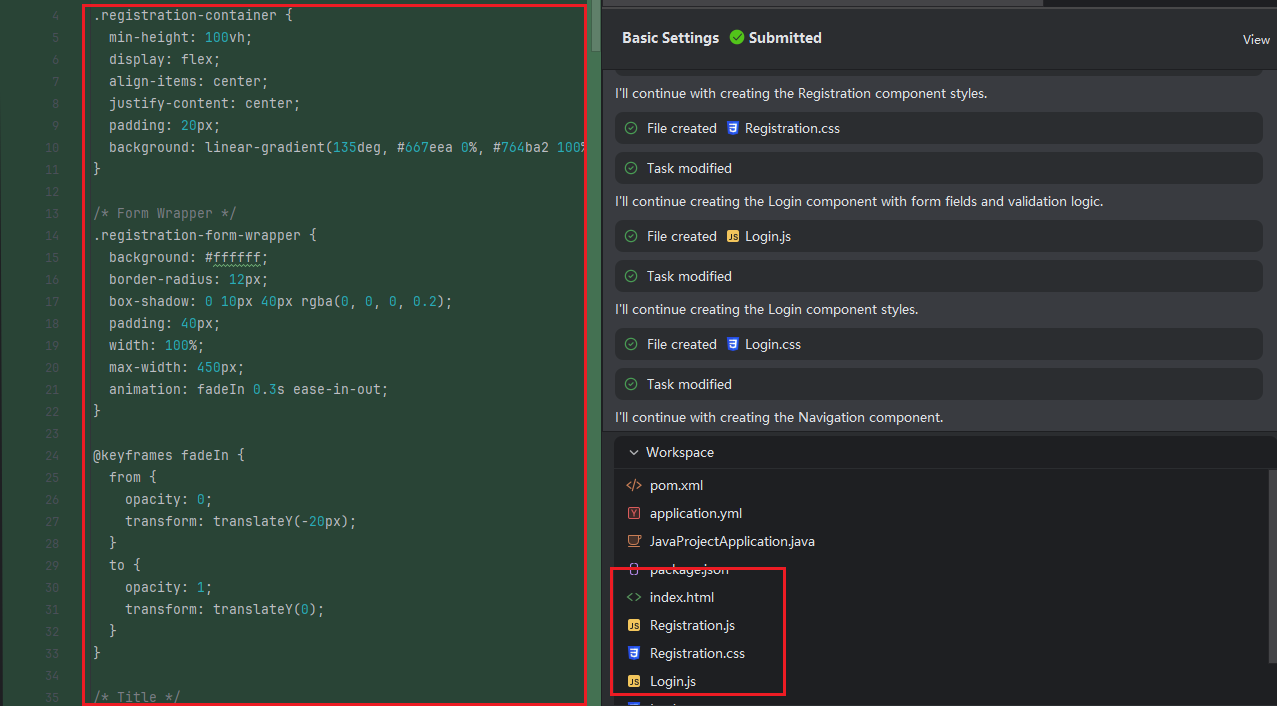
- Frontend-related files have been generated.
- After opening and saving the project, open the corresponding file directory, and the frontend files will be generated.
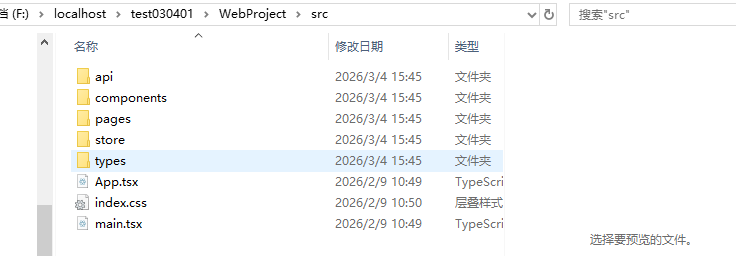
- Use frontend development tools to open the corresponding folder.