View Source Code Progress
Introduction
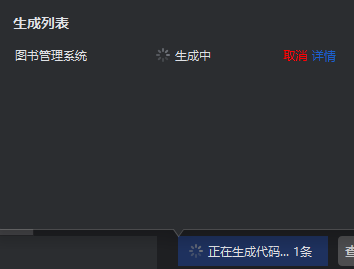
During the waiting period for source code generation, you can simultaneously create new source code tasks or perform other operations. The current source code task will be displayed in the task queue at the bottom left corner, where you can view the progress of the corresponding task through this queue. This approach allows you to efficiently manage multiple tasks and track the status of each task in real time.
View Source Code Progress
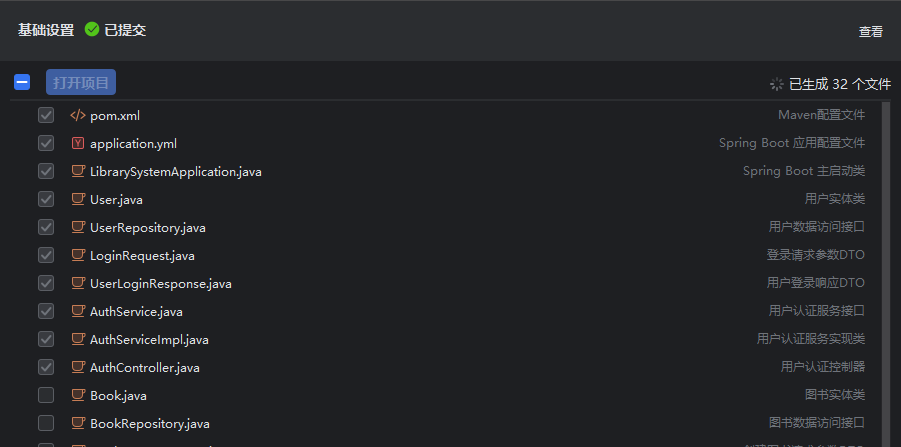
- Click on task "Details" to view the current task progress. After successful generation, this task will no longer be displayed.